


磨利、海綿、閃避與燒毀工具 (Sharpen, Sponge, Dodge and Burn Tools) Sharpen, Sponge, Dodge and Burn Tools
素材ID:2275745
-
12


Photoshop Sharpen、Sponge、Burn 和 Dodge 工具,這些都是我一直想在 CSP 裡用的。用軟刷使用。 Photoshop Sharpen, Sponge, Burn and Dodge Tools that I've always wanted in CSP. Use them with a soft brush.
自動動作已經準備好使用。你必須在檔案中至少有兩個圖層,並且必須在可見圖層上才能啟動動作。我的建議:
銳化:我通常在4000x4000的畫布上工作。如果是較大的畫布,請在執行自動動作前勾選這個選項:

接著將無銳利遮罩的半徑和閾值各提高10-20:

之後只要取消勾選這個選項,你的設定就會被保存以備未來使用。
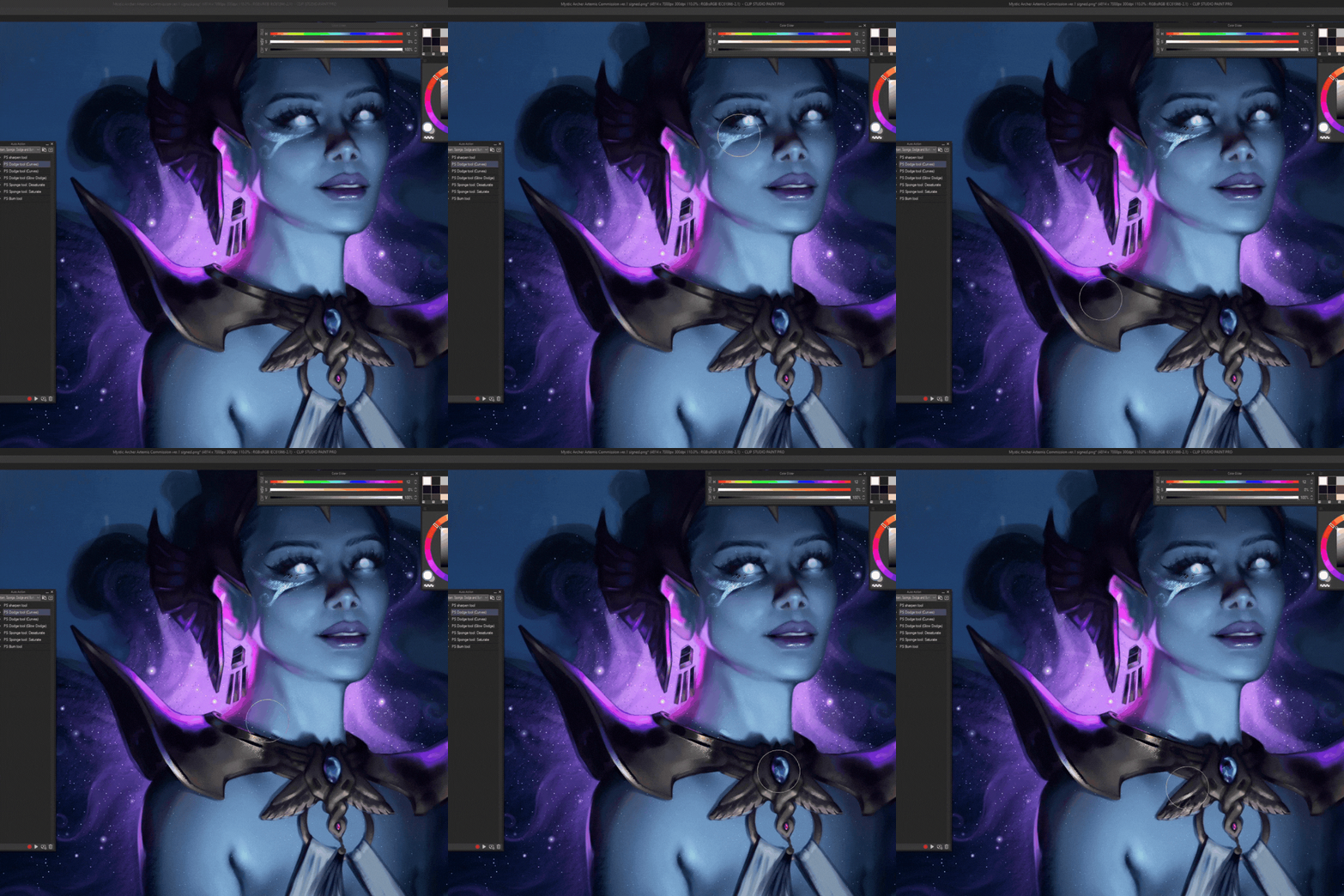
Dodge:暗區和明亮區有不同的預設。閃光選項只是在上面加一層閃光閃避層,並選擇灰色調(符合性能)。

海綿:飽和/去飽和。沒有筆記。
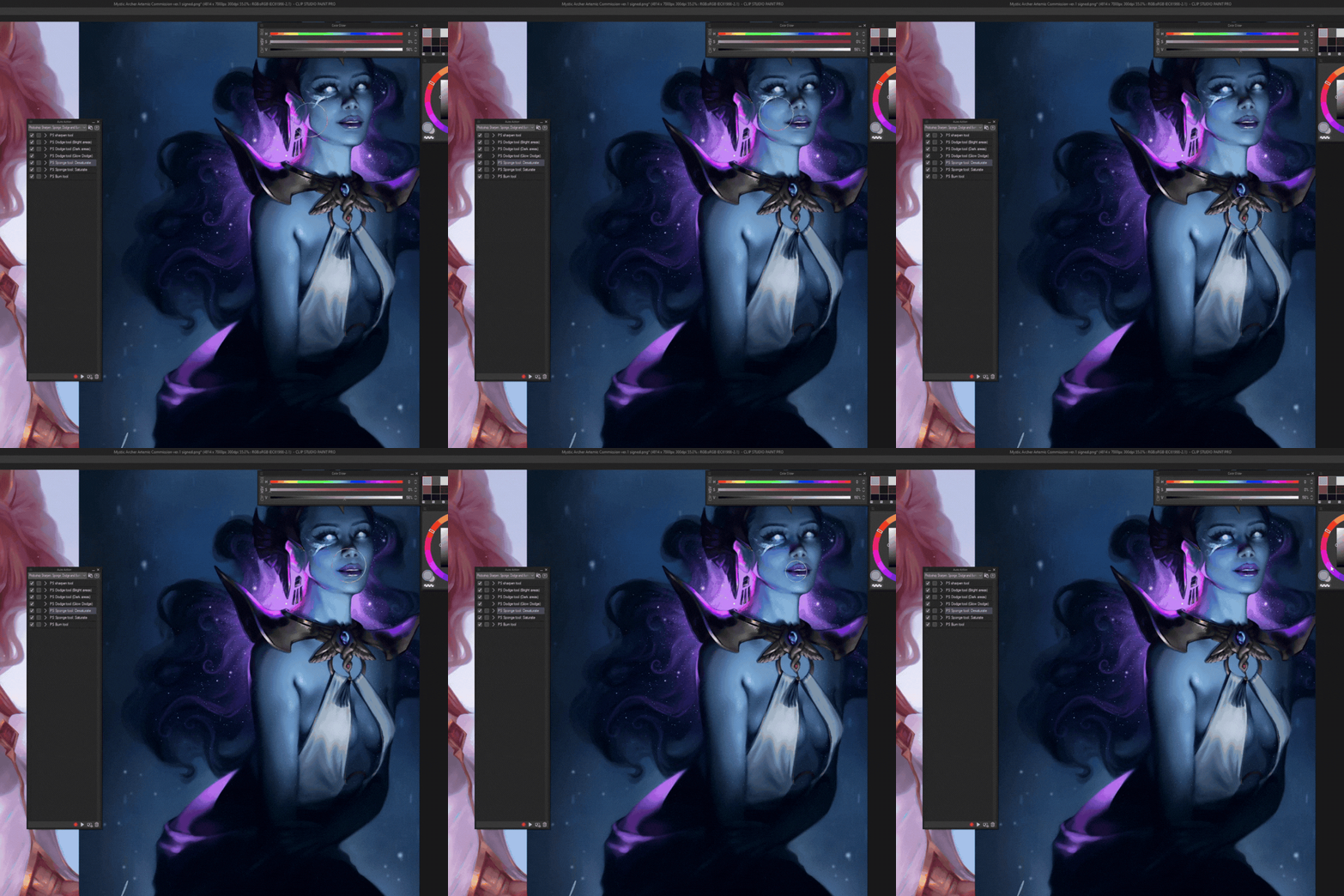
Burn:無音符。
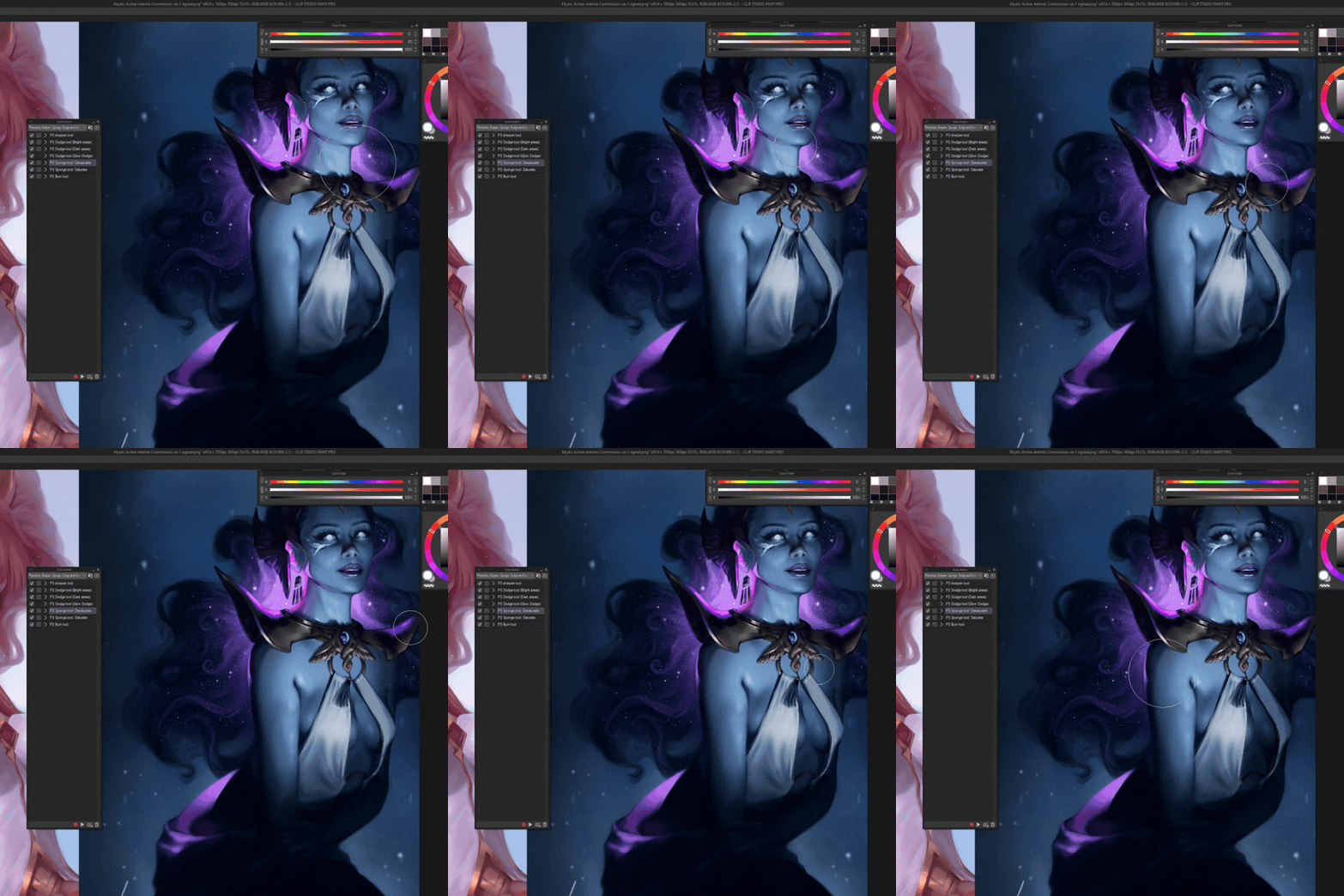
附註:為了方便使用,我在工具列下方的快速存取列裡加了所有自動動作,並附上自訂圖示,但你顯然不需要這麼做:)祝你好<3

銳化:我通常在4000x4000的畫布上工作。如果是較大的畫布,請在執行自動動作前勾選這個選項:

接著將無銳利遮罩的半徑和閾值各提高10-20:

之後只要取消勾選這個選項,你的設定就會被保存以備未來使用。
Dodge:暗區和明亮區有不同的預設。閃光選項只是在上面加一層閃光閃避層,並選擇灰色調(符合性能)。

海綿:飽和/去飽和。沒有筆記。
Burn:無音符。
附註:為了方便使用,我在工具列下方的快速存取列裡加了所有自動動作,並附上自訂圖示,但你顯然不需要這麼做:)祝你好<3

Auto actions are ready to use. You have to have at least two layers in the file and have to be on a visible layer to start the action. My recommendations:
Sharpen: I usually work on 4000x4000 canvas. For bigger canvases check this box right here before running the auto action:
Then heighten the radius and threshold of the unsharp mask by 10-20 each:
After that just uncheck the box and your settings will have saved for future uses.
Dodge: There are different presets for dark and bright areas. The glow dodge option just makes a glow dodge layer on top and picks a greyish color (performance friendly).
Sponge: Saturate/desaturate. No notes.
Burn: No notes.
PS. For ease of access I added all the auto actions in quick access bar right under my tool bar with custom icons, but you obviously don't need to do that :) Enjoy <3
Sharpen: I usually work on 4000x4000 canvas. For bigger canvases check this box right here before running the auto action:
Then heighten the radius and threshold of the unsharp mask by 10-20 each:
After that just uncheck the box and your settings will have saved for future uses.
Dodge: There are different presets for dark and bright areas. The glow dodge option just makes a glow dodge layer on top and picks a greyish color (performance friendly).
Sponge: Saturate/desaturate. No notes.
Burn: No notes.
PS. For ease of access I added all the auto actions in quick access bar right under my tool bar with custom icons, but you obviously don't need to do that :) Enjoy <3


「自動動作」的人氣素材


最新素材




徽章
-
 MVP ◆針對問題投稿了眾多適切的回答,對社群有顯著貢獻的用戶。每3個月一次,會依據期間內獲得的點數選出MVP用戶,並進行表揚。
 -
 NVP(New Valuable Player) ◆繼MVP後,對社群營運做出良好貢獻的用戶。將從不曾獲選為MVP的用戶中,依據獲得的點數進行評選、表揚。
 -
 官方推廣大使 ◆從被證明為優良回答用戶的MVP獲獎者中選出社群中最優異的回答者。並經審查後由本社委託就任。※舊名稱為「Evangelist」
 -
 CELSYS公認Moderator ◆Moderator為會使用日文及其他語言的CELSYS公認工作人員。由於並非軟體或創作的專業人士,Moderator無法直接為用戶解決疑問,但能在語言、交流方面提供支援,幫助用戶們順利地進行溝通。
 -
 CELSYS官方為與營運相關的官方帳號。