



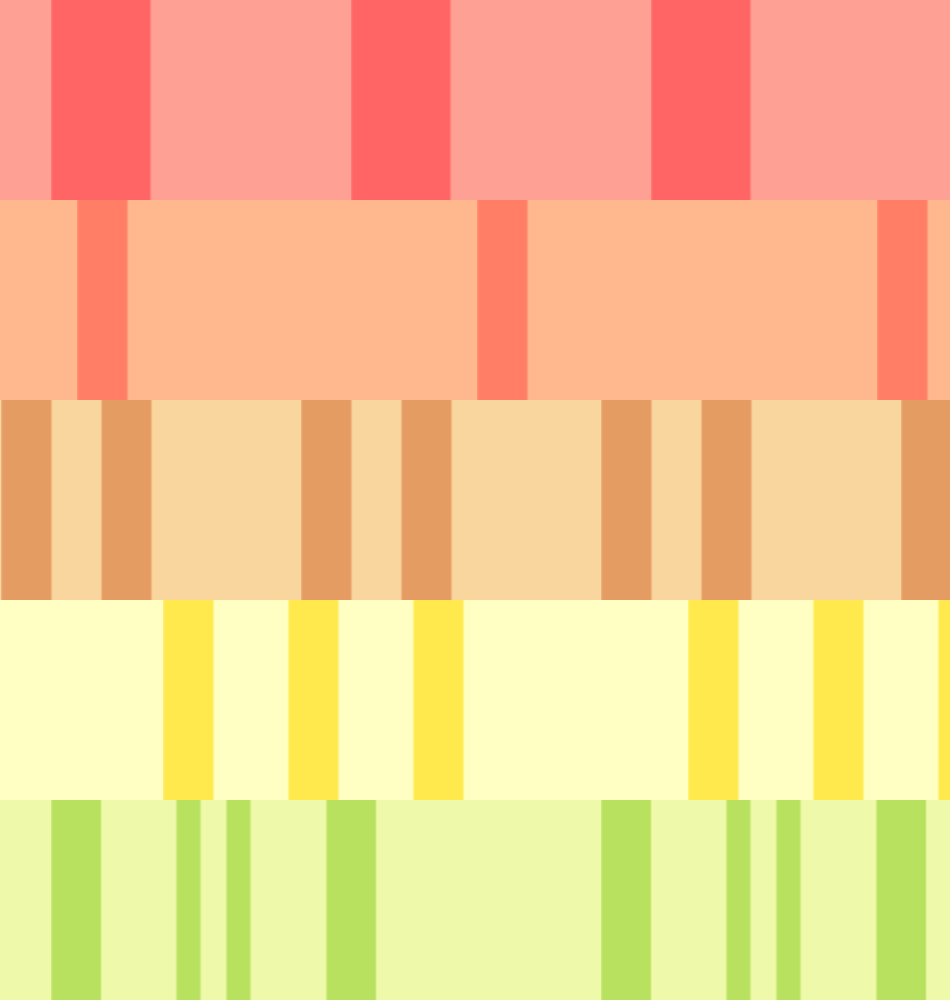
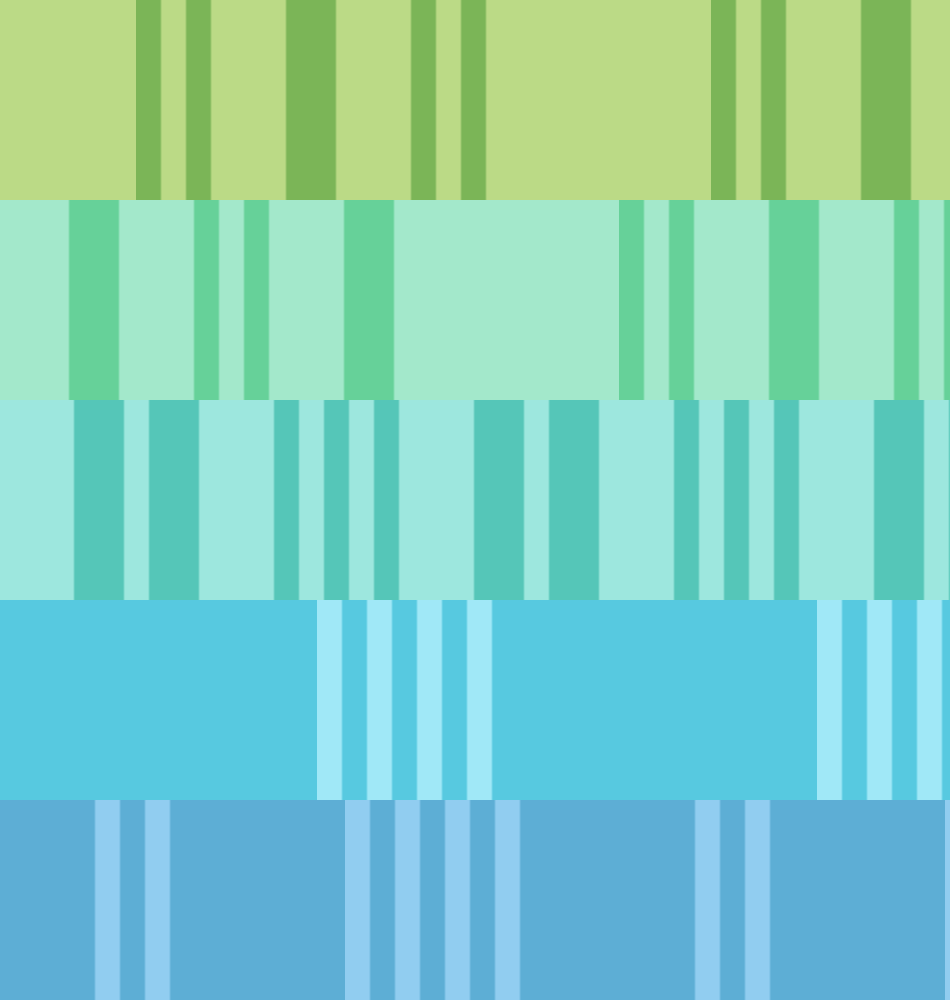
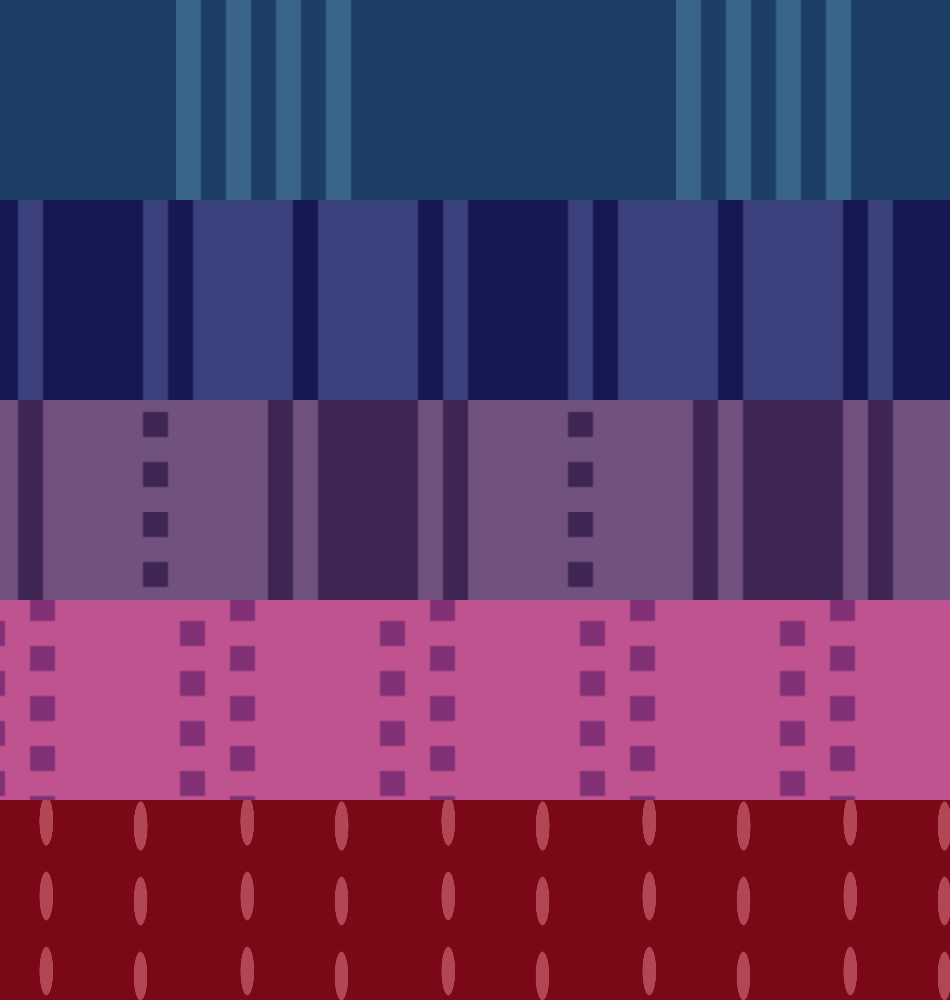
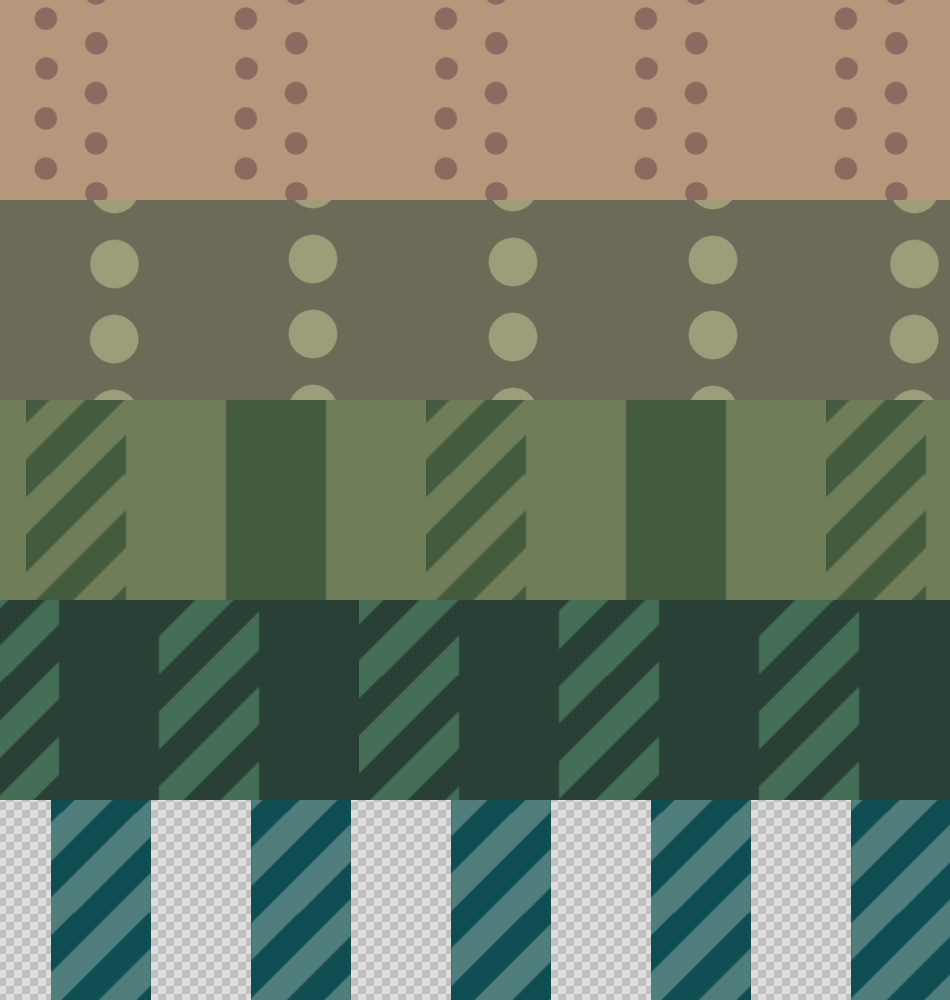
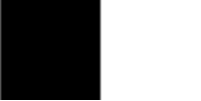
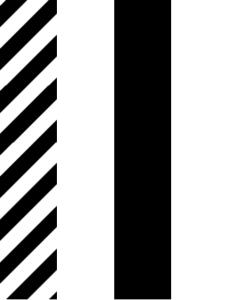
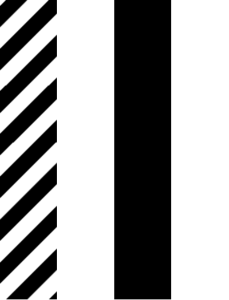
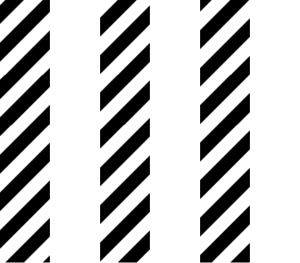
一組基本的條紋。 A basic set of stripes.
我需要一些基本的條紋,就做了這些純粹好玩。 這組有很多條紋,方便你在需要時縮小:25px 條紋比 200px 有更大的縮小範圍。 可以在你的藝術品上測試,看看哪種最適合你。 大尺寸的背景比較好, 小尺寸的衣服和其他小空間會比較好。
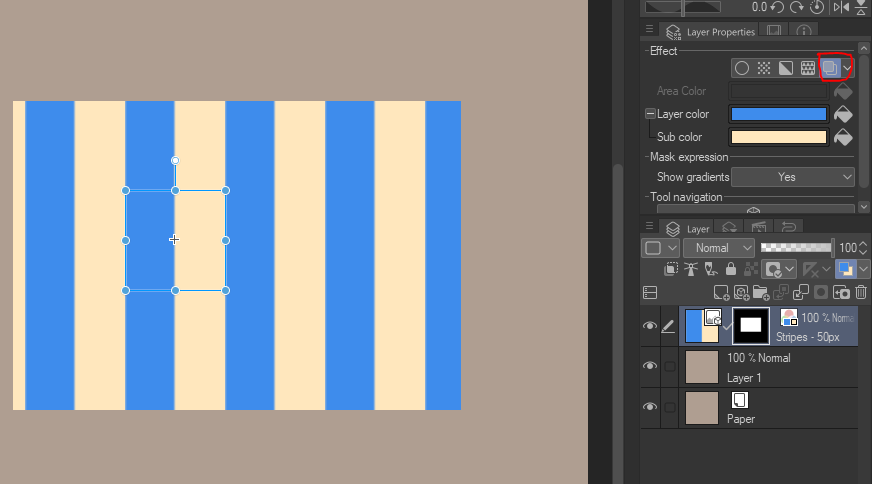
最快的方式是進入「圖層屬性」選單,然後點選「圖層顏色」。 你可以從那裡改黑白畫面到你想要的選項。:) 也別害怕使用漸層或混合模式。

「我要怎麼改變顏色?」
最快的方式是進入「圖層屬性」選單,然後點選「圖層顏色」。 你可以從那裡改黑白畫面到你想要的選項。:) 也別害怕使用漸層或混合模式。
「如果我想要透明條紋呢?」
1. 光柵化你的條紋層。
2. 前往「編輯>將亮度轉換為不透明度」
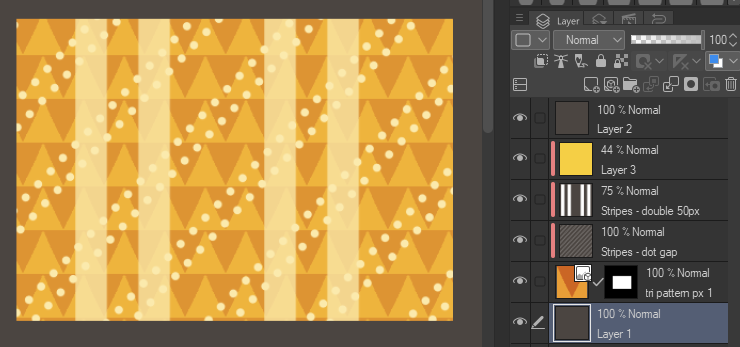
3. 現在你可以在條紋下方疊加其他圖案。
快速範例:

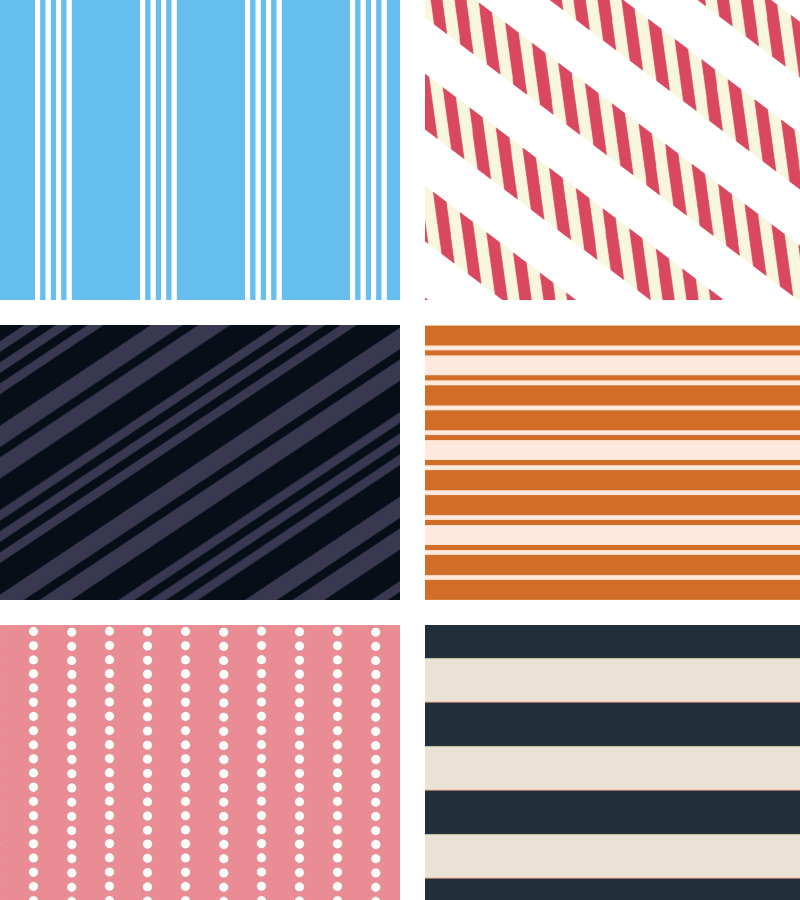
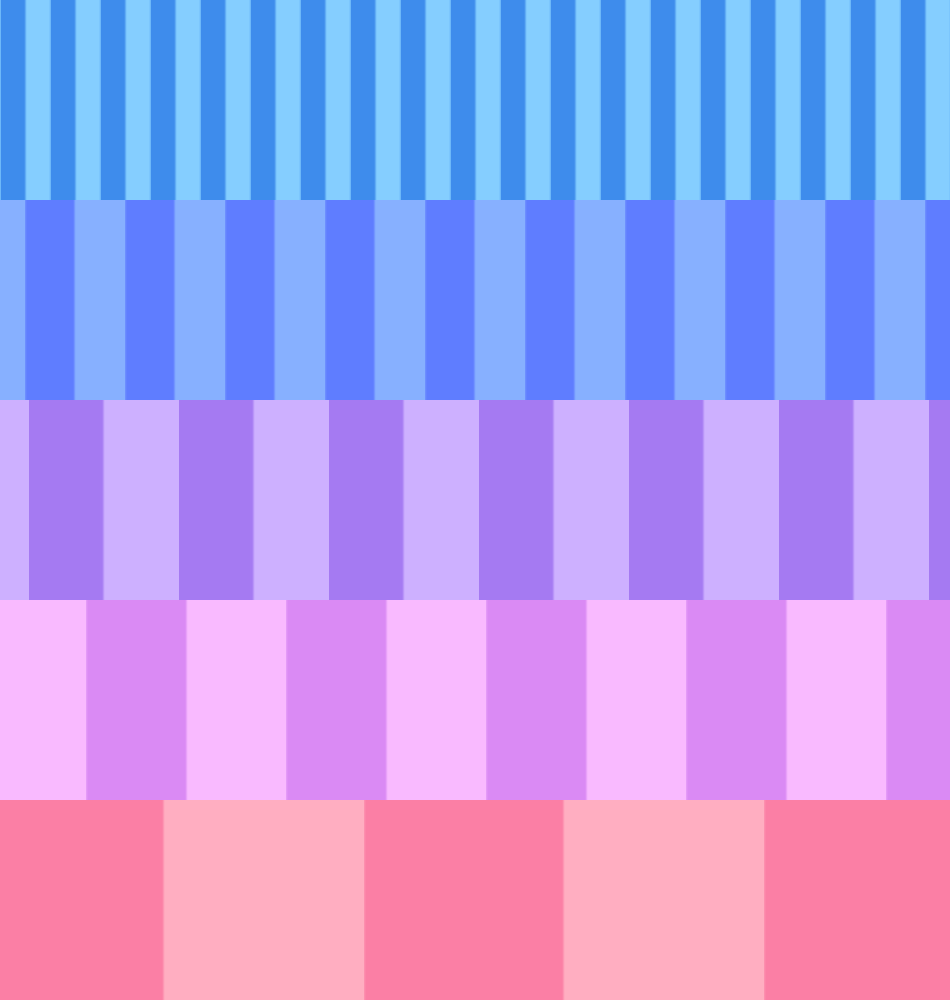
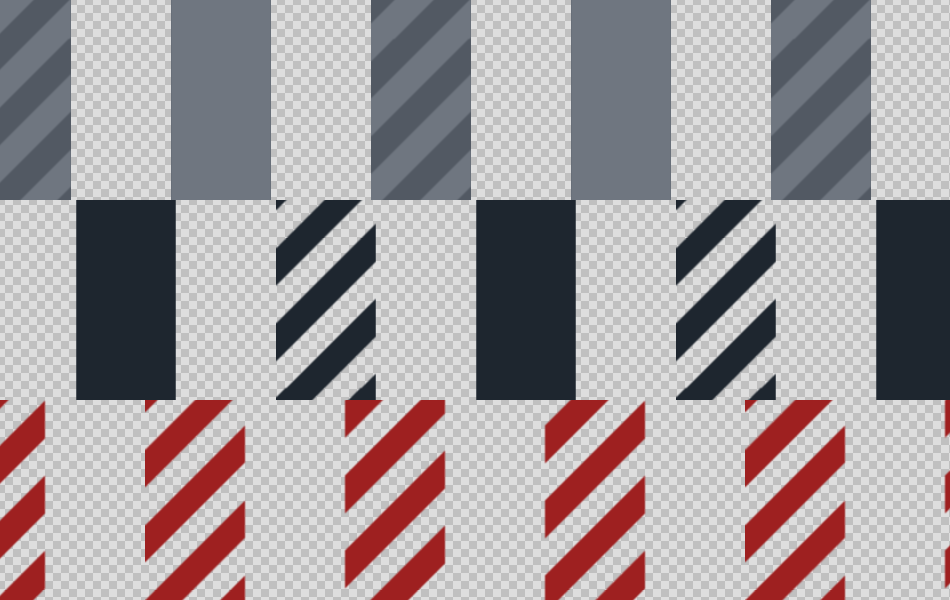
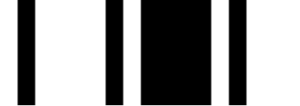
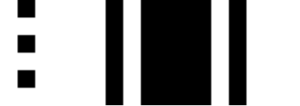
這是所有條紋在100%變焦下的畫面。
I needed some basic stripes and made these for fun. There's a lot of stripes in this set for easy shrinking when you need it: 25px stripes have a greater range of smallness they can shrink to than 200px. Test them on your art to see what's best in your case. Bigger sizes are better for backgrounds, smaller are better for clothes and other small areas.
The fastest way is by going to the "Layer Properties" menu, then clicking on "Layer Color". You can change the black & white to whatever you choose from there. :) Don't be afraid to use gradients or blending modes either.
"How do I change the color?"
The fastest way is by going to the "Layer Properties" menu, then clicking on "Layer Color". You can change the black & white to whatever you choose from there. :) Don't be afraid to use gradients or blending modes either.
"What if I want transparent stripes?"
1. Rasterize your stripe layer.
2. Go to "Edit > Convert Brightness to Opacity"
3. Now you can layer other patterns under your stripes.
Quick Examples:
Here's all the stripes at 100% zoom.
基本版 Basic



多重 Multi
-
條紋 - 雙 50px Stripes - double 50px
-
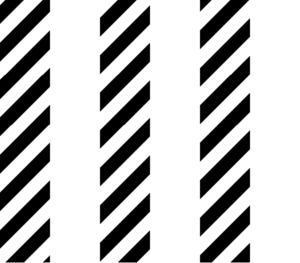
條紋 - 三重50像素 Stripes - triple 50px
-
條紋 - 混合雙人 Stripes - mixed double
-
條紋 - 雙混合 2 Stripes - double mixed 2
-
條紋 - 雙混合混合 Stripes - double mixed combined
-
條紋——雙條紋,再三條紋 Stripes - double then triple
-
條紋 - 四條窄幅 25px Stripes - four narrow 25px
-
條紋 - 四條和兩條 25px Stripes - four and two 25px
-
條紋 - 四條窄寬的 25px 條紋 Stripes - four narrow wide 25px
-
條紋——有粗有細 Stripes - thick and thin









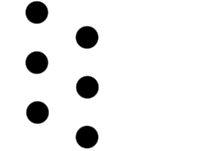
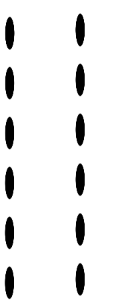
點與劃 Dots and Dashes
-
條紋 - 劃線與粗條紋 Stripes - dash and thick
-
條紋 - 方形點 Stripes - square dots
-
條紋 - 點隙 Stripes - dot gap
-
條紋 - 橢圓形排 Stripes - Oval Rows
-
條紋 - 點狀排 Stripes - Dot rows
-
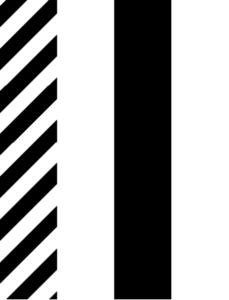
條紋 - 條紋條紋 Stripes - striped stripes
-
條紋 - 條紋與純色 Stripes - Striped and Solid
-
條紋 - 條紋與純色 2 色透明 Stripes - Striped and Solid 2 color transparent
-
條紋 - 透明條紋 Stripes - striped stripes transparent
-
條紋 - 條紋與純透明 Stripes - Striped and Solid transparent
-
條紋 - 透明條紋 Stripes - striped stripes transparent




「saturns_day」的其他素材


「素材集」的人氣素材


最新素材






徽章
-
 MVP ◆針對問題投稿了眾多適切的回答,對社群有顯著貢獻的用戶。每3個月一次,會依據期間內獲得的點數選出MVP用戶,並進行表揚。
 -
 NVP(New Valuable Player) ◆繼MVP後,對社群營運做出良好貢獻的用戶。將從不曾獲選為MVP的用戶中,依據獲得的點數進行評選、表揚。
 -
 官方推廣大使 ◆從被證明為優良回答用戶的MVP獲獎者中選出社群中最優異的回答者。並經審查後由本社委託就任。※舊名稱為「Evangelist」
 -
 CELSYS公認Moderator ◆Moderator為會使用日文及其他語言的CELSYS公認工作人員。由於並非軟體或創作的專業人士,Moderator無法直接為用戶解決疑問,但能在語言、交流方面提供支援,幫助用戶們順利地進行溝通。
 -
 CELSYS官方為與營運相關的官方帳號。