




這個自動動作瞬間讓陰影下落。
使用方法:
- 選擇你想放置陰影的圖層,資料夾裡 不行
- 選擇「陰影」自動動作並播放
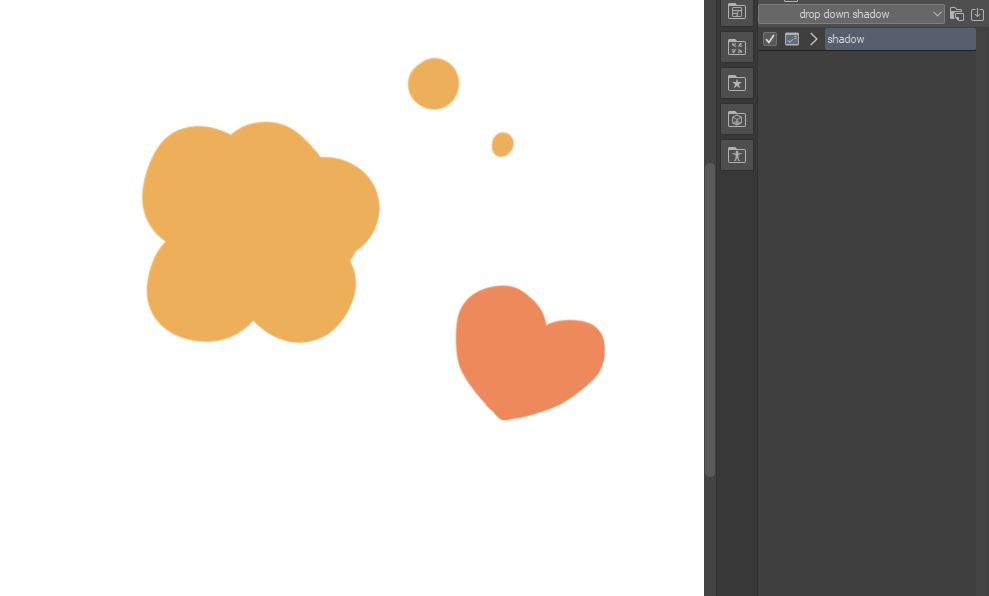
- 陰影已經被創造出來。
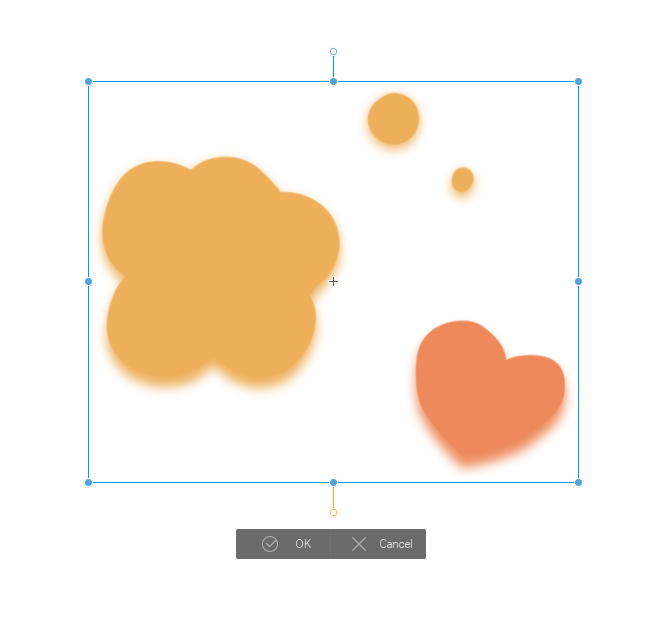
- 將建立的陰影圖層移到原本圖層下方。
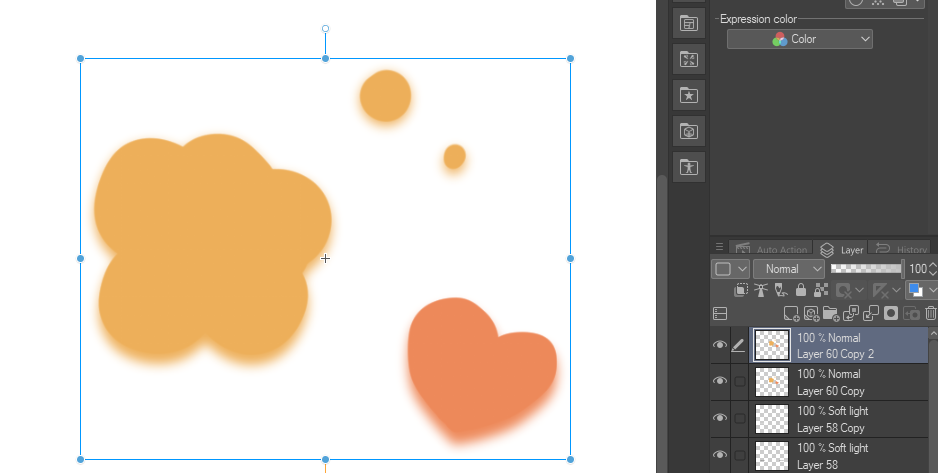
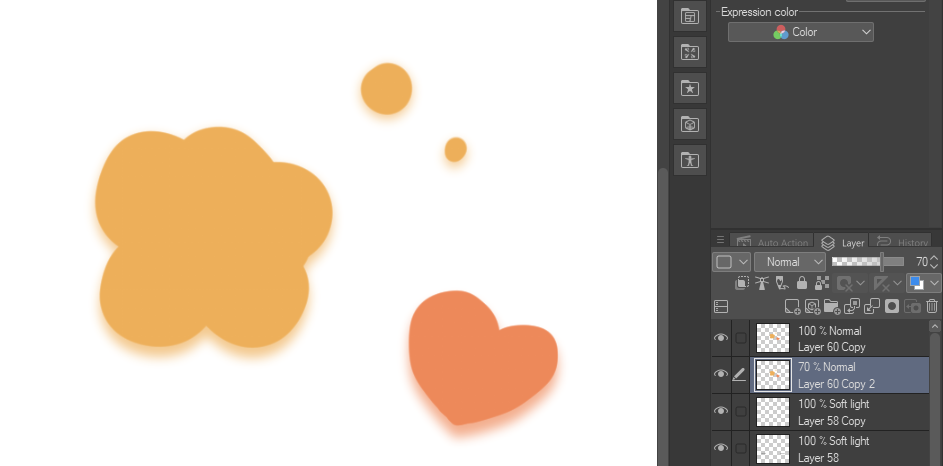
- 完成了!
現在你就有一個下拉陰影。你可以鎖定透明像素,讓陰影顏色變成你想要的。你也可以調整它,讓它回到你想要的位置!
this auto action makes drop down shadows in an instant.
how to use:
- choose the layer you want to put the shadow on, DOESN'T WORK IN FOLDERS
- select "shadow" auto action and play it
- the shadows have been created.
- move the created shadow layer under the original layer.
- it's done!
now you have a drop down shadow. you can lock transparent pixels to change the shadow's color to whatever you want. you can also move it around so it is in your desired position!




「scudero」的其他素材


「自動動作」的人氣素材


最新素材



徽章
-
 MVP ◆針對問題投稿了眾多適切的回答,對社群有顯著貢獻的用戶。每3個月一次,會依據期間內獲得的點數選出MVP用戶,並進行表揚。
 -
 NVP(New Valuable Player) ◆繼MVP後,對社群營運做出良好貢獻的用戶。將從不曾獲選為MVP的用戶中,依據獲得的點數進行評選、表揚。
 -
 官方推廣大使 ◆從被證明為優良回答用戶的MVP獲獎者中選出社群中最優異的回答者。並經審查後由本社委託就任。※舊名稱為「Evangelist」
 -
 CELSYS公認Moderator ◆Moderator為會使用日文及其他語言的CELSYS公認工作人員。由於並非軟體或創作的專業人士,Moderator無法直接為用戶解決疑問,但能在語言、交流方面提供支援,幫助用戶們順利地進行溝通。
 -
 CELSYS官方為與營運相關的官方帳號。