



筆式顯示器平板的工作空間極簡。基於Huion Kamvas Pro 19螢幕。 Minimal workspace for pen display tablets. Based on a Huion Kamvas Pro 19 screen.
這是我目前在Huion Kamvas Pro 19筆電平板上使用的工作區。我想要螢幕上的雜亂最少,但找不到讓我覺得舒服的。所以,我決定自己做並分享。


我還在摸索哪些設定能讓文字和介面元素更舒適地顯示,但這是我現在的狀況:

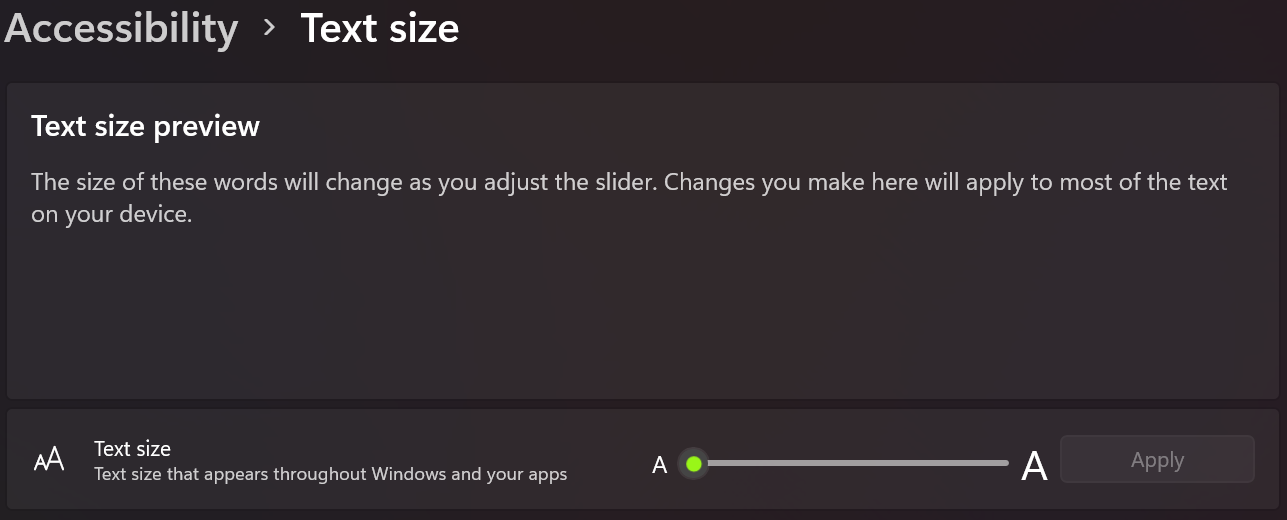
Windows 顯示設定:
比例 150%

我可能會增加文字大小,但目前我還是維持在預設:
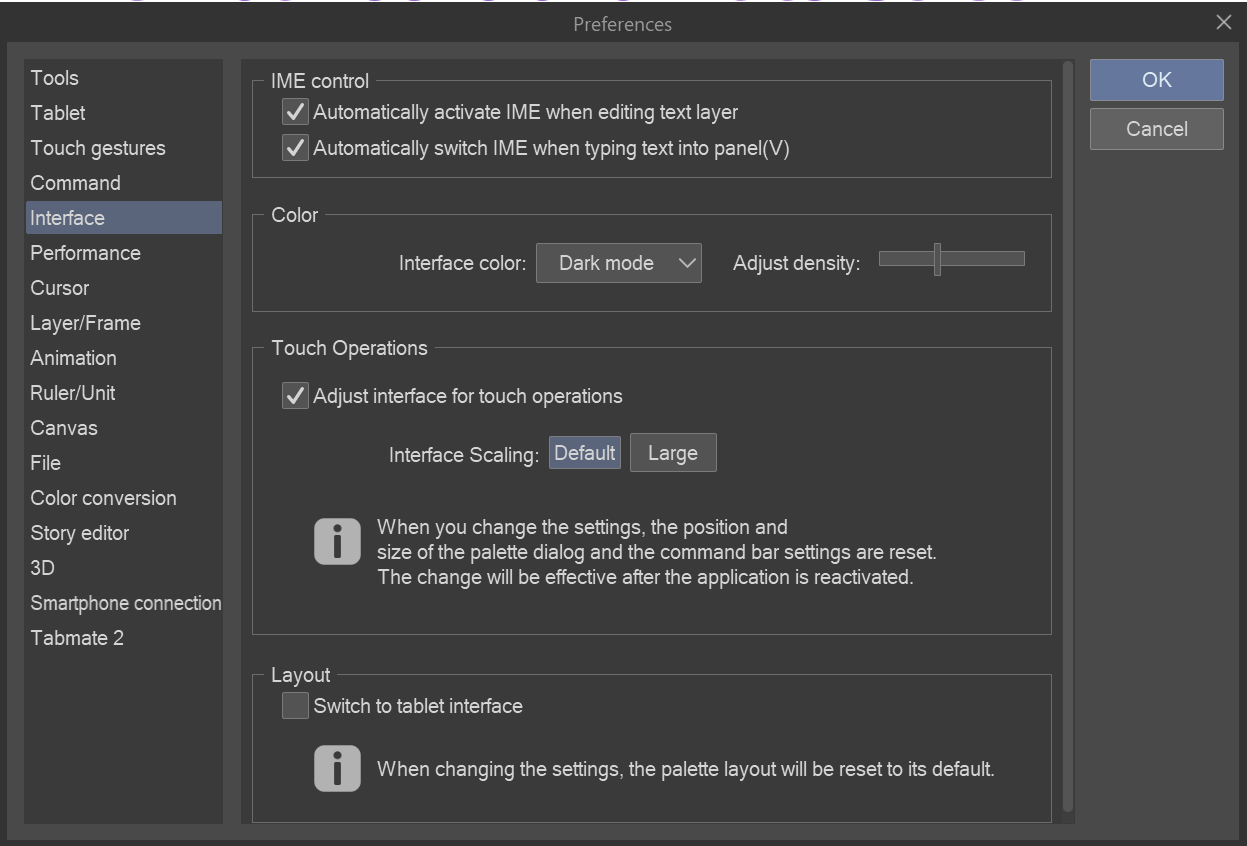
Clip Studio Paint 的偏好設定:
介面>觸控操作>預設
希望這對你也有幫助,如果我覺得需要,我會上傳新版本。
請享用!
This is my current workspace that I use on my Huion Kamvas Pro 19 pen display tablet. I wanted minimal clutter on screen and could not find one that felt good to me. So, I decided to make and share my own.
I'm still figuring out the best settings to display text and interface elements comfortably, but this is what I have now:
Display settings for Windows:
Scale 150%
I might increase text size, but for now I have it at it's default:
Preferences in Clip Studio Paint:
Interface > Touch Operations > Default
I hope this work for you as well, I will upload a new version if I feel the need.
Enjoy!



「工作區」的人氣素材


最新素材






徽章
-
 MVP ◆針對問題投稿了眾多適切的回答,對社群有顯著貢獻的用戶。每3個月一次,會依據期間內獲得的點數選出MVP用戶,並進行表揚。
 -
 NVP(New Valuable Player) ◆繼MVP後,對社群營運做出良好貢獻的用戶。將從不曾獲選為MVP的用戶中,依據獲得的點數進行評選、表揚。
 -
 官方推廣大使 ◆從被證明為優良回答用戶的MVP獲獎者中選出社群中最優異的回答者。並經審查後由本社委託就任。※舊名稱為「Evangelist」
 -
 CELSYS公認Moderator ◆Moderator為會使用日文及其他語言的CELSYS公認工作人員。由於並非軟體或創作的專業人士,Moderator無法直接為用戶解決疑問,但能在語言、交流方面提供支援,幫助用戶們順利地進行溝通。
 -
 CELSYS官方為與營運相關的官方帳號。