



此套裝包含不會損壞原始圖層的後處理效果! this set contains post-processing effects that don't damage your original layer!
1. 泛光效果
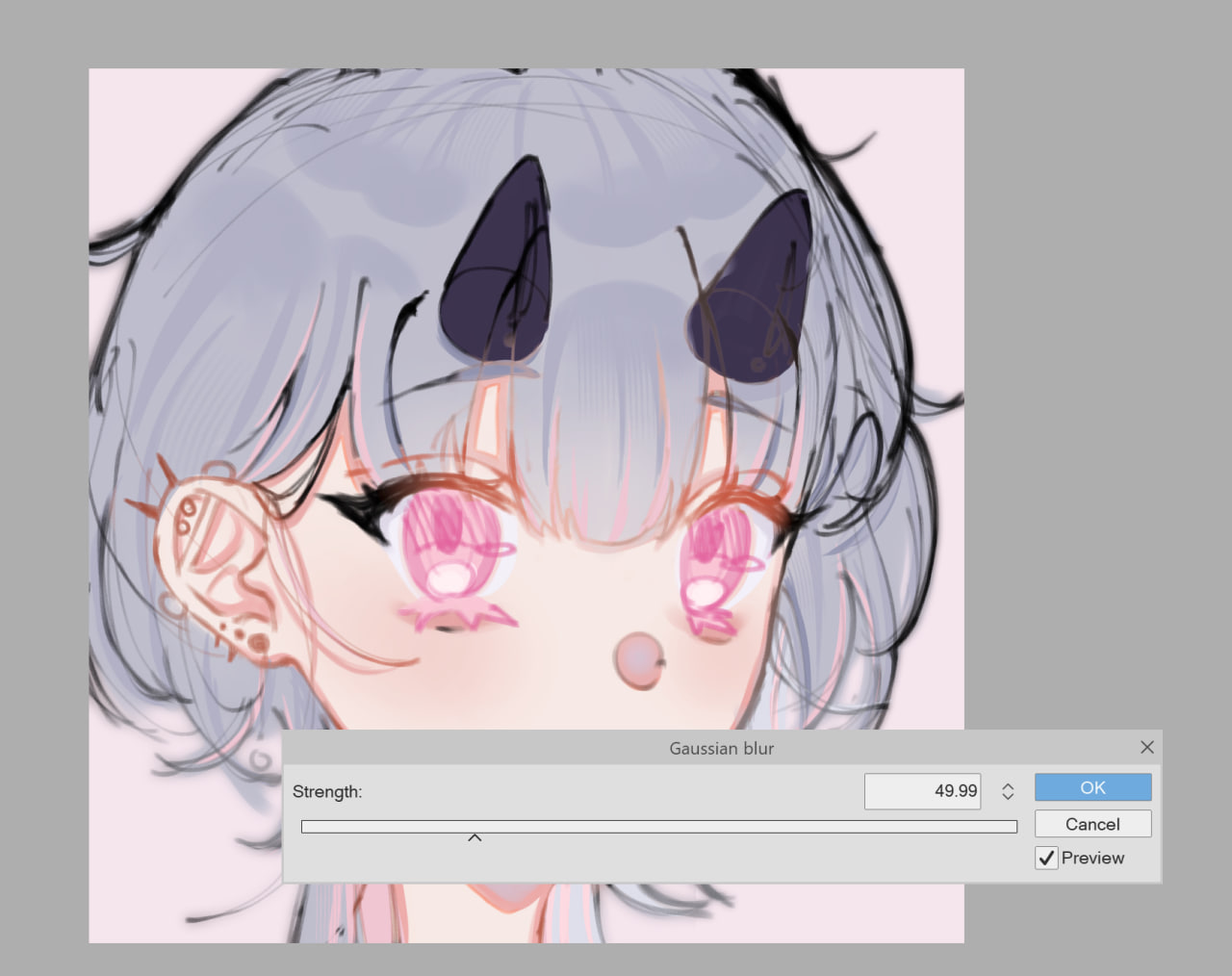



只需選擇您想要的開花量即可!您還可以在之後更改頂部圖層的不透明度,或者如果您喜歡非常微妙的效果 ,可以將其切換到 100%。
2. 色調曲線
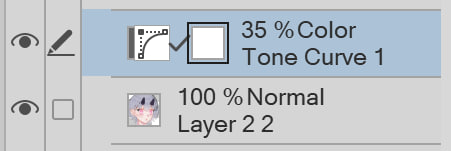
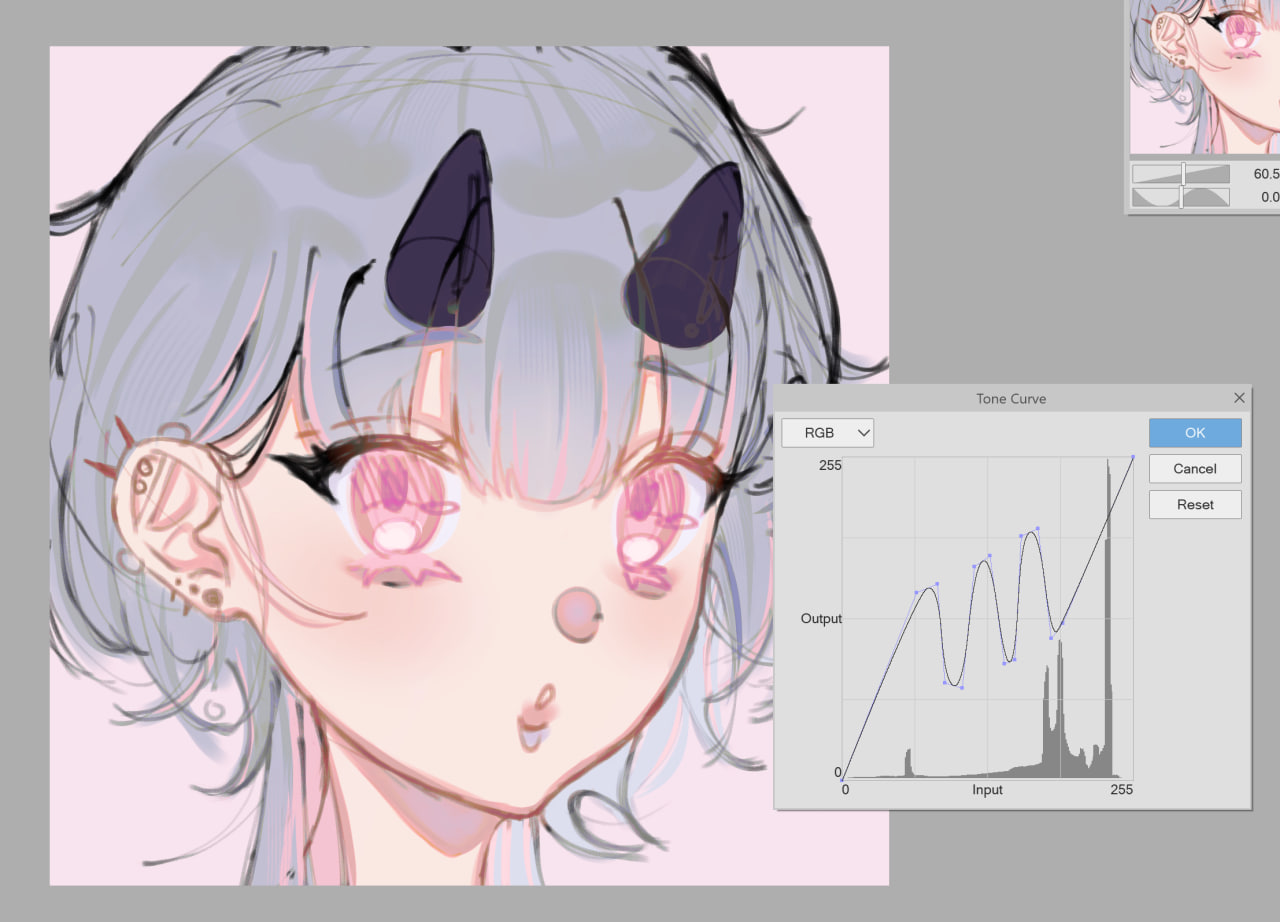
請隨意調整 Tone Curve 圖表!按兩下 曲線 圖層蒙版旁邊的圖示。
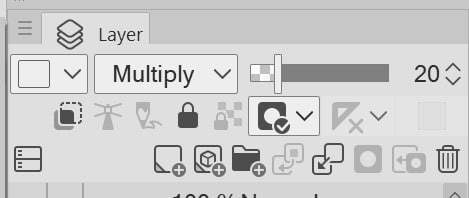
您還可以根據自己的喜好更改 Layer Mode 或 Layer Opacity
範例 1:線性加深 @ 40% 不透明度:
範例 2:螢幕 @ 20%

3. 柔和的復古光澤
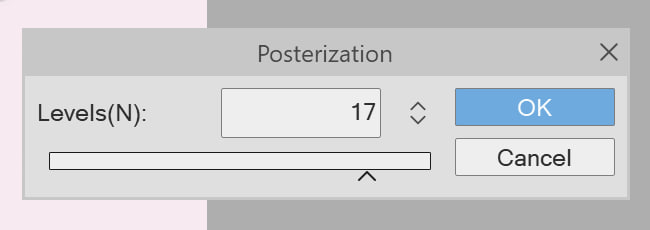
您可以嘗試色調分離的級別 (1-20)。按兩下層次蒙版旁邊的色調分離圖示。

同樣,您還可以更改圖層模式和不透明度!你不必這樣做,但玩起來很有趣,每個級別都使這幅畫比上一個更不同。
4. 色噪
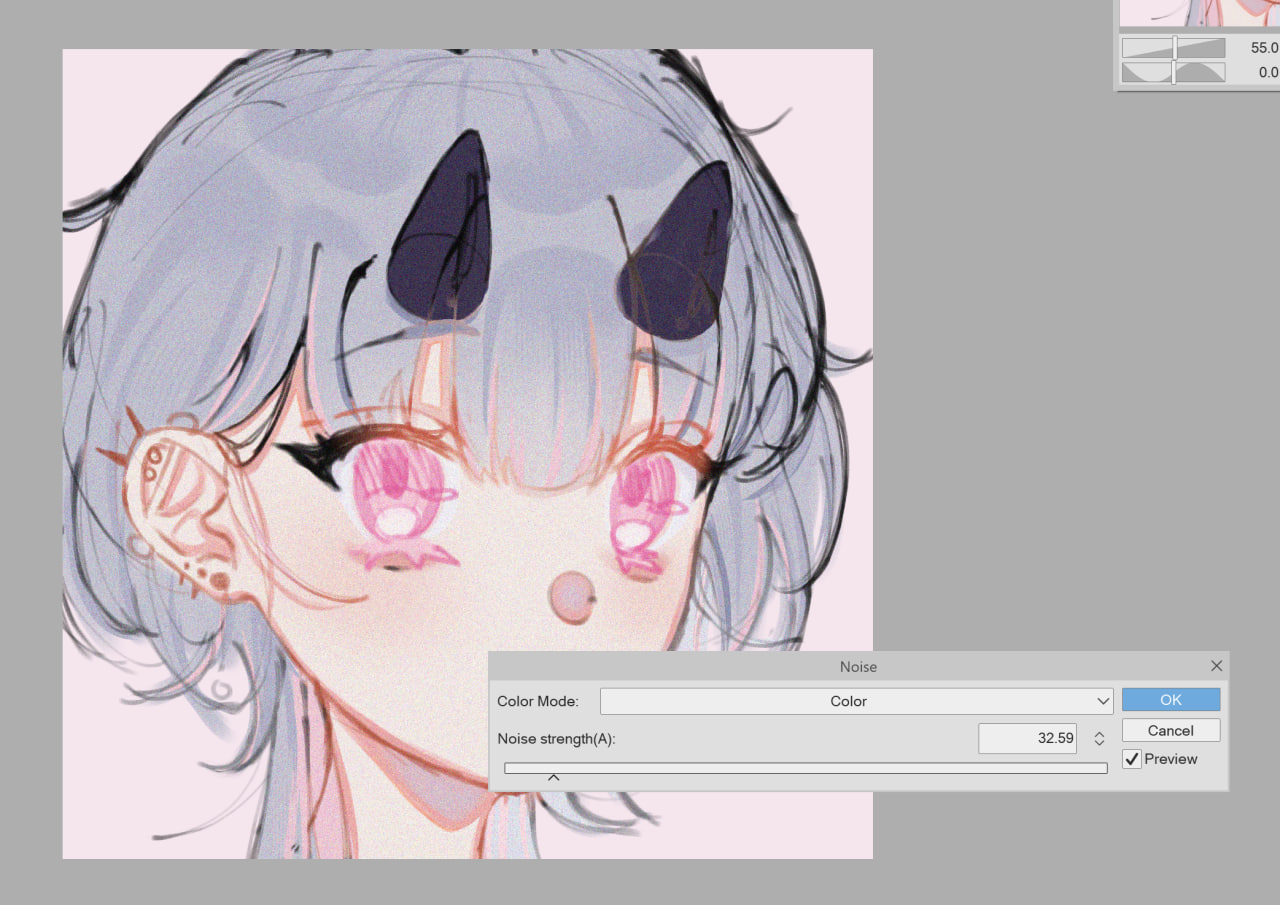
您可以調整雜色的強度。如果您正在處理草圖或您的繪圖是單色的,您也可以將其設置為黑白。
-------
玩得開心這些!!我喜歡這些效果,並經常在我自己的藝術中使用它們。如果你願意,請在社交媒體上關注我!
x/twitter/bsky:@tsukidoki
抽搐:tsukidoki_
其他連結: linktr.ee/tsukidoki_
1. bloom effect
simply choose the amount of bloom you'd like! you can also change the opacity of the top layer afterwards, or toggle it to 100% if you prefer a very subtle effect.
2. tone curve
feel free to adjust the tone curve graph! double click on the curve icon beside the layer mask.
you can also change the layer mode or layer opacity to your liking
example 1: linear burn @ 40% opacity:
example 2: screen @ 20%
3. soft retro glow
you can play around with the level of posterisation (1-20). double click on the posterisation icon beside the layer mask.
again, you can also change the layer mode and opacity! you don't have to, but it's fun to play around with and every level makes the painting a lot more different than the last.
4. colour noise
you can adjust the intensity of the noise. you can also make it black and white if you're working on a sketch or if your drawing is monochromatic.
-------
have fun playing with these!! I love these effects and regularly use them in my own art. do follow me on social media if you'd like!
x/twitter/bsky: @tsukidoki
twitch: tsukidoki_
other links: linktr.ee/tsukidoki_


「tsukidoki」的其他素材

「自動動作」的人氣素材


最新素材





徽章
-
 MVP ◆針對問題投稿了眾多適切的回答,對社群有顯著貢獻的用戶。每3個月一次,會依據期間內獲得的點數選出MVP用戶,並進行表揚。
 -
 NVP(New Valuable Player) ◆繼MVP後,對社群營運做出良好貢獻的用戶。將從不曾獲選為MVP的用戶中,依據獲得的點數進行評選、表揚。
 -
 官方推廣大使 ◆從被證明為優良回答用戶的MVP獲獎者中選出社群中最優異的回答者。並經審查後由本社委託就任。※舊名稱為「Evangelist」
 -
 CELSYS公認Moderator ◆Moderator為會使用日文及其他語言的CELSYS公認工作人員。由於並非軟體或創作的專業人士,Moderator無法直接為用戶解決疑問,但能在語言、交流方面提供支援,幫助用戶們順利地進行溝通。
 -
 CELSYS官方為與營運相關的官方帳號。