



有很多方法可以使用紋理來使您的圖片下注。
1. 轉到圖層屬性,然後按一下 疊加紋理。 根據您的喜好調整紋理的強度。
2. 您可以使用疊加,乘法,螢幕等圖層類型
3. 放置紋理後,柵格化圖層 ,然後轉到 編輯 ->將亮度 轉換為不透明度。
(當我有新資源時,將更新此材質集)
There are many ways to use textures to make your picture bettter.
1. Go to Layer Property and click OVERLAY TEXTURE. Adjust the strength of the texture depending on your preference.
2. You can play with Layer types like overlay, multiply, screen, etc
3. After you've placed your texture, Rasterize the layer then go to Edit -> Convert Brightness to Opacity.
(Will update this material set when I have new assets)
類別 1 Category 1
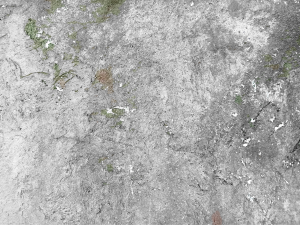

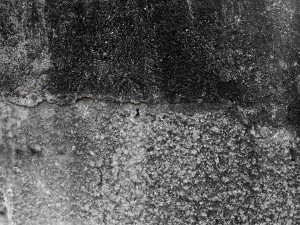
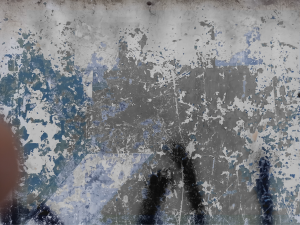
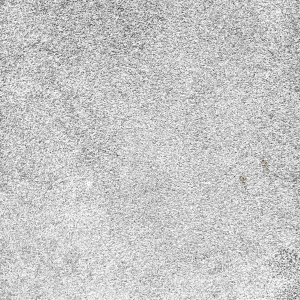
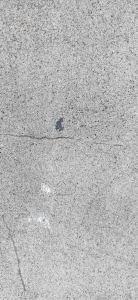
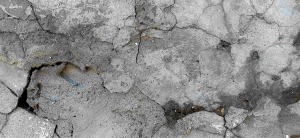
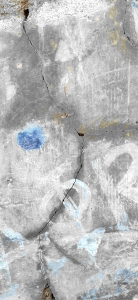
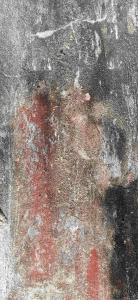
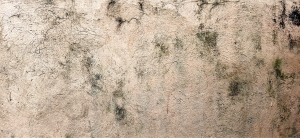
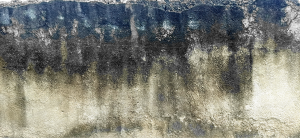
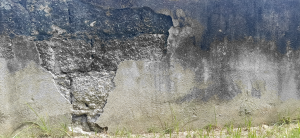


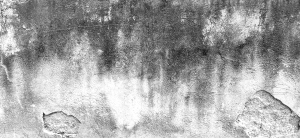
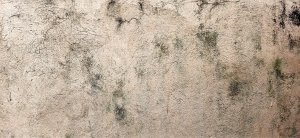
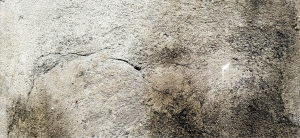
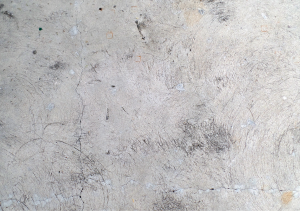
更新歷史記錄
添加了新的紋理! Added new textures!





「OrangeNek0」的其他素材


「素材集」的人氣素材


最新素材




徽章
-
 MVP ◆針對問題投稿了眾多適切的回答,對社群有顯著貢獻的用戶。每3個月一次,會依據期間內獲得的點數選出MVP用戶,並進行表揚。
 -
 NVP(New Valuable Player) ◆繼MVP後,對社群營運做出良好貢獻的用戶。將從不曾獲選為MVP的用戶中,依據獲得的點數進行評選、表揚。
 -
 官方推廣大使 ◆從被證明為優良回答用戶的MVP獲獎者中選出社群中最優異的回答者。並經審查後由本社委託就任。※舊名稱為「Evangelist」
 -
 CELSYS公認Moderator ◆Moderator為會使用日文及其他語言的CELSYS公認工作人員。由於並非軟體或創作的專業人士,Moderator無法直接為用戶解決疑問,但能在語言、交流方面提供支援,幫助用戶們順利地進行溝通。
 -
 CELSYS官方為與營運相關的官方帳號。