


熱帯植物のパターンと要素 (Tropical Botanical Patterns & Elements) Tropical Botanical Patterns & Elements
コンテンツID:2301080
-
60


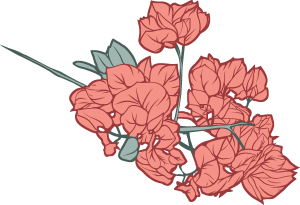
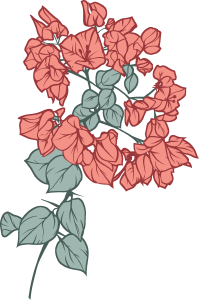
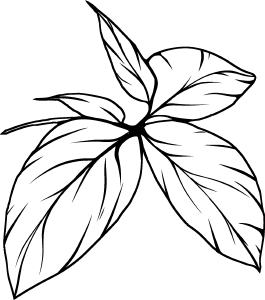
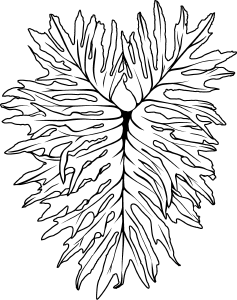
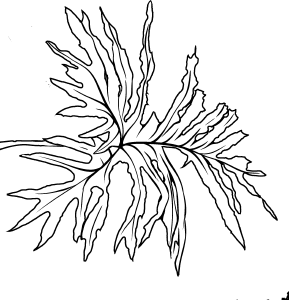
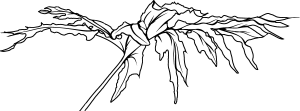
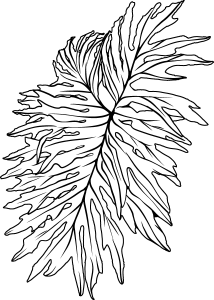
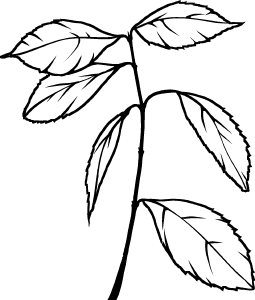
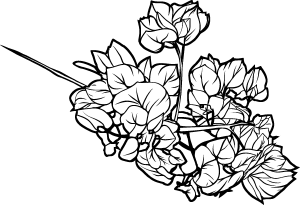
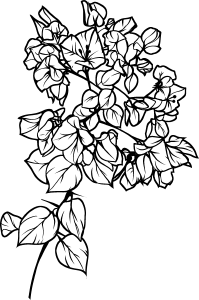
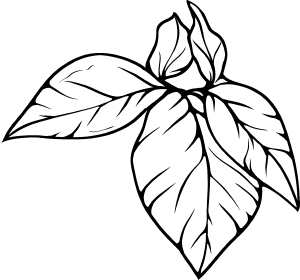
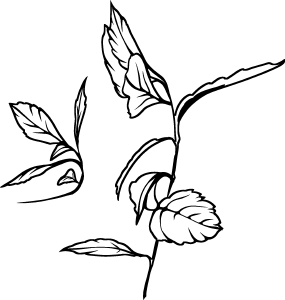
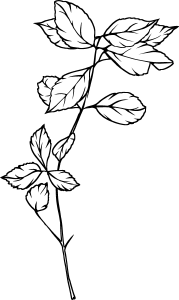
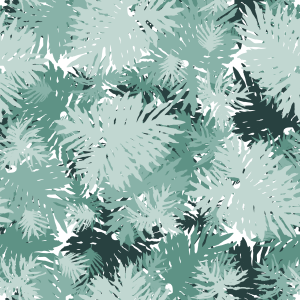
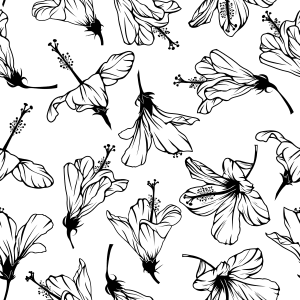
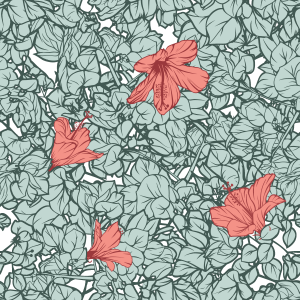
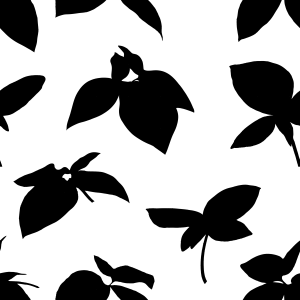
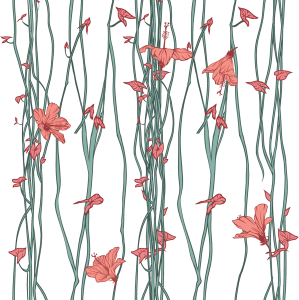
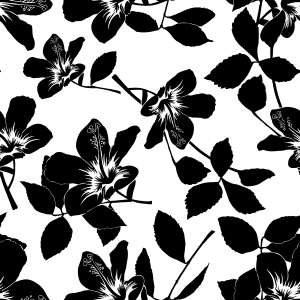
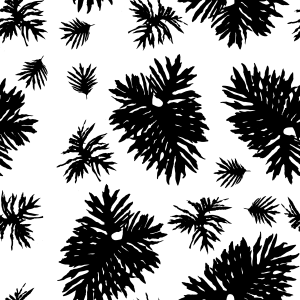
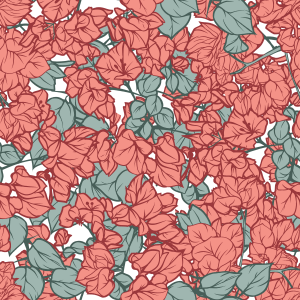
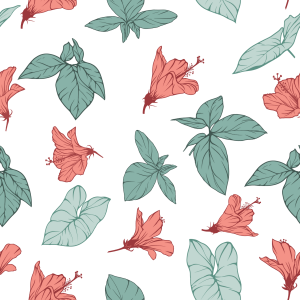
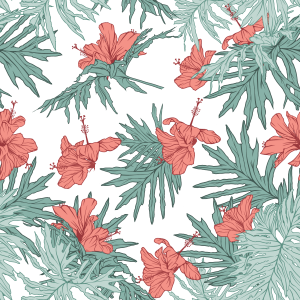
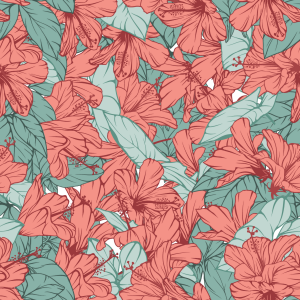
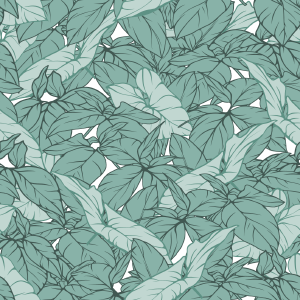
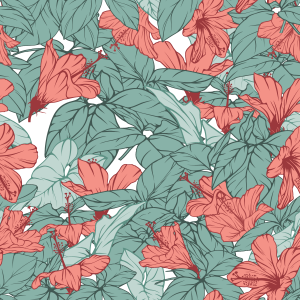
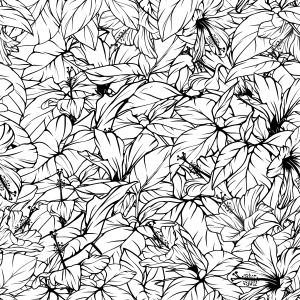
葉やハイビスカスの実物の写真から作られた、孤立した要素とシームレスなパターンを備えたトロピカル植物アセットパックです。クリーンな線画と白い塗りつぶしでスタイライズされ、レイヤーカラーとグラデーションマップによる非破壊的なリカラーが可能です。文房具、グリーティングカード、カバー、表面デザインに最適です。 A tropical botanical asset pack featuring isolated elements and seamless patterns, created from real photos of foliage and hibiscus flowers. Stylized with clean line art and solid white fills, ready for non-destructive recoloring via Layer Color and Gradient Maps. Ideal for stationery, greeting cards, covers, and surface design.
手作りの熱帯植物資産のコレクションで、孤立した線画要素や継ぎ目のないパターンが含まれています。これらの資産は、実際のブラジルの植物(ハイビスカス、ツルの葉、豊かな下草)から直接派生し、大胆なシルエットと明瞭な線のバランスを取るように様式化されました。
これらは非破壊的な着色技術と完全に互換性があり、文房具、ポストカード、パッケージ、本の表紙、テキスタイルデザインに最適です。
主な特徴:
シームレスタイル: 継ぎ目が見えない完璧な連続反復。
非破壊的・親しみやすい: レイヤー プロパティ>レイヤーカラー、 クリッピングマスク、グラ デーションマップを使って再彩色する準備ができています。
モジュール式の多様性: 個別に独立した要素を使うか、あらかじめ作られたパターンモジュールを組み合わせるかのどちらかです。

使い方:
パターンの適用: パターンマテリアルをマ テリアル パレットから直接キャンバス上またはアクティブな選択画面にドラッグ&ドロップします。オブジェクト サブツール (ショートカットO)を使って、タイルのスケール、回転、揃えを自由に行ってください。
色の変化(非破壊的効果):
マテリアルレイヤーを選択します。
レイヤープロパティパネル>エフェクト>レイヤーカラーを有効にしてください。
レイヤー カラー (アウトライン/ダートーン)と サブカラー (フィル/ライトトーン)で希望の色を設定してください。
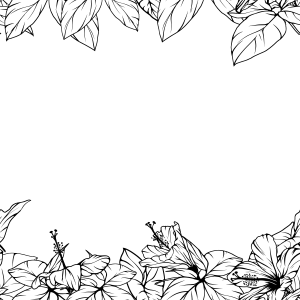
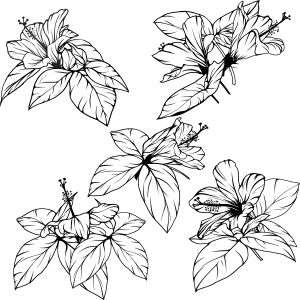
孤立要素の活用: 個々の植物素材をプロジェクトに取り入れて、カスタムフレームや焦点、モジュール構成を作成できます。
スマホの写真から自分だけのシームレスな植物パターンを作りたいですか?
私の公式のClip Studio TIPSステップバイステップチュートリアル「日常のフローラからカードデザインへ」をご覧ください
A collection of handcrafted tropical botanical assets, including isolated line-art elements and seamless patterns. Derived directly from real Brazilian flora (hibiscus, vine leaves, and lush undergrowth), these assets were stylized to balance bold silhouettes with clear line work.
They are fully compatible with non-destructive coloring techniques, making them ideal for stationery, postcards, packaging, book covers, and textile design.
Key Features:
Seamless Tiling: Perfect continuous repetition with no visible seams.
Non-Destructive Friendly: Ready to be recolored using Layer Property > Layer Color, Clipping Masks, or Gradient Maps.
Modular Versatility: Use isolated elements individually or combine the pre-built pattern modules.
How to Use:
Applying Patterns: Drag and drop the pattern material from the Material palette directly onto your canvas or inside an active selection. Use the Object sub-tool (shortcut O) to freely scale, rotate, and align the tiling.
Changing Colors (Non-Destructive):
Select the material layer.
Go to the Layer Property panel > Effect > enable Layer Color.
Set your desired colors for Layer color (outline/dark tones) and Sub color (fill/light tones).
Using Isolated Elements: Drag individual plant materials into your project to create custom frames, focal points, or modular compositions.
Want to learn how to create your own seamless botanical patterns from phone photos?
Check out my official step-by-step tutorial on Clip Studio TIPS: "From Everyday Flora to Card Design"
カテゴリー1 Category 1
-
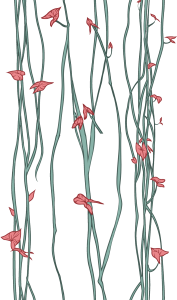
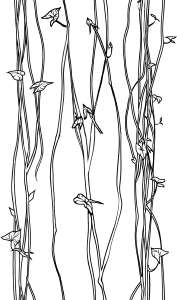
Tropical_Galho_08 Tropical_Galho_08
-
Tropical_Galho_07 Tropical_Galho_07
-
Tropical_Flor_04_Silhueta Tropical_Flor_04_Silhueta
-
Tropical_Flor_04_Transparencia Tropical_Flor_04_Transparencia
-
Tropical_Flor_01 Tropical_Flor_01
-
Tropical_Folhagem_01 Tropical_Folhagem_01
-
Tropical_Folhagem_02 Tropical_Folhagem_02
-
Tropical_Folhagem_03 Tropical_Folhagem_03
-
Tropical_Folhagem_04 Tropical_Folhagem_04
-
Tropical_Folhagem_05 Tropical_Folhagem_05
-
Tropical_Cipo_03 Tropical_Cipo_03
-
Tropical_Cipo_01 Tropical_Cipo_01
-
Tropical_Flor_02 Tropical_Flor_02
-
Tropical_Flor_03 Tropical_Flor_03
-
Tropical_FolhaG_06 Tropical_FolhaG_06
-
Tropical_FolhaG_01 Tropical_FolhaG_01
-
Tropical_FolhaG_05 Tropical_FolhaG_05
-
Tropical_FolhaG_04 Tropical_FolhaG_04
-
Tropical_FolhaG_03 Tropical_FolhaG_03
-
Tropical_FolhaG_02 Tropical_FolhaG_02
-
Tropical_Flor_07 Tropical_Flor_07
-
Tropical_Galho_04 Tropical_Galho_04
-
Tropical_Galho_03 Tropical_Galho_03
-
Tropical_Flor_04 Tropical_Flor_04
-
Tropical_Flor_04 Tropical_Flor_04
-
Tropical_Galho_06 Tropical_Galho_06
-
Tropical_Galho_05 Tropical_Galho_05
-
Tropical_Folhagem_07 Tropical_Folhagem_07
-
Tropical_Folhagem_08 Tropical_Folhagem_08
-
Tropical_Folhagem_06 Tropical_Folhagem_06
-
Tropical_Flor_05 Tropical_Flor_05
-
Tropical_Flor_06 Tropical_Flor_06
-
Tropical_Folhagem_09 Tropical_Folhagem_09
-
Tropical_Cipo_02 Tropical_Cipo_02
-
Tropical_Galho_01 Tropical_Galho_01
-
Tropical_Galho_02 Tropical_Galho_02
-
パターン20 Pattern 20
-
パターン10 Pattern 10
-
パターン15 Pattern 15
-
パターン18 Pattern 18
-
パターン09 Pattern 09
-
パターン11 Pattern 11
-
パターン12 Pattern 12
-
パターン21 Pattern 21
-
パターン13 Pattern 13
-
パターン14 Pattern 14
-
パターン08 Pattern 08
-
パターン07 Pattern 07
-
パターン17 Pattern 17
-
パターン19 Pattern 19
-
パターン05 Pattern 05
-
パターン06 Pattern 06
-
パターン01 Pattern 01
-
パターン16 Pattern 16
-
パターン04 Pattern 04
-
パターン03 Pattern 03
-
パターン02 Pattern 02





























"MelanciaComics"さんの別の素材


"素材集"の人気素材


新着素材


-
 MVP ◆質問に対して適切な回答を数多く投稿し、コミュニティの運営に大きく貢献したユーザーです。MVPは3ヶ月に一度、その間に獲得したポイントを元に決定し、表彰を行っています。
 -
 NVP (New Valuable Player) ◆MVPに次いでコミュニティの運営に貢献したユーザーです。これまでMVPの受賞経験のない方から、獲得したポイントを元に決定し、表彰を行なっています。
 -
 公式エキスパート ◆優れた回答者の証であるMVP受賞者の中からさらに選ばれた、コミュニティで最も優良な回答者の証です。審査を経て当社から依頼し就任いただいています。※旧名称「エバンジェリスト」
 -
 セルシス公認モデレーター ◆モデレーターは、日本語とその他の言語が話せるセルシス公認のスタッフです。ソフトウェアや創作のエキスパートではないので、直接疑問を解決することはできませんが、みなさんがスムーズにコミュニケーションできるように、言葉やコミュニケーションの側面からサポートします。
 -
 セルシス公式運営に関連した公式アカウントです。