



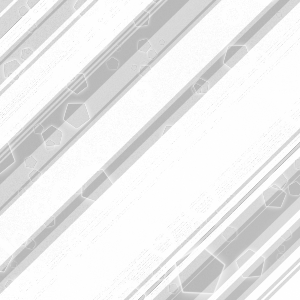
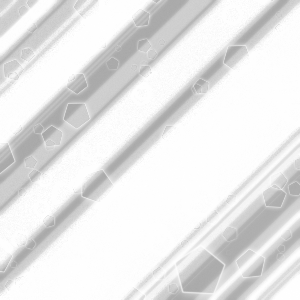
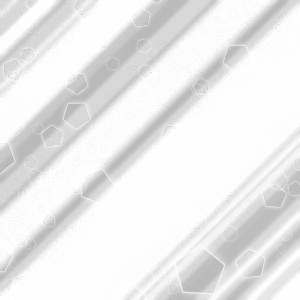
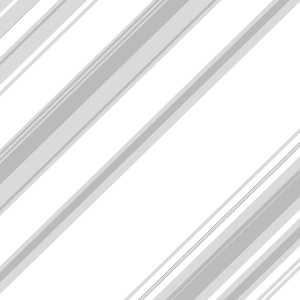
金属的な効果を生み出すきらめく光と影の線。光と闇の斑点に輝く六角形のオプションも追加で。どんなベースカラーにも加えられて、金属的に見せることができます。 Lines of glistening light and shadow to create a metallic effect. With additional options with speckles of light and dark with glistening hexagons. to be added to any base color to make it seem metallic.
6つのテクスチャのうちの1つをベースカラーの上にドラッグ&ドロップします。(私のお気に入りは「Fancy Metallic Combo」で、少しぼかしや少し平坦な部分があります)そして、ベースカラーを複製します。銅色、ゴールデンイエロー、ライトグレーシルバーなど、何でも同じです。それを「メタリック乗算セクション」にクリップし、レイヤータイルを「倍率」に変え、不透明度を希望のまま(私の提案は35%)下げれば効果が見えます。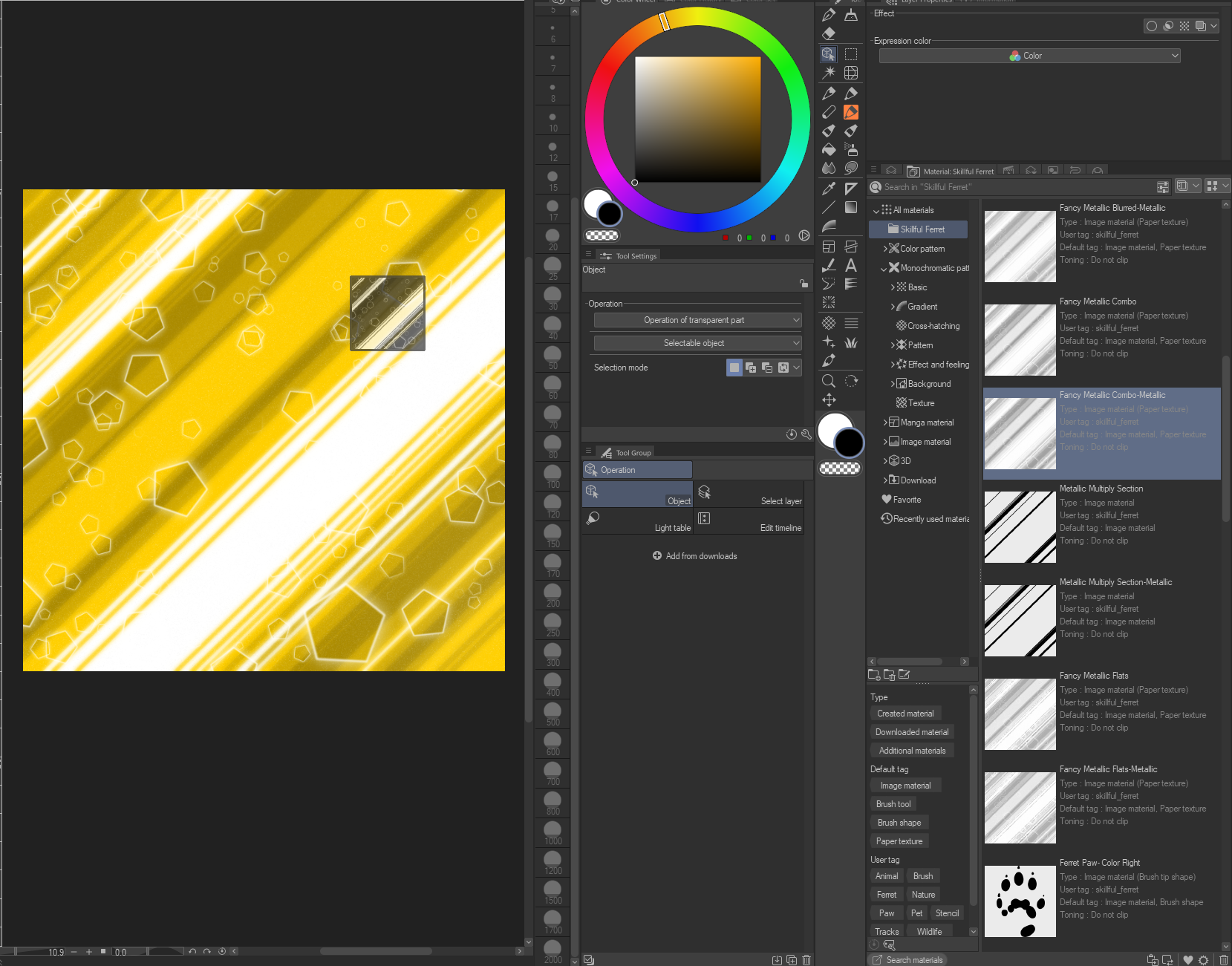
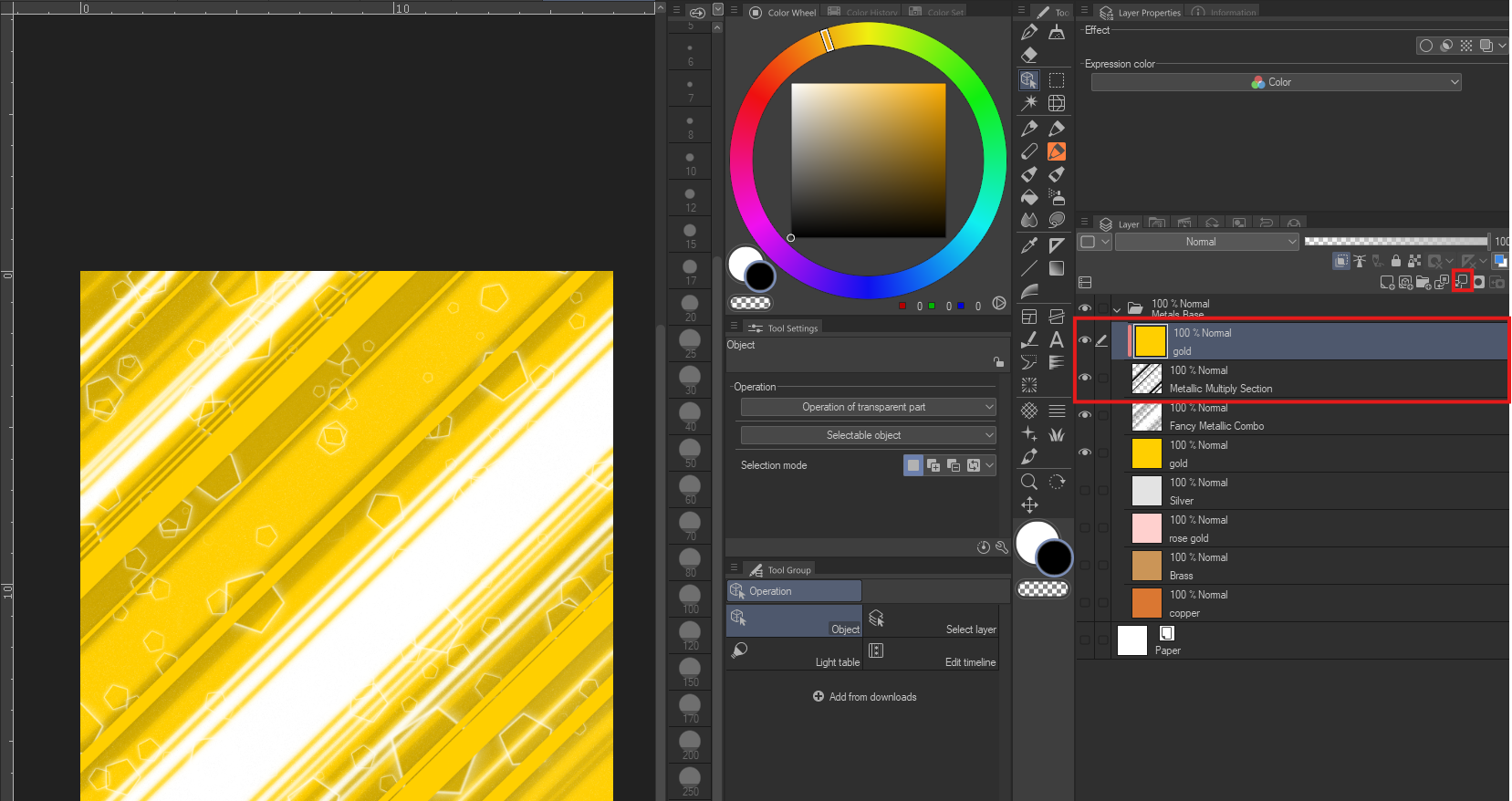
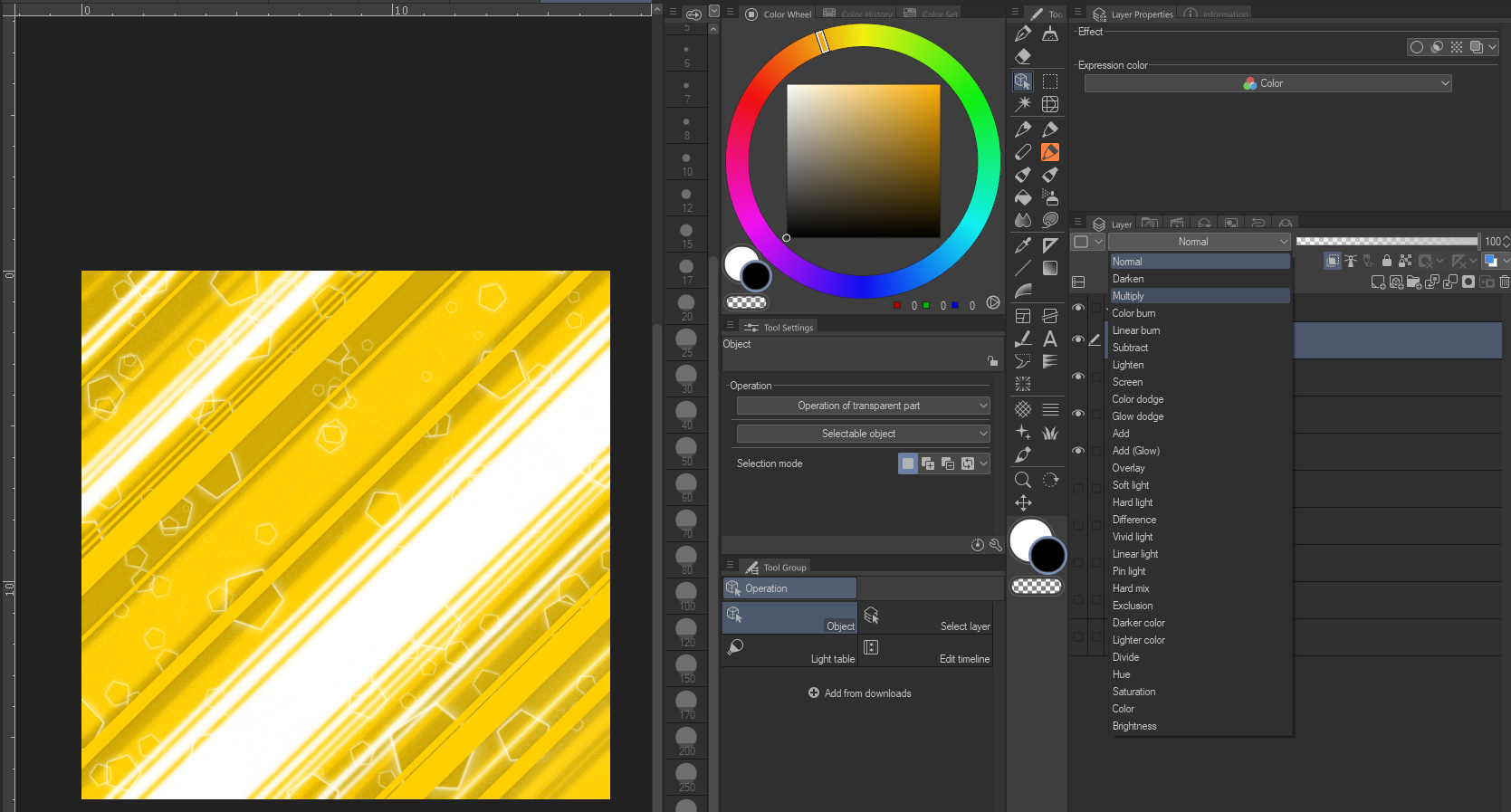
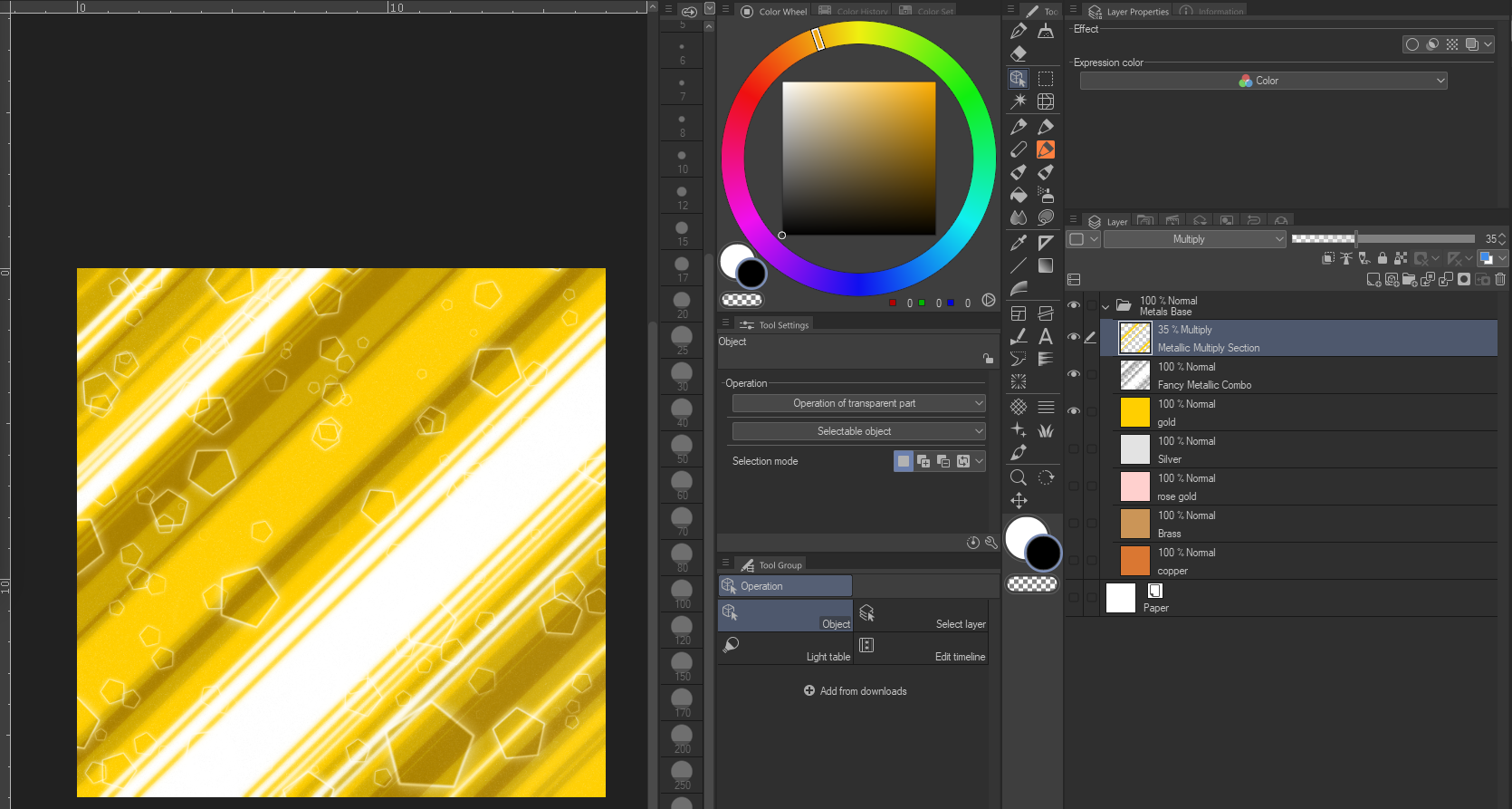
Drag and drop one of the six textures over your base color. (My favorite is "Fancy Metallic Combo" which has a little blur and a little flat in it) then duplicate your base color, whether its copper orange, golden yellow, or a light grey silver etc. Then take that and clip it to the "metallic Multiply Section" and change its layer tyle to "Multiply" then reduce the opacity as desired (35% is my suggestion) and you will get the effect seen.
メタリック Metallics








"SkillfulFerret"さんの別の素材


"素材集"の人気素材


新着素材


バッジ
-
 MVP ◆質問に対して適切な回答を数多く投稿し、コミュニティの運営に大きく貢献したユーザーです。MVPは3ヶ月に一度、その間に獲得したポイントを元に決定し、表彰を行っています。
 -
 NVP (New Valuable Player) ◆MVPに次いでコミュニティの運営に貢献したユーザーです。これまでMVPの受賞経験のない方から、獲得したポイントを元に決定し、表彰を行なっています。
 -
 公式エキスパート ◆優れた回答者の証であるMVP受賞者の中からさらに選ばれた、コミュニティで最も優良な回答者の証です。審査を経て当社から依頼し就任いただいています。※旧名称「エバンジェリスト」
 -
 セルシス公認モデレーター ◆モデレーターは、日本語とその他の言語が話せるセルシス公認のスタッフです。ソフトウェアや創作のエキスパートではないので、直接疑問を解決することはできませんが、みなさんがスムーズにコミュニケーションできるように、言葉やコミュニケーションの側面からサポートします。
 -
 セルシス公式運営に関連した公式アカウントです。