


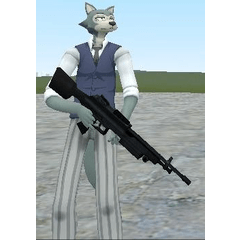

クリエイターが忙しい背景からキャラクターを孤立させるための一連の自動アクションです。 A series of auto-actions that will help the creator isolate their character from the busy background.
- 英語
- 韓国語
- 日本語
- 3 ボーダースタイル
- 6 背景のぼかしスタイル


- English
- Korean
- Japanese
- 3 Border Styles
- 6 Background Blur Styles
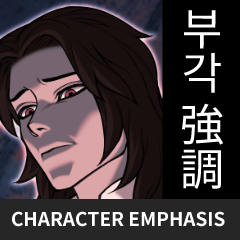
キャラクター重視セット Character Emphasis Set
更新履歴
言語サポートは3つの異なるセットに分けています。
ユーザーは大量のテキストに押し付けられる代わりに、自分の言語を選べます。
I have separated the language support into three different sets.
The user is able to select their specific language instead of being bombarded with so much text.
旧バージョン


"dinupie"さんの別の素材


"素材集"の人気素材





新着素材




-
 MVP ◆質問に対して適切な回答を数多く投稿し、コミュニティの運営に大きく貢献したユーザーです。MVPは3ヶ月に一度、その間に獲得したポイントを元に決定し、表彰を行っています。
 -
 NVP (New Valuable Player) ◆MVPに次いでコミュニティの運営に貢献したユーザーです。これまでMVPの受賞経験のない方から、獲得したポイントを元に決定し、表彰を行なっています。
 -
 公式エキスパート ◆優れた回答者の証であるMVP受賞者の中からさらに選ばれた、コミュニティで最も優良な回答者の証です。審査を経て当社から依頼し就任いただいています。※旧名称「エバンジェリスト」
 -
 セルシス公認モデレーター ◆モデレーターは、日本語とその他の言語が話せるセルシス公認のスタッフです。ソフトウェアや創作のエキスパートではないので、直接疑問を解決することはできませんが、みなさんがスムーズにコミュニケーションできるように、言葉やコミュニケーションの側面からサポートします。
 -
 セルシス公式運営に関連した公式アカウントです。