


ドロップダウンシャドウ オートアクション (drop down shadow auto action) drop down shadow auto action
コンテンツID:2262013
-
508


このオートアクションは瞬時に影を落とします。
使い方:
- シャドウを置きたいレイヤーを選んでください。 フォルダでは動作しません
- 「シャドウ」オートアクションを選択して再生します
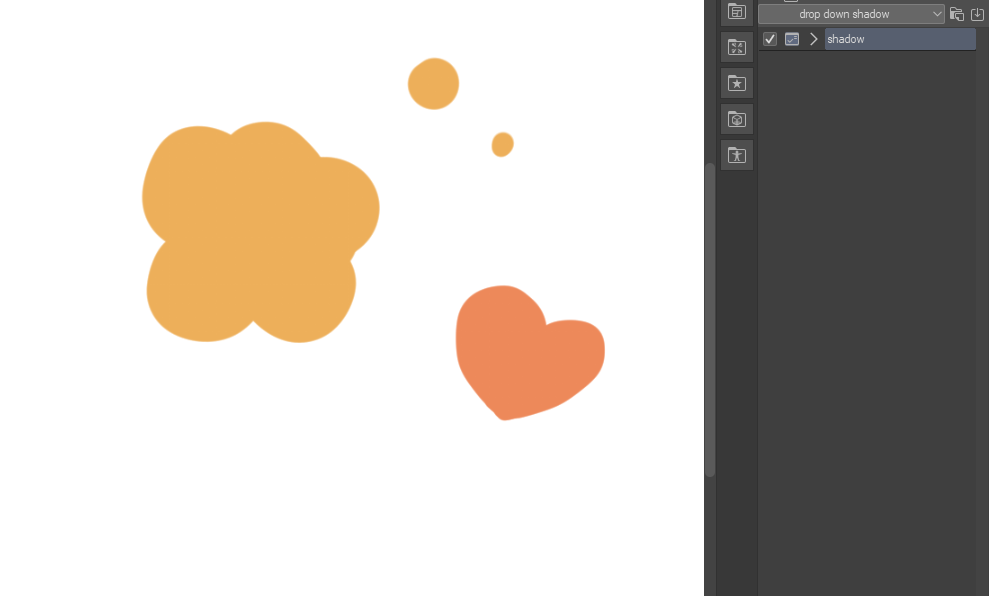
- 影が生まれた。
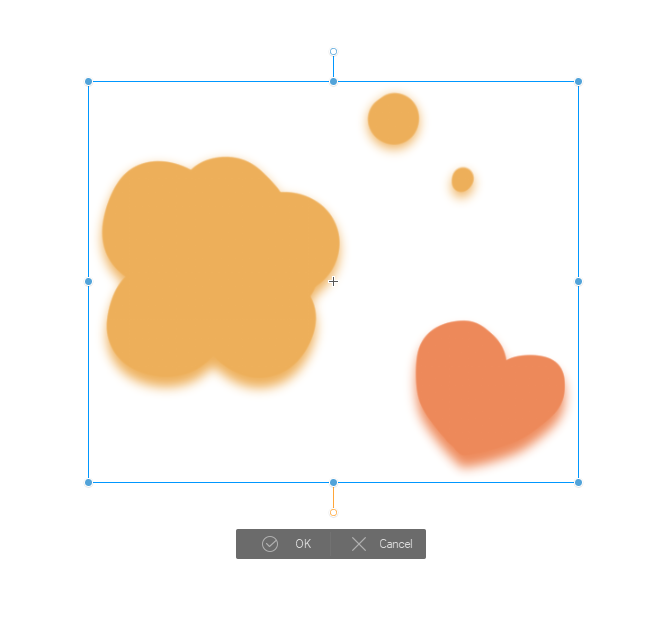
- 作成したシャドウレイヤーを元のレイヤーの下に移動させます。
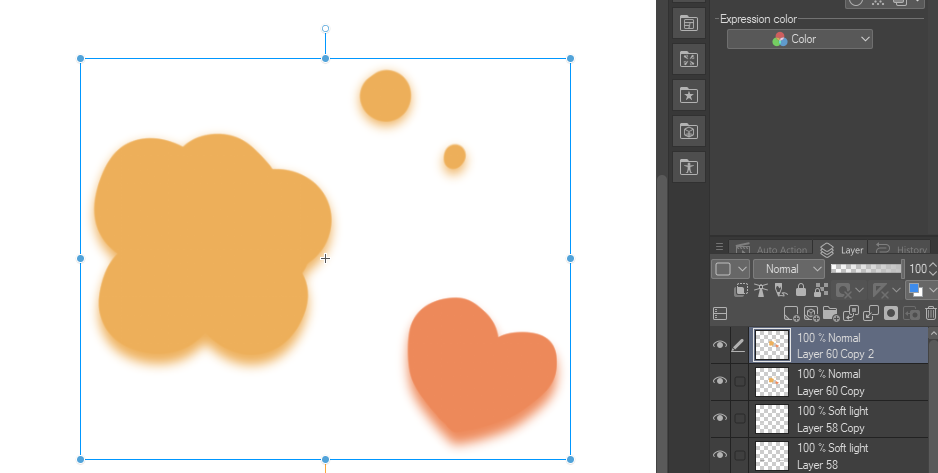
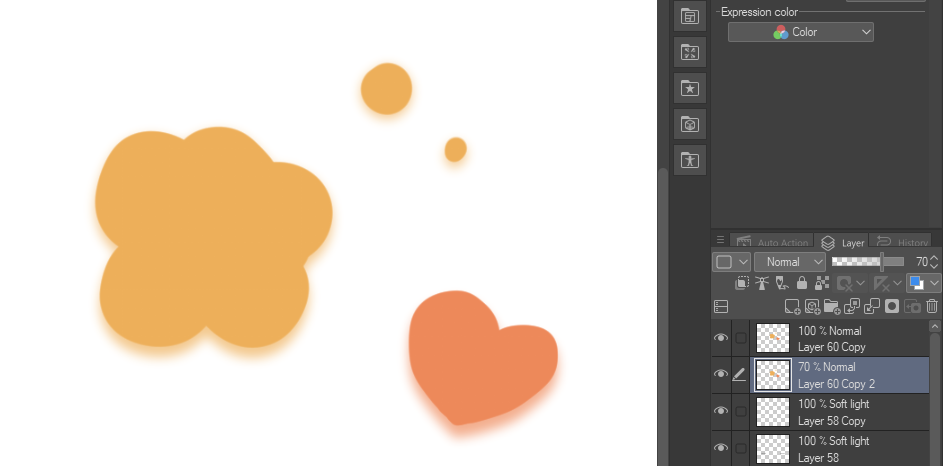
- 終わった!
これでドロップダウンシャドウができます。透明なピクセルをロックして影の色を好きなように変えることができます。また、希望の位置に調整することも可能です!
this auto action makes drop down shadows in an instant.
how to use:
- choose the layer you want to put the shadow on, DOESN'T WORK IN FOLDERS
- select "shadow" auto action and play it
- the shadows have been created.
- move the created shadow layer under the original layer.
- it's done!
now you have a drop down shadow. you can lock transparent pixels to change the shadow's color to whatever you want. you can also move it around so it is in your desired position!




"scudero"さんの別の素材


"オートアクション"の人気素材


新着素材


バッジ
-
 MVP ◆質問に対して適切な回答を数多く投稿し、コミュニティの運営に大きく貢献したユーザーです。MVPは3ヶ月に一度、その間に獲得したポイントを元に決定し、表彰を行っています。
 -
 NVP (New Valuable Player) ◆MVPに次いでコミュニティの運営に貢献したユーザーです。これまでMVPの受賞経験のない方から、獲得したポイントを元に決定し、表彰を行なっています。
 -
 公式エキスパート ◆優れた回答者の証であるMVP受賞者の中からさらに選ばれた、コミュニティで最も優良な回答者の証です。審査を経て当社から依頼し就任いただいています。※旧名称「エバンジェリスト」
 -
 セルシス公認モデレーター ◆モデレーターは、日本語とその他の言語が話せるセルシス公認のスタッフです。ソフトウェアや創作のエキスパートではないので、直接疑問を解決することはできませんが、みなさんがスムーズにコミュニケーションできるように、言葉やコミュニケーションの側面からサポートします。
 -
 セルシス公式運営に関連した公式アカウントです。