



あなたの固体の線画にいくつかの余分なテクスチャを与えてください! Give your solid lineart some extra texture!
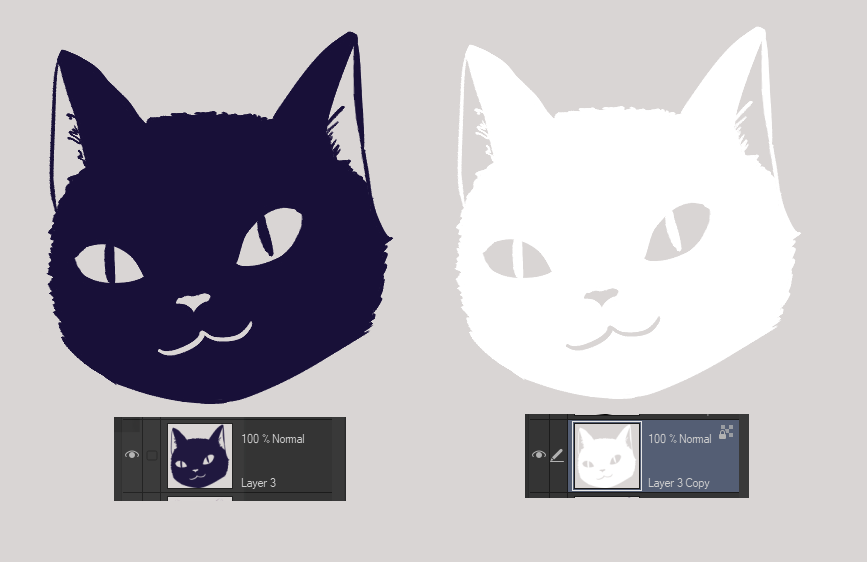
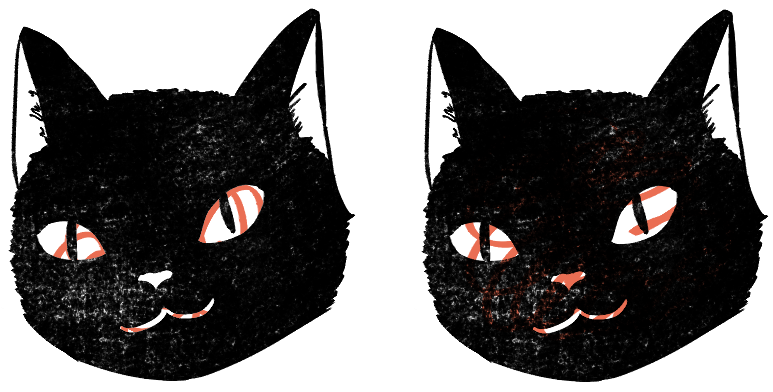
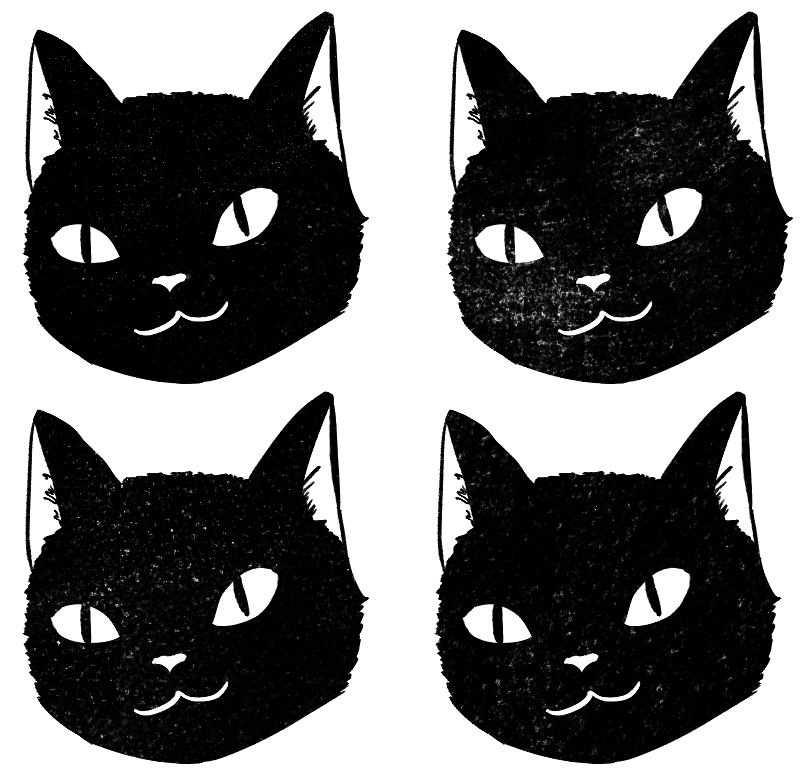
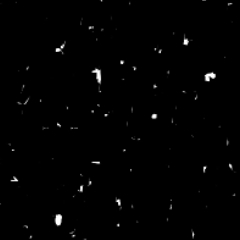
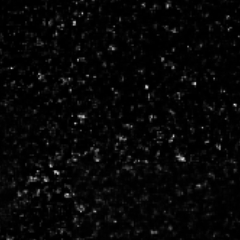
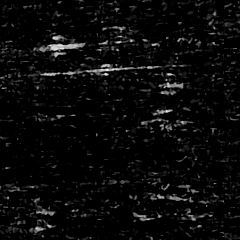
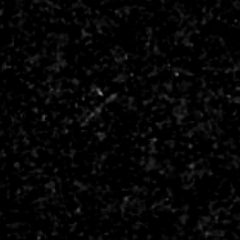
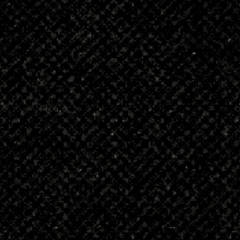
黒無地のインクはいいですが、手描きの感触が必要な場合もあります。 これらは、線画にそのような小さな傷を追加するテクスチャです。
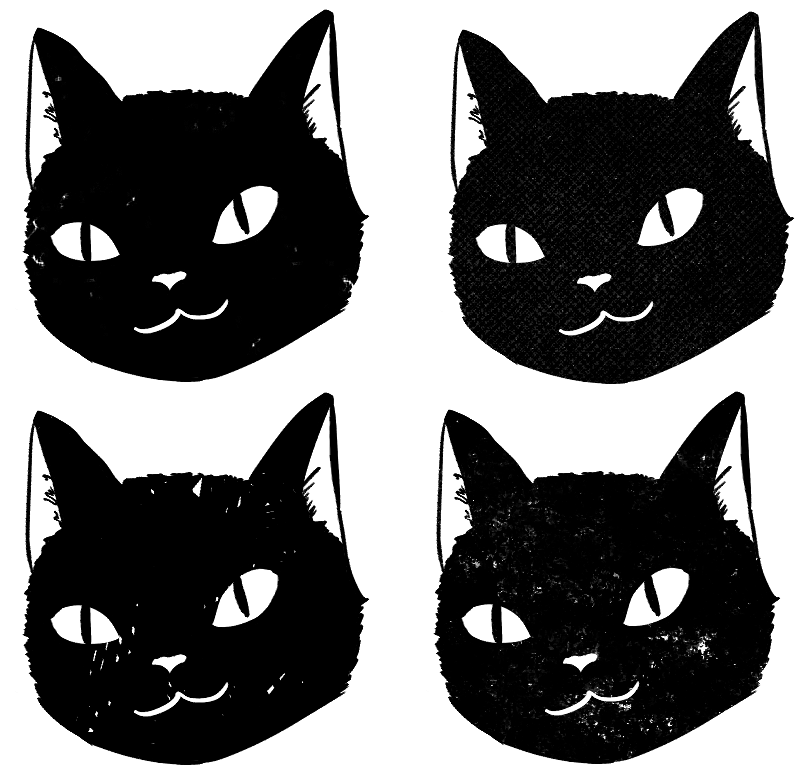
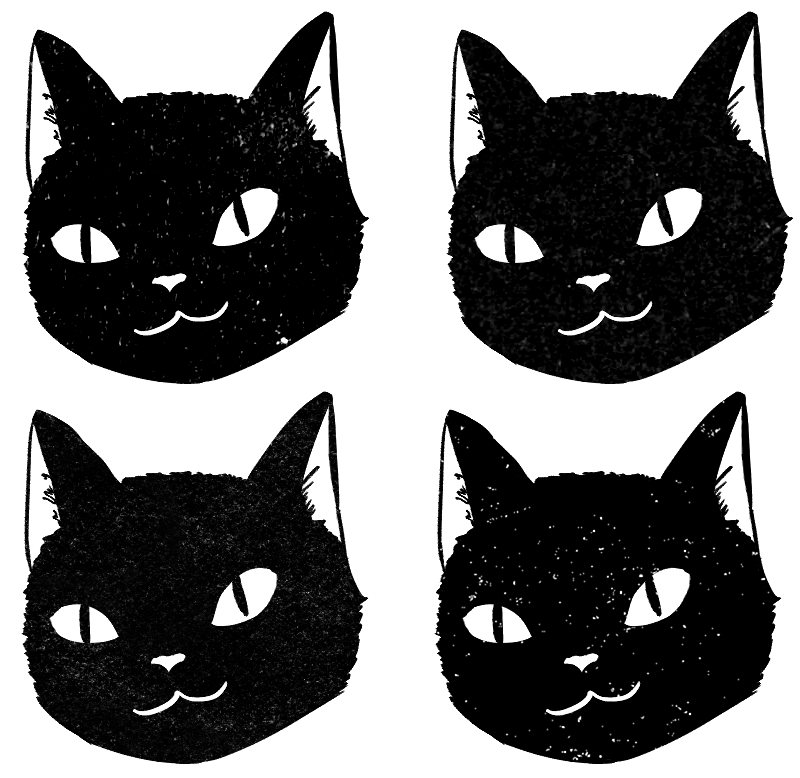
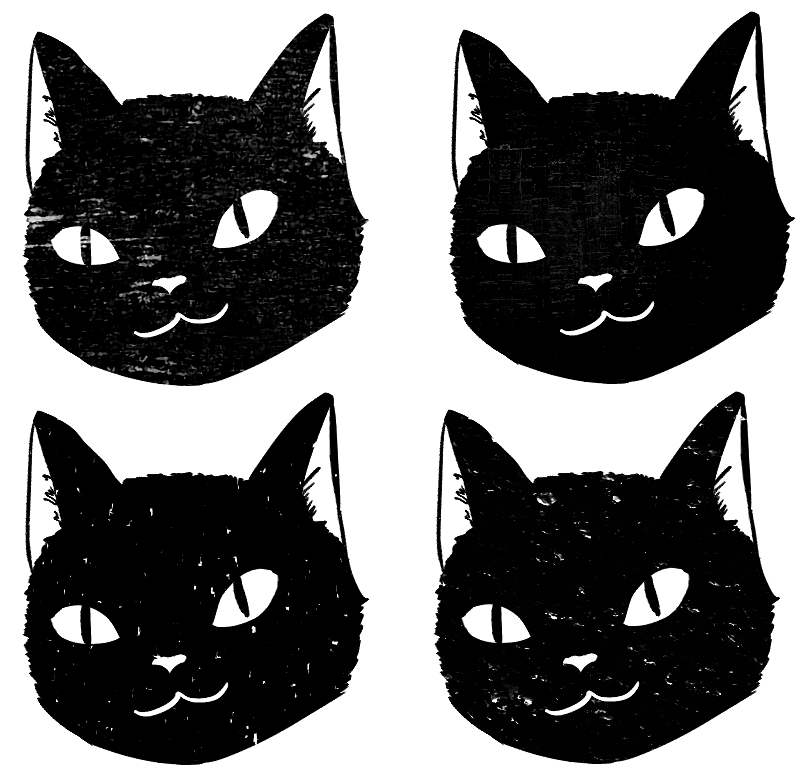
チュートリアル:
1.線画を描き、黒一色のスペースを埋めます。
2. レイヤーを複製し、すべてを白くします。
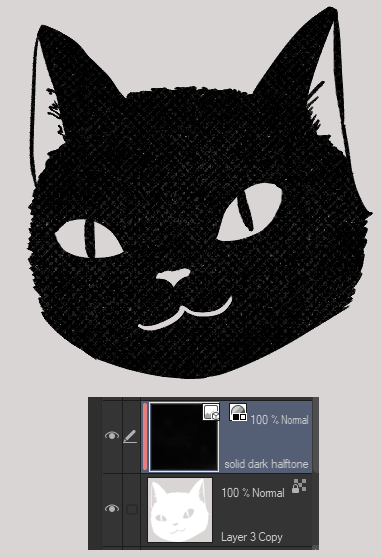
3.テクスチャを「クリッピング」レイヤーとして、または「レイヤーマスク」で追加します。
4.満足したらマージします。
ボーナス:「明るさを不透明度に変換」機能を使用して、白い領域を取り除きます。 レイヤーモードを「乗算」に変更することもできます。
以下のテクスチャ:
黒を多かれ少なかれ追加したり、領域を塗りつぶしたり、さらに消去したりして調整します。
Solid black inks are nice, but sometimes you want a hand drawn feel. These are textures that add little blemishes like that to your lineart.
Tutorial:
1. Draw your line art, fill in any solid black spaces.
2. Duplicate the layer & turn it all white.
3. Add in your texture either as a "Clipped" layer or with a "layer mask".
4. Merge when satisfied.
Bonus: use the "Convert brightness to opacity" function to get rid of the white area. You can also change the layer mode to "multiply".
Textures Below:
Adjust by adding more or less black, filling areas, erasing more, etc..
埋める fill 'er up
-
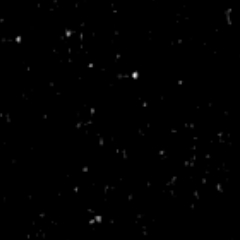
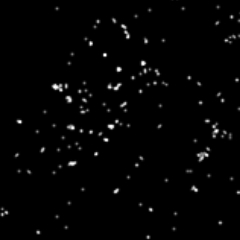
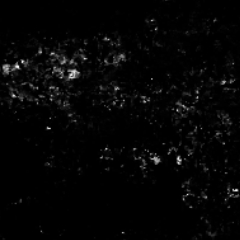
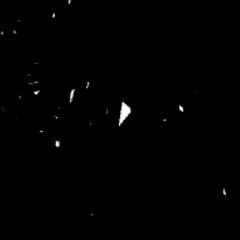
しっかりとした余分な穴の斑点 solid extra holes specks
-
固体の欠けた余分な斑点 solid chipped extra specks
-
固体のほこりの斑点 solid dust specks
-
無垢の木目調の斑点 solid woodgrain specks
-
固体の星屑の斑点 solid stardust specks
-
固体の斑点が大きい solid specks bigger
-
ソリッドローラーインク solid roller ink
-
紙インク単体 solid paper ink
-
ソリッド トゥルー スペック solid true specks
-
ソリッドボールドスペック solid bold specks
-
ソリッドファブリックプレススペック solid fabric press specks
-
固体の肌が斑点に触れた solid skin touched specks
-
しっかりした分厚い斑点 solid chunky specks
-
ソリッドダークハーフトーン solid dark halftone






"saturns_day"さんの別の素材


"素材集"の人気素材


新着素材




バッジ
-
 MVP ◆質問に対して適切な回答を数多く投稿し、コミュニティの運営に大きく貢献したユーザーです。MVPは3ヶ月に一度、その間に獲得したポイントを元に決定し、表彰を行っています。
 -
 NVP (New Valuable Player) ◆MVPに次いでコミュニティの運営に貢献したユーザーです。これまでMVPの受賞経験のない方から、獲得したポイントを元に決定し、表彰を行なっています。
 -
 公式エキスパート ◆優れた回答者の証であるMVP受賞者の中からさらに選ばれた、コミュニティで最も優良な回答者の証です。審査を経て当社から依頼し就任いただいています。※旧名称「エバンジェリスト」
 -
 セルシス公認モデレーター ◆モデレーターは、日本語とその他の言語が話せるセルシス公認のスタッフです。ソフトウェアや創作のエキスパートではないので、直接疑問を解決することはできませんが、みなさんがスムーズにコミュニケーションできるように、言葉やコミュニケーションの側面からサポートします。
 -
 セルシス公式運営に関連した公式アカウントです。