


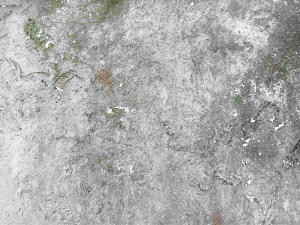
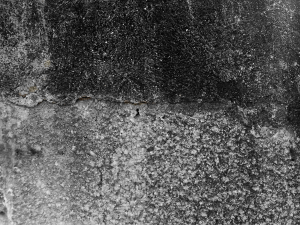
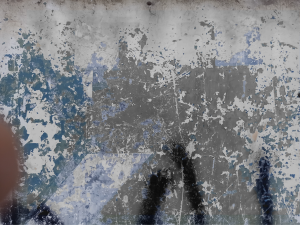
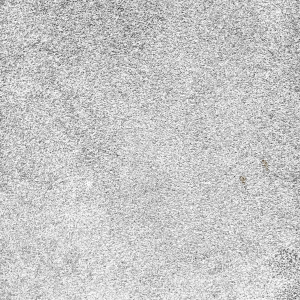
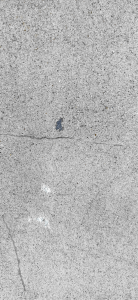
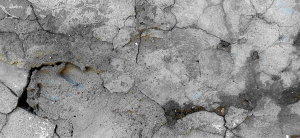
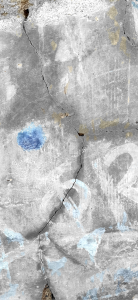
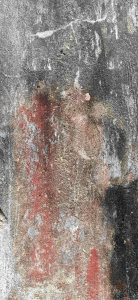
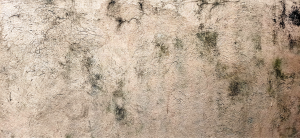
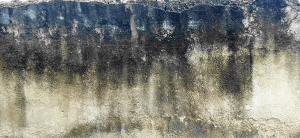
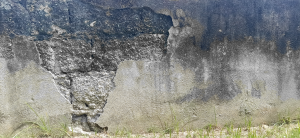
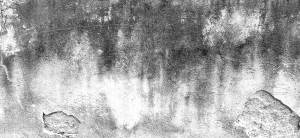
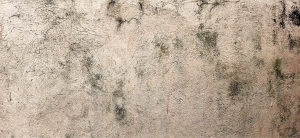
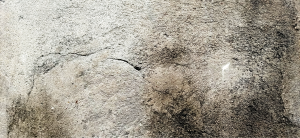
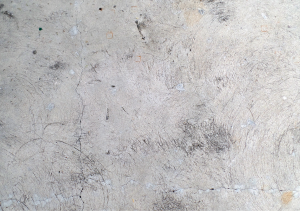
みすぼらしいコンクリートテクスチャセット (Shabby Concrete Texture set) Shabby Concrete Texture set
コンテンツID:1923070
-
1,383


テクスチャを使用して画像をベッターにするには、さまざまな方法があります。
1. レイヤープロパティに移動し、[ オーバーレイテクスチャ ]をクリックします。好みに応じてテクスチャの強度を調整します。
2. オーバーレイ、乗算、画面などのレイヤータイプで遊ぶことができます
3.テクスチャを配置したら、レイヤー をラスタライズし、[ 編集]->[明るさを不透明度に変換] に移動します。
(新しいアセットがあるときにこのマテリアルセットを更新します)
There are many ways to use textures to make your picture bettter.
1. Go to Layer Property and click OVERLAY TEXTURE. Adjust the strength of the texture depending on your preference.
2. You can play with Layer types like overlay, multiply, screen, etc
3. After you've placed your texture, Rasterize the layer then go to Edit -> Convert Brightness to Opacity.
(Will update this material set when I have new assets)
カテゴリー1 Category 1



更新履歴
新しいテクスチャを追加しました! Added new textures!






"OrangeNek0"さんの別の素材


"素材集"の人気素材


新着素材




バッジ
-
 MVP ◆質問に対して適切な回答を数多く投稿し、コミュニティの運営に大きく貢献したユーザーです。MVPは3ヶ月に一度、その間に獲得したポイントを元に決定し、表彰を行っています。
 -
 NVP (New Valuable Player) ◆MVPに次いでコミュニティの運営に貢献したユーザーです。これまでMVPの受賞経験のない方から、獲得したポイントを元に決定し、表彰を行なっています。
 -
 公式エキスパート ◆優れた回答者の証であるMVP受賞者の中からさらに選ばれた、コミュニティで最も優良な回答者の証です。審査を経て当社から依頼し就任いただいています。※旧名称「エバンジェリスト」
 -
 セルシス公認モデレーター ◆モデレーターは、日本語とその他の言語が話せるセルシス公認のスタッフです。ソフトウェアや創作のエキスパートではないので、直接疑問を解決することはできませんが、みなさんがスムーズにコミュニケーションできるように、言葉やコミュニケーションの側面からサポートします。
 -
 セルシス公式運営に関連した公式アカウントです。