


Patrones y elementos botánicos tropicales (Tropical Botanical Patterns & Elements) Tropical Botanical Patterns & Elements
Content ID:2301080
-
60


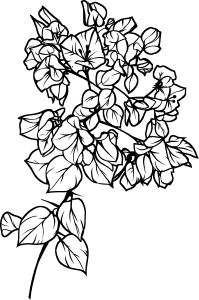
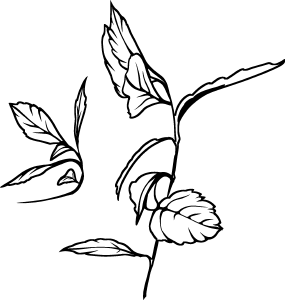
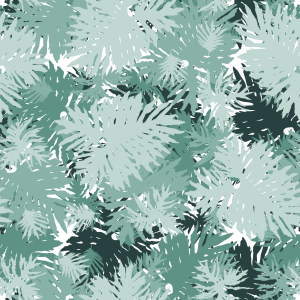
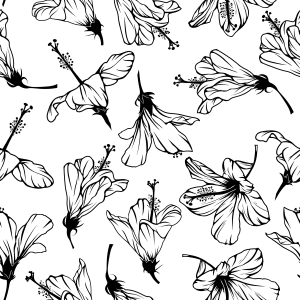
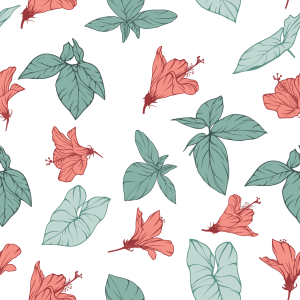
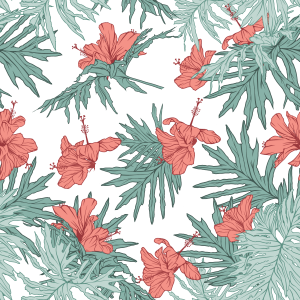
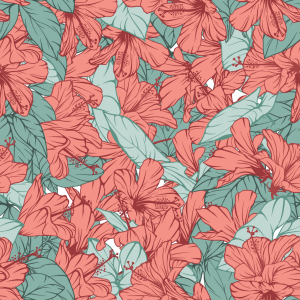
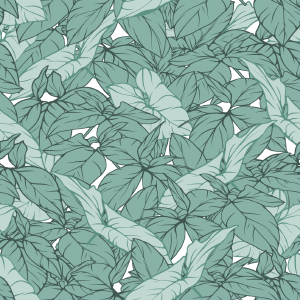
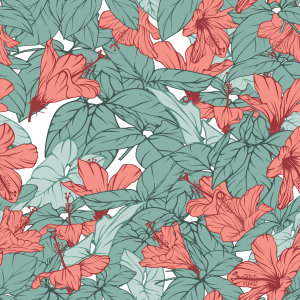
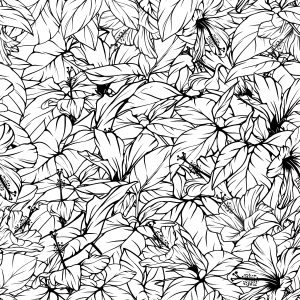
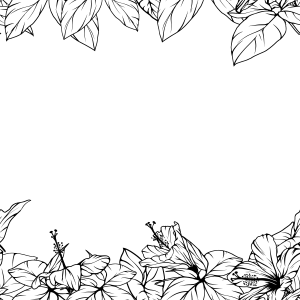
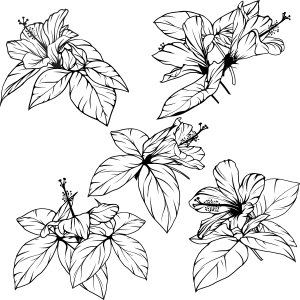
Un pack de activos botánicos tropicales con elementos aislados y patrones sin costuras, creados a partir de fotos reales de follaje y flores de hibisco. Estilizado con arte lineal limpio y rellenos blancos sólidos, listo para un recoloreado no destructivo mediante Layer Color y Gradient Maps. Ideal para papelería, tarjetas de felicitación, fundas y diseño de superficies. A tropical botanical asset pack featuring isolated elements and seamless patterns, created from real photos of foliage and hibiscus flowers. Stylized with clean line art and solid white fills, ready for non-destructive recoloring via Layer Color and Gradient Maps. Ideal for stationery, greeting cards, covers, and surface design.
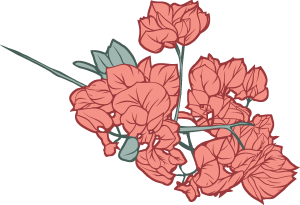
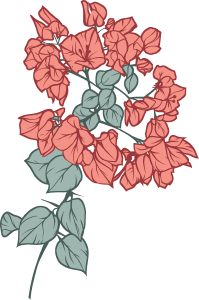
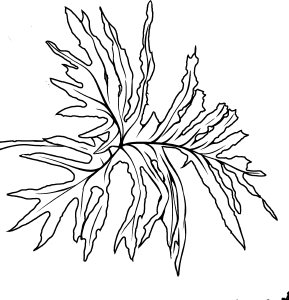
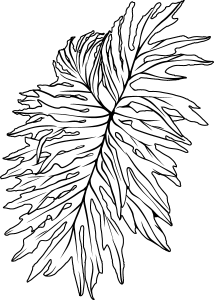
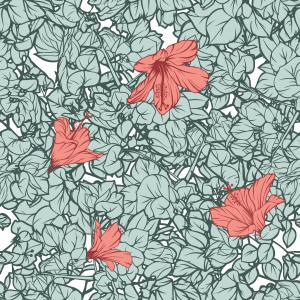
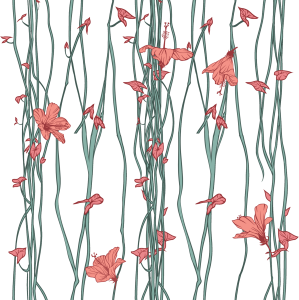
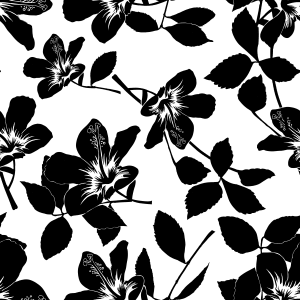
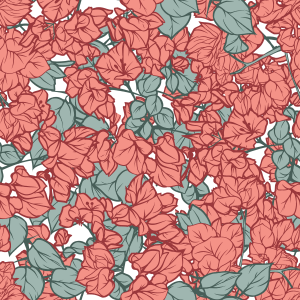
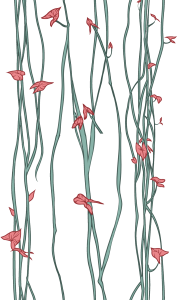
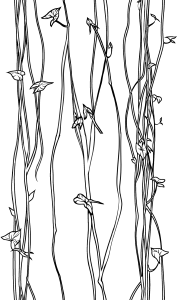
Una colección de objetos botánicos tropicales hechos a mano, incluyendo elementos aislados de arte lineal y patrones sin costuras. Derivados directamente de la flora brasileña real (hibisco, hojas de vid y sotobosque exuberante), estos elementos fueron estilizados para equilibrar siluetas audaces con líneas claras.
Son totalmente compatibles con técnicas de coloración no destructivas, lo que las hace ideales para papelería, postales, embalajes, portadas de libros y diseño textil.
Características clave:
Mosaico sin costuras: Repetición perfecta y continua sin costuras visibles.
Amigable con los no destructivos: Listo para ser recoloreado usando Propiedad de Capa > Color de Capa, Máscaras de Recorte o Mapas de Degradado.
Versatilidad modular: Utiliza elementos aislados individualmente o combina los módulos de patrón preconstruidos.

Cómo usar:
Aplicación de patrones: Arrastra y suelta el material del patrón de la paleta de Materiales directamente sobre tu lienzo o dentro de una selección activa. Utiliza la subherramienta Object (atajo O) para escalar, rotar y alinear libremente el mosaico.
Colores cambiantes (no destructivos):
Selecciona la capa de material.
Ve al panel de Propiedades de Capa > Efecto > activa Color de Capa.
Configura los colores deseados para color de capa (contorno/tonos oscuros) y subcolor (tonos de relleno/claro).
Usando elementos aislados: Arrastra materiales vegetales individuales a tu proyecto para crear marcos personalizados, puntos focales o composiciones modulares.
¿Quieres aprender a crear tus propios patrones botánicos sin costuras a partir de fotos con el móvil?
Echa un vistazo a mi tutorial oficial paso a paso sobre CONSEJOS de Clip Studio: "De la flora cotidiana al diseño de tarjetas"
A collection of handcrafted tropical botanical assets, including isolated line-art elements and seamless patterns. Derived directly from real Brazilian flora (hibiscus, vine leaves, and lush undergrowth), these assets were stylized to balance bold silhouettes with clear line work.
They are fully compatible with non-destructive coloring techniques, making them ideal for stationery, postcards, packaging, book covers, and textile design.
Key Features:
Seamless Tiling: Perfect continuous repetition with no visible seams.
Non-Destructive Friendly: Ready to be recolored using Layer Property > Layer Color, Clipping Masks, or Gradient Maps.
Modular Versatility: Use isolated elements individually or combine the pre-built pattern modules.
How to Use:
Applying Patterns: Drag and drop the pattern material from the Material palette directly onto your canvas or inside an active selection. Use the Object sub-tool (shortcut O) to freely scale, rotate, and align the tiling.
Changing Colors (Non-Destructive):
Select the material layer.
Go to the Layer Property panel > Effect > enable Layer Color.
Set your desired colors for Layer color (outline/dark tones) and Sub color (fill/light tones).
Using Isolated Elements: Drag individual plant materials into your project to create custom frames, focal points, or modular compositions.
Want to learn how to create your own seamless botanical patterns from phone photos?
Check out my official step-by-step tutorial on Clip Studio TIPS: "From Everyday Flora to Card Design"
Categoría 1 Category 1
-
Tropical_Galho_08 Tropical_Galho_08
-
Tropical_Galho_07 Tropical_Galho_07
-
Tropical_Flor_04_Silhueta Tropical_Flor_04_Silhueta
-
Tropical_Flor_04_Transparencia Tropical_Flor_04_Transparencia
-
Tropical_Flor_01 Tropical_Flor_01
-
Tropical_Folhagem_01 Tropical_Folhagem_01
-
Tropical_Folhagem_02 Tropical_Folhagem_02
-
Tropical_Folhagem_03 Tropical_Folhagem_03
-
Tropical_Folhagem_04 Tropical_Folhagem_04
-
Tropical_Folhagem_05 Tropical_Folhagem_05
-
Tropical_Cipo_03 Tropical_Cipo_03
-
Tropical_Cipo_01 Tropical_Cipo_01
-
Tropical_Flor_02 Tropical_Flor_02
-
Tropical_Flor_03 Tropical_Flor_03
-
Tropical_FolhaG_06 Tropical_FolhaG_06
-
Tropical_FolhaG_01 Tropical_FolhaG_01
-
Tropical_FolhaG_05 Tropical_FolhaG_05
-
Tropical_FolhaG_04 Tropical_FolhaG_04
-
Tropical_FolhaG_03 Tropical_FolhaG_03
-
Tropical_FolhaG_02 Tropical_FolhaG_02
-
Tropical_Flor_07 Tropical_Flor_07
-
Tropical_Galho_04 Tropical_Galho_04
-
Tropical_Galho_03 Tropical_Galho_03
-
Tropical_Flor_04 Tropical_Flor_04
-
Tropical_Flor_04 Tropical_Flor_04
-
Tropical_Galho_06 Tropical_Galho_06
-
Tropical_Galho_05 Tropical_Galho_05
-
Tropical_Folhagem_07 Tropical_Folhagem_07
-
Tropical_Folhagem_08 Tropical_Folhagem_08
-
Tropical_Folhagem_06 Tropical_Folhagem_06
-
Tropical_Flor_05 Tropical_Flor_05
-
Tropical_Flor_06 Tropical_Flor_06
-
Tropical_Folhagem_09 Tropical_Folhagem_09
-
Tropical_Cipo_02 Tropical_Cipo_02
-
Tropical_Galho_01 Tropical_Galho_01
-
Tropical_Galho_02 Tropical_Galho_02
-
Patrón 20 Pattern 20
-
Patrón 10 Pattern 10
-
Patrón 15 Pattern 15
-
Patrón 18 Pattern 18
-
Patrón 09 Pattern 09
-
Patrón 11 Pattern 11
-
Patrón 12 Pattern 12
-
Patrón 21 Pattern 21
-
Patrón 13 Pattern 13
-
Patrón 14 Pattern 14
-
Patrón 08 Pattern 08
-
Patrón 07 Pattern 07
-
Patrón 17 Pattern 17
-
Patrón 19 Pattern 19
-
Patrón 05 Pattern 05
-
Patrón 06 Pattern 06
-
Patrón 01 Pattern 01
-
Patrón 16 Pattern 16
-
Patrón 04 Pattern 04
-
Patrón 03 Pattern 03
-
Patrón 02 Pattern 02







































Más materiales de MelanciaComics


Materiales populares de Catálogos de materiales


Nuevos materiales





-
 MVP ◆Estos usuarios han contribuido en gran medida a la gestión de la comunidad, al publicar multitud de útiles respuestas a las preguntas planteadas. Una vez cada tres meses, los MVP son seleccionados en base a los puntos obtenidos durante ese período y, en consecuencia, son reconocidos por su esfuerzo.
 -
 New Valuable Player (NVP) ◆Son las personas que más han contribuido a la comunidad después de los MVP. Este galardón se otorga según los puntos conseguidos a los usuarios que aún no han obtenido ningún premio MVP.
 -
 Especialista oficial ◆Elegidos de entre todos los MVP, quienes ya han demostrado ser de inestimable ayuda, esto es un testimonio de su excepcional apoyo para con la comunidad. Tras un minucioso escrutinio, son nombrados por Celsys para ocupar dicho cargo.Nota: Anteriormente denominados "evangelistas".
 -
 Moderador oficial de Celsys ◆Los moderadores son miembros del personal de Celsys que pueden comunicarse en japonés y otros idiomas. No son expertos en software o ilustración, por lo que no pueden responder directamente a las preguntas. Sin embargo, tratarán de asegurarse de que la comunicación entre usuarios de distintas lenguas sea tan fluida y comprensible como sea posible.
 -
 Cuenta oficial de CelsysCuenta oficial del administrador