



Un juego básico de rayas. A basic set of stripes.
Necesitaba algunas rayas básicas y las hice por diversión. Hay muchas rayas en este set para encogerlas fácilmente cuando lo necesites: las rayas de 25px tienen un rango de tamaño más pequeño que pueden encoger que 200px. Pruébalas en tu arte para ver cuál es mejor para tu caso. Tamaños más grandes son mejores para fondos, Más pequeños son mejores para la ropa y otras zonas pequeñas.
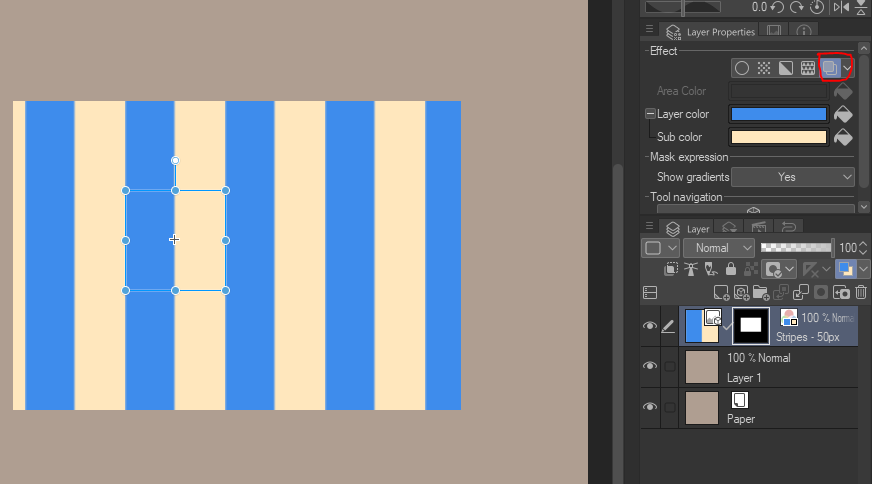
La forma más rápida es ir al menú "Propiedades de capa" y luego hacer clic en "Color de capa". Puedes cambiar el blanco y negro a lo que elijas de ahí. :) No tengas miedo de usar degradados o modos de fusión tampoco.




"¿Cómo cambio el color?"
La forma más rápida es ir al menú "Propiedades de capa" y luego hacer clic en "Color de capa". Puedes cambiar el blanco y negro a lo que elijas de ahí. :) No tengas miedo de usar degradados o modos de fusión tampoco.
"¿Y si quiero rayas transparentes?"
1. Rasteriza la capa de rayas.
2. Ve a "Editar > convertir brillo a opacidad"
3. Ahora puedes superponer otros patrones bajo tus rayas.
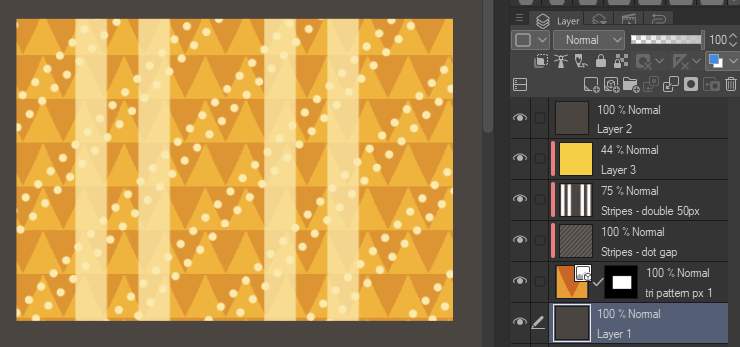
Ejemplos rápidos:

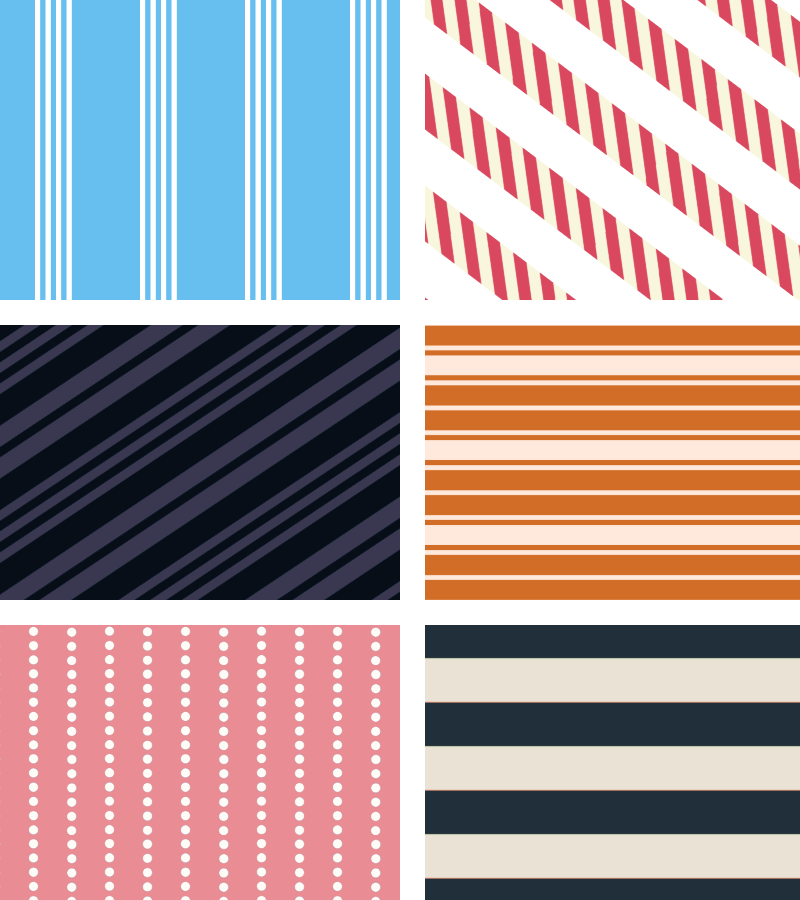
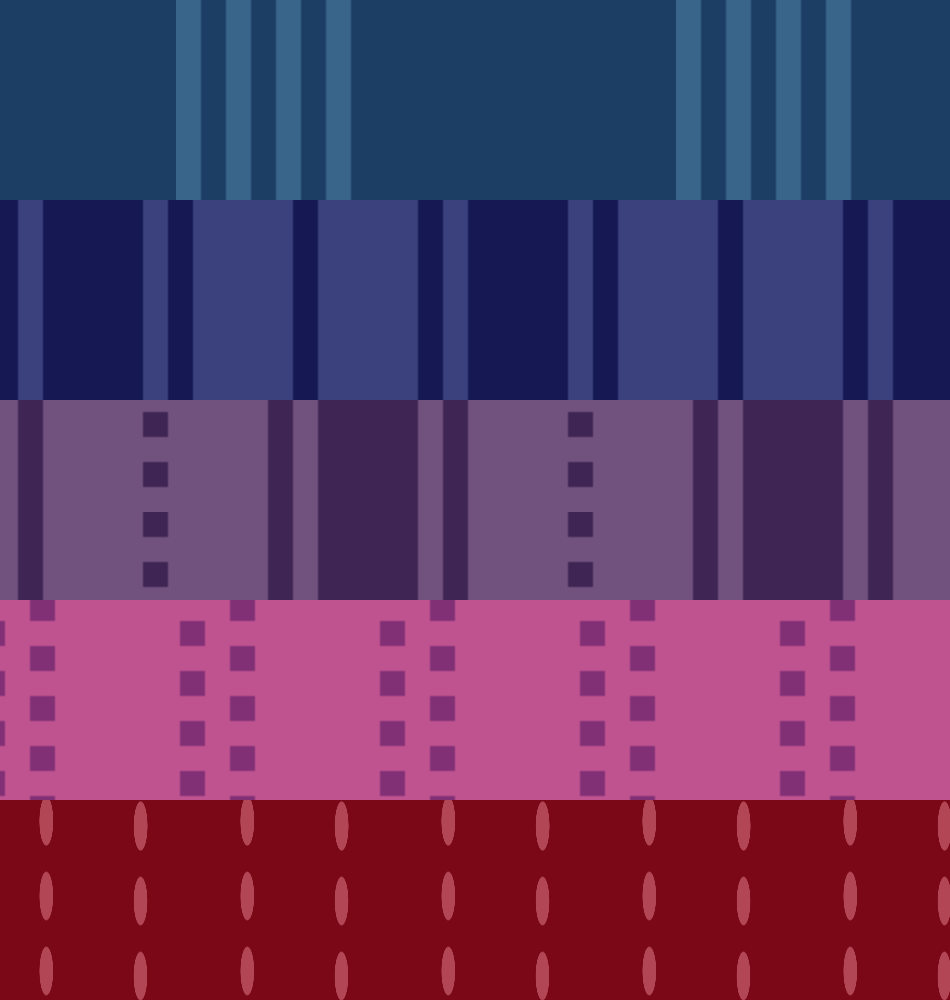
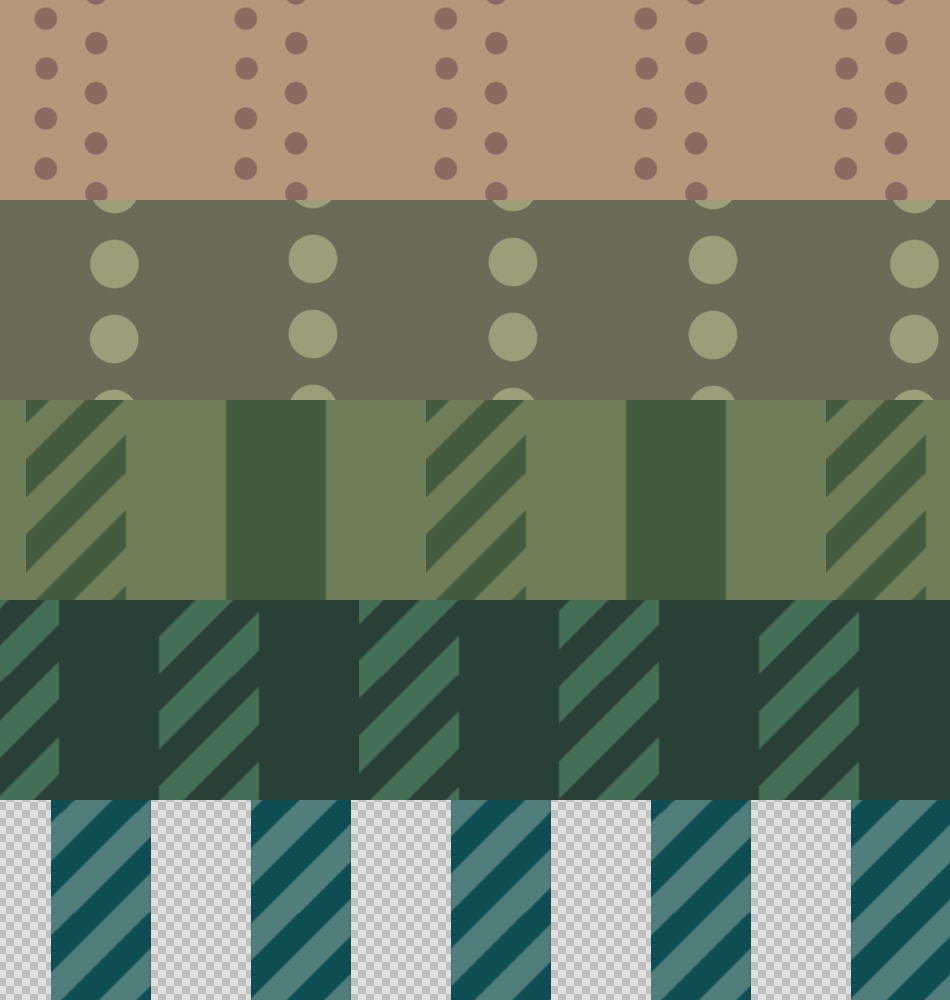
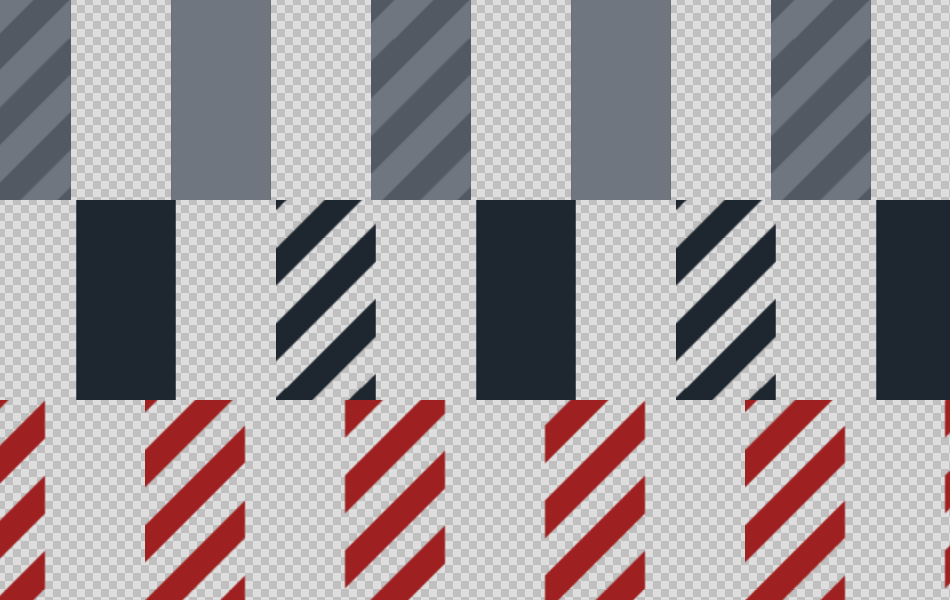
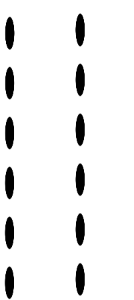
Aquí tienes todas las rayas al 100% de zoom.
I needed some basic stripes and made these for fun. There's a lot of stripes in this set for easy shrinking when you need it: 25px stripes have a greater range of smallness they can shrink to than 200px. Test them on your art to see what's best in your case. Bigger sizes are better for backgrounds, smaller are better for clothes and other small areas.
The fastest way is by going to the "Layer Properties" menu, then clicking on "Layer Color". You can change the black & white to whatever you choose from there. :) Don't be afraid to use gradients or blending modes either.
"How do I change the color?"
The fastest way is by going to the "Layer Properties" menu, then clicking on "Layer Color". You can change the black & white to whatever you choose from there. :) Don't be afraid to use gradients or blending modes either.
"What if I want transparent stripes?"
1. Rasterize your stripe layer.
2. Go to "Edit > Convert Brightness to Opacity"
3. Now you can layer other patterns under your stripes.
Quick Examples:
Here's all the stripes at 100% zoom.
Básico Basic







Multi Multi
-
Rayas - doble 50px Stripes - double 50px
-
Rayas - triple 50px Stripes - triple 50px
-
Rayas - doble mixto Stripes - mixed double
-
Rayas - doble mezcla 2 Stripes - double mixed 2
-
Rayas - combinadas dobles mixtas Stripes - double mixed combined
-
Rayas - doble y luego triple Stripes - double then triple
-
Rayas - cuatro estrechos de 25px Stripes - four narrow 25px
-
Rayas - cuatro y dos 25px Stripes - four and two 25px
-
Rayas - cuatro estrechos de ancho de 25px Stripes - four narrow wide 25px
-
Rayas: gruesas y finas Stripes - thick and thin










Puntos y rayas Dots and Dashes
-
Rayas: salpicadero y grueso Stripes - dash and thick
-
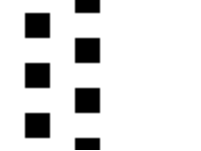
Rayas - puntos cuadrados Stripes - square dots
-
Rayas - hueco de puntos Stripes - dot gap
-
Rayas - Filas ovaladas Stripes - Oval Rows
-
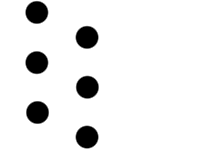
Rayas - Filas de puntos Stripes - Dot rows
-
Rayas - rayas rayadas Stripes - striped stripes
-
Rayas - Listadas y lisas Stripes - Striped and Solid
-
Rayas - Rayas y lisas transparentes de 2 colores Stripes - Striped and Solid 2 color transparent
-
Rayas - rayas a rayas transparentes Stripes - striped stripes transparent
-
Rayas - A rayas y transparentes sólidas Stripes - Striped and Solid transparent
-
Rayas - rayas a rayas transparentes Stripes - striped stripes transparent










Más materiales de saturns_day


Materiales populares de Catálogos de materiales


Nuevos materiales





Insignias
-
 MVP ◆Estos usuarios han contribuido en gran medida a la gestión de la comunidad, al publicar multitud de útiles respuestas a las preguntas planteadas. Una vez cada tres meses, los MVP son seleccionados en base a los puntos obtenidos durante ese período y, en consecuencia, son reconocidos por su esfuerzo.
 -
 New Valuable Player (NVP) ◆Son las personas que más han contribuido a la comunidad después de los MVP. Este galardón se otorga según los puntos conseguidos a los usuarios que aún no han obtenido ningún premio MVP.
 -
 Especialista oficial ◆Elegidos de entre todos los MVP, quienes ya han demostrado ser de inestimable ayuda, esto es un testimonio de su excepcional apoyo para con la comunidad. Tras un minucioso escrutinio, son nombrados por Celsys para ocupar dicho cargo.Nota: Anteriormente denominados "evangelistas".
 -
 Moderador oficial de Celsys ◆Los moderadores son miembros del personal de Celsys que pueden comunicarse en japonés y otros idiomas. No son expertos en software o ilustración, por lo que no pueden responder directamente a las preguntas. Sin embargo, tratarán de asegurarse de que la comunicación entre usuarios de distintas lenguas sea tan fluida y comprensible como sea posible.
 -
 Cuenta oficial de CelsysCuenta oficial del administrador