


Plumas y rotuladores básicos (Basic Ink Pens & Markers) Basic Ink Pens & Markers
Content ID:2255112
-
10 006


Un simple juego de entintadores A simple set of inkers
Es un pack sencillo, pero también tengo algunos bolígrafos más elegantes en mi Gumroad el sábado por si necesitas pinceles de aspecto natural o brochas de hacelado. :0
Cada bolígrafo es un bolígrafo liso y básico, diseñado para ser cómodo y fácil de usar para la mayoría de los estilos. Las principales cosas que te sugiero que ajustes son:
- Ángulo - Si eres zurdo, cambia el ángulo o el grosor para que apunte a la forma en que escribes. Soy diestro, así que ajusta a tu gusto.
- Presión de densidad/opacidad: si te gustan las líneas finas y etéridas, aplica presión de densidad/opacidad.
- Estabilización - Mi configuración predeterminada tiene la velocidad activada y entre 0 y 10, adelante, cámbiala a tu configuración preferida.
- Inclinación y rotación - Mi tablet soporta inclinación, pero no la permite. Si odias inclinar o sujetas la tablet en otro ángulo, ajusta o apágala. Si tu lápiz permite la rotación, actívala si te gusta. :)
Todos los bolígrafos pueden cambiar de color y también pueden usarse en monocromo. Hice varios tipos de trazos para intentar mostrar cómo se sienten, ya que la sensación del bolígrafo es más difícil de explicar. Cuando pruebes un bolígrafo, intenta dibujar formas que dibujas mucho (como pelo, flores, ojos, narices, rizos, gatos, etc.).

(Para quienes usan la traducción automática, de arriba a abajo :)
1. Caligrafía en forma de lágrima
2. Maldición de caligrafía
3. Pluma de corte afilada
4. Pluma de partículas redonda natural
5. Tinta plana para pincel

1. Corral hexagonal (Pluma Hexágona)
2. Entintador de cinta
3. Tinta de tira de pluma
4. Plumilla de fuente
5. Punta clásica de fieltro triangular

1. Triángulo agudo
2. Curvas fáciles
3. Cortador de triángulos
4. Punto de brillo (ideal para dar brillo al pelo o a objetos)
5. Bolígrafo redondo normal (mis ajustes predeterminados para la pereza preferida)

1. Boligrafo rápido, redondo
2. Boligrafo rápido, caligrafía
3. Speed Pen, Rectángulo (ajusta el grosor para un cuadrado)
4. Lápiz rápido, paralelogramo
5. Boligrafo rápido, triángulo
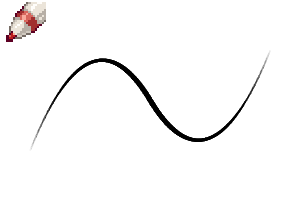
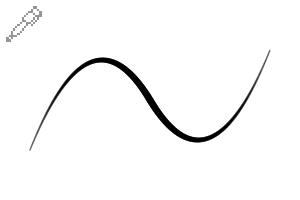
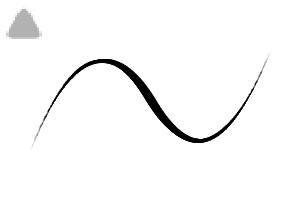
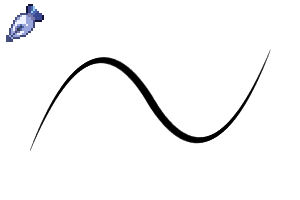
A mí me gustan los bolígrafos rápidos porque se parecen mucho a lo que uso en la vida real. Si no te gustan, no dudes en usarlos. :)
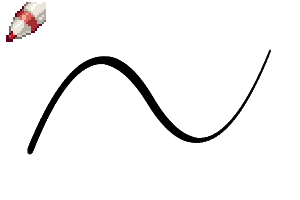
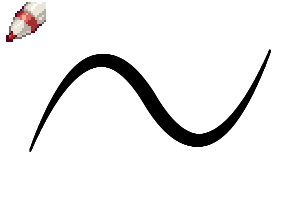
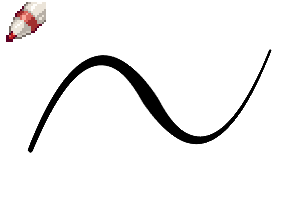
También incluí 4 bolígrafos diferentes para "rellenar" un área. Si tienes un segmento grande de negro sólido, puedes usar estos para rellenarlo.

Imitan el aspecto de rotuladores que pueden formar líneas variadas y dinámicas al sombrear grandes secciones de negro sólido. También puedes rellenar una zona negra sólida con la herramienta de relleno y luego usar estas para añadir hachas y hacer la transición de sombreado. La de abajo también es genial para formas abstractas de fondo.
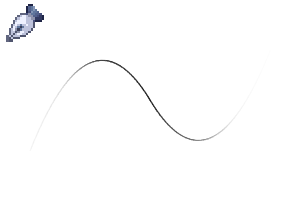
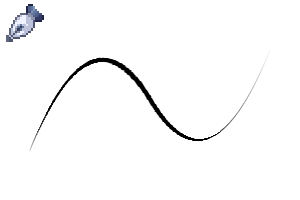
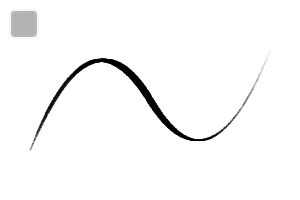
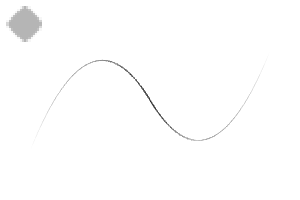
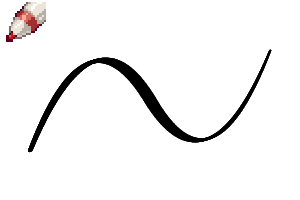
Aquí tienes algunas líneas de prueba que hice. Las hice rápido, así que no tienen consistencia, bueno. Espero que se note un poco de lo diferente que es cada pincel.


This is a simple pack, but I also have some fancier pens on my gumroad at saturnsday if you need some natural looking brushes or hatching brushes. :0
Each pen is a smooth, basic pen, made to be comfortable and easy to use for most styles. The main things I suggest you adjust are:
- Angle - If you are left handed, change the angle or thickness to point the way you write. I'm right handed, so adjust to your liking.
- Density/Opacity Pressure - if you like thin, wispy lines, apply density/opacity pressure.
- Stabilization - My default has speed on & somewhere between 0 and 10, go ahead change it to your preferred setting.
- Tilt & Rotation - My tablet supports tilt, but doesn't support rotation. If you hate tilt or hold your tablet at a different angle, adjust it or turn it off. If your pen supports rotation, turn it on if you like it. :)
All pens can change color, and can be used in monochrome as well. I did several different types of strokes to try and demonstrate how they feel since pen feel is harder to explain. When you test a pen, try to draw shapes you draw a lot (like hair, flowers, eyes, noses, curls, cats, etc.).
(For those using the auto-translate, top to bottom:)
1. Teardrop Calligraphy
2. Calligraphy Hex
3. Sharp Slice Pen
4. Natural Round Particle Pen
5. Flat Brush Ink
1. Hex Pen (Hexagon Pen)
2. Ribbon Inker
3. Quill Pull Ink
4. Fountain Nib
5. Classic Triangle Felt Tip
1. Sharp Triangle
2. Easy Corners
3. Triangle Cutter
4. Shine Point (great for adding shine to hair or objects)
5. Regular Round Pen (my preferred lazy default settings)
1. Speed Pen, Round
2. Speed Pen, Calligraphy
3. Speed Pen, Rectangle (adjust thickness for a square)
4. Speed Pen, Parallelogram
5. Speed Pen, Triangle
I'm a fan of speed pens myself since they're close to what I use in real life. If you don't like them, feel free not to use them. :)
I also included 4 different pens for "filling" an area. If you have a big segment of solid black, you can use these to fill it in.
They mimic the look of markers that can make varied, dynamic lines when shading big sections of solid black. You can also fill in a solid black area with the fill tool, then use these to add hatching for shading transition. The bottom one is great for abstract background shapes as well.
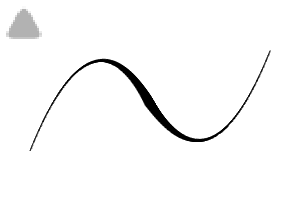
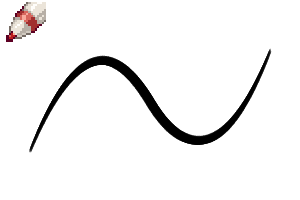
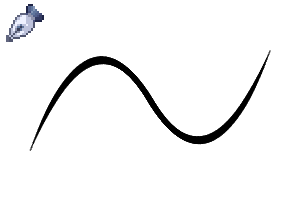
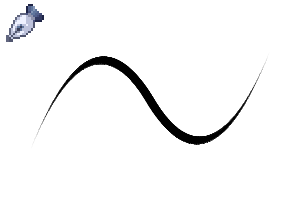
Here's some test lines I did. I did them fast, so they have no consistency, oh well. Hopefully it shows a bit of how different each brush is.
Básico Basic
-
Punto de Brillo Shine Point
-
Penal Regular Regular Round Pen
-
Cortador de triángulo Triangle Cutter
-
Curvas fáciles Easy Corners
-
Triángulo Agudo Sharp Triangle
-
Punta clásica de fieltro triangular Classic Triangle Felt Tip
-
Plumilla de fuente Fountain Nib
-
Tinta de tirada de pluma Quill Pull Ink
-
Entintador de cinta Ribbon Inker
-
Punto Hex Hex Point
-
Tinta plana para pincel Flat Brush Ink
-
Pluma de partículas redonda natural Natural Round Particle Pen
-
Pluma de corte afilado Sharp Slice Pen
-
Hex de caligrafía Calligraphy Hex
-
Caligrafía en gota Teardrop Calligraphy
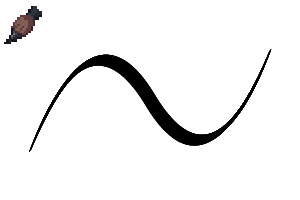


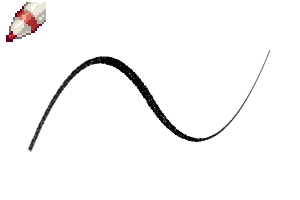
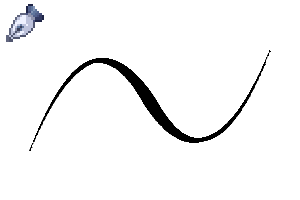
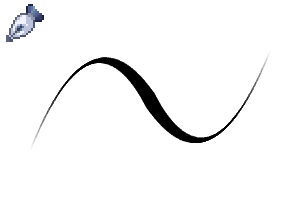

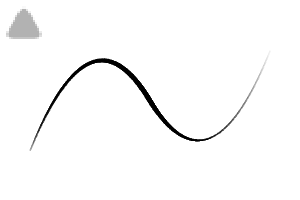
Velocidad Speed
Relleno sólido Solid Fill





Más materiales de saturns_day


Materiales populares de Catálogos de materiales


Nuevos materiales


Insignias
-
 MVP ◆Estos usuarios han contribuido en gran medida a la gestión de la comunidad, al publicar multitud de útiles respuestas a las preguntas planteadas. Una vez cada tres meses, los MVP son seleccionados en base a los puntos obtenidos durante ese período y, en consecuencia, son reconocidos por su esfuerzo.
 -
 New Valuable Player (NVP) ◆Son las personas que más han contribuido a la comunidad después de los MVP. Este galardón se otorga según los puntos conseguidos a los usuarios que aún no han obtenido ningún premio MVP.
 -
 Especialista oficial ◆Elegidos de entre todos los MVP, quienes ya han demostrado ser de inestimable ayuda, esto es un testimonio de su excepcional apoyo para con la comunidad. Tras un minucioso escrutinio, son nombrados por Celsys para ocupar dicho cargo.Nota: Anteriormente denominados "evangelistas".
 -
 Moderador oficial de Celsys ◆Los moderadores son miembros del personal de Celsys que pueden comunicarse en japonés y otros idiomas. No son expertos en software o ilustración, por lo que no pueden responder directamente a las preguntas. Sin embargo, tratarán de asegurarse de que la comunicación entre usuarios de distintas lenguas sea tan fluida y comprensible como sea posible.
 -
 Cuenta oficial de CelsysCuenta oficial del administrador