


Tropische botanische Muster und Elemente (Tropical Botanical Patterns & Elements) Tropical Botanical Patterns & Elements
Content ID:2301080
-
60


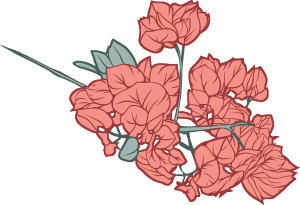
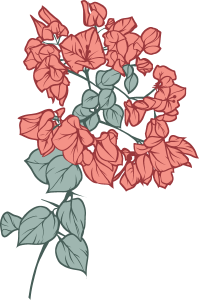
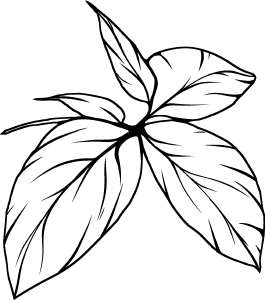
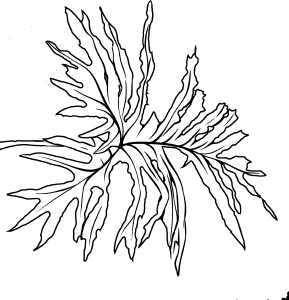
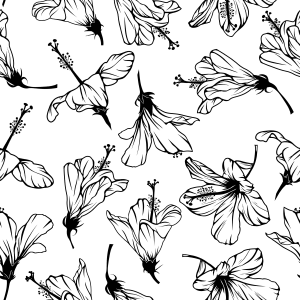
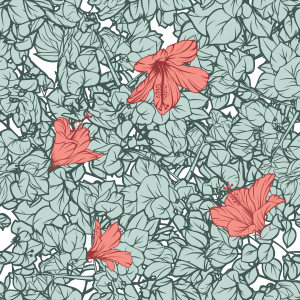
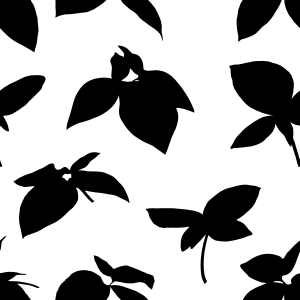
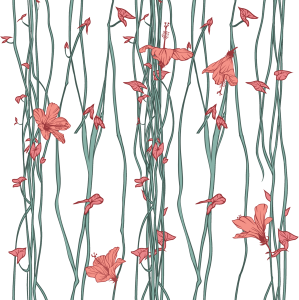
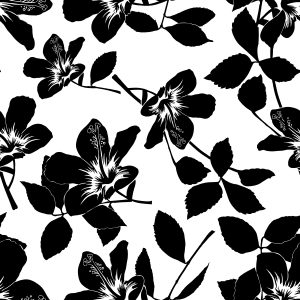
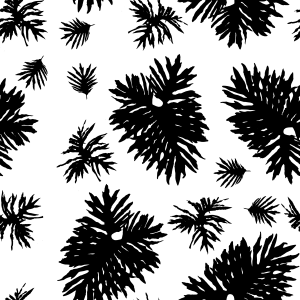
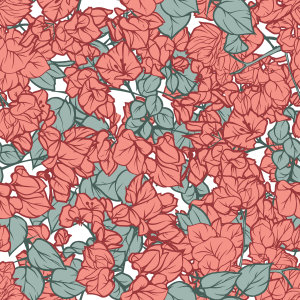
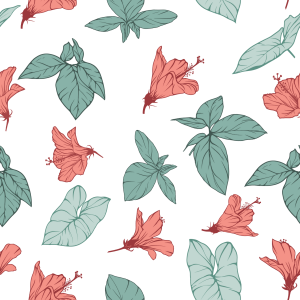
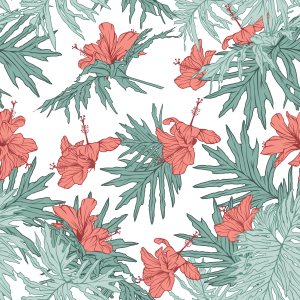
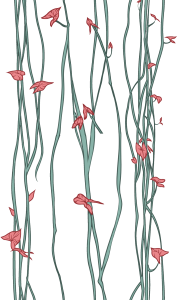
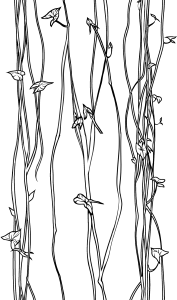
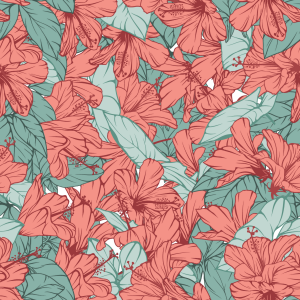
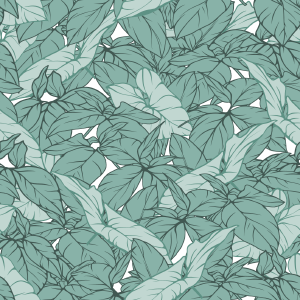
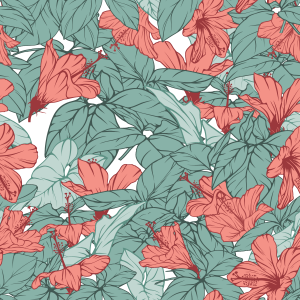
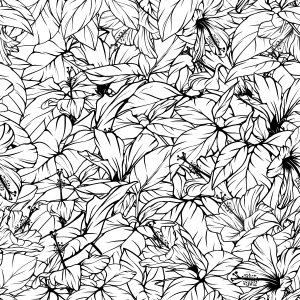
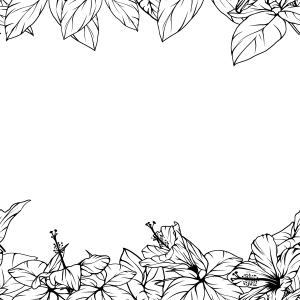
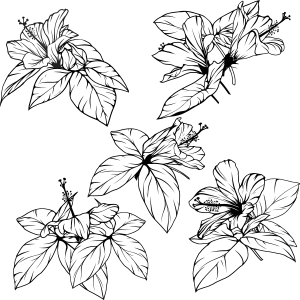
Ein tropisches botanisches Asset Pack mit isolierten Elementen und nahtlosen Mustern, erstellt aus echten Fotos von Laub und Hibiskusblüten. Stilisiert mit klarer Linienzeichnung und einfarbigen weißen Füllungen, bereit für zerstörungsfreie Neukolorierung mittels Layer Color und Gradient Maps. Ideal für Schreibwaren, Grußkarten, Umschläge und Oberflächendesign. A tropical botanical asset pack featuring isolated elements and seamless patterns, created from real photos of foliage and hibiscus flowers. Stylized with clean line art and solid white fills, ready for non-destructive recoloring via Layer Color and Gradient Maps. Ideal for stationery, greeting cards, covers, and surface design.
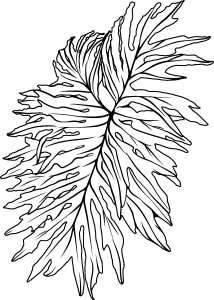
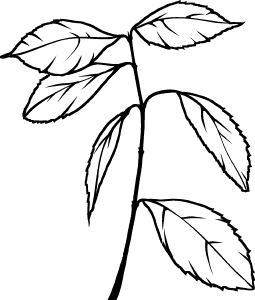
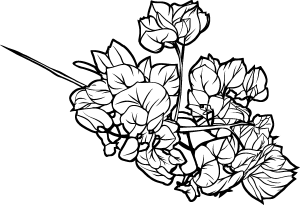
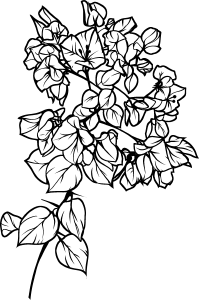
Eine Sammlung handgefertigter tropischer botanischer Elemente, darunter isolierte Linienzeichnungen und nahtlose Muster. Direkt von echter brasilianischer Flora (Hibiskus, Weinblätter und üppiges Unterholz) abgeleitet, wurden diese Elemente so gestaltet, dass sie kühne Silhouetten mit klarer Linienarbeit ausbalancieren.
Sie sind vollständig mit zerstörungsfreien Kolorierungstechniken kompatibel und eignen sich daher ideal für Schreibwaren, Postkarten, Verpackungen, Buchumschläge und Textildesign.
Wichtige Merkmale:
Nahtloses Kacheln: Perfekte, kontinuierliche Wiederholung ohne sichtbare Nähte.
Nicht-destruktiv freundlich: Bereit, mit Layer Property > Layer Color, Clipping Masks oder Gradient Maps umkoloriert zu werden.
Modulare Vielseitigkeit: Verwenden Sie isolierte Elemente einzeln oder kombinieren Sie die vorgefertigten Mustermodule.

Wie man verwendet:
Muster anwenden: Ziehen Sie das Mustermaterial aus der Materialpalette direkt auf Ihre Leinwand oder in eine aktive Auswahl hinein. Verwenden Sie das Objekt-Unterwerkzeug (Verknüpfung O), um die Kachelung frei zu skalieren, zu drehen und auszurichten.
Farbwechsel (Nicht-destruktiv):
Wähle die Materialschicht aus.
Gehe zum Layer Property-Panel > Effekt > aktiviere Layer Colour.
Setze deine gewünschten Farben für Schichtfarbe (Umriss/dunkle Töne) und Subfarbe (Füll-/Helltöne).
Verwendung isolierter Elemente: Ziehen Sie einzelne Pflanzenmaterialien in Ihr Projekt, um individuelle Rahmen, Fokuspunkte oder modulare Kompositionen zu erstellen.
Möchten Sie lernen, wie Sie Ihre eigenen nahtlosen botanischen Muster aus Handyfotos erstellen?
Schau dir mein offizielles Schritt-für-Schritt-Tutorial zu Clip Studio TIPS an: "Von alltäglicher Flora zum Kartendesign"
A collection of handcrafted tropical botanical assets, including isolated line-art elements and seamless patterns. Derived directly from real Brazilian flora (hibiscus, vine leaves, and lush undergrowth), these assets were stylized to balance bold silhouettes with clear line work.
They are fully compatible with non-destructive coloring techniques, making them ideal for stationery, postcards, packaging, book covers, and textile design.
Key Features:
Seamless Tiling: Perfect continuous repetition with no visible seams.
Non-Destructive Friendly: Ready to be recolored using Layer Property > Layer Color, Clipping Masks, or Gradient Maps.
Modular Versatility: Use isolated elements individually or combine the pre-built pattern modules.
How to Use:
Applying Patterns: Drag and drop the pattern material from the Material palette directly onto your canvas or inside an active selection. Use the Object sub-tool (shortcut O) to freely scale, rotate, and align the tiling.
Changing Colors (Non-Destructive):
Select the material layer.
Go to the Layer Property panel > Effect > enable Layer Color.
Set your desired colors for Layer color (outline/dark tones) and Sub color (fill/light tones).
Using Isolated Elements: Drag individual plant materials into your project to create custom frames, focal points, or modular compositions.
Want to learn how to create your own seamless botanical patterns from phone photos?
Check out my official step-by-step tutorial on Clip Studio TIPS: "From Everyday Flora to Card Design"
Kategorie 1 Category 1
-
Tropical_Galho_08 Tropical_Galho_08
-
Tropical_Galho_07 Tropical_Galho_07
-
Tropical_Flor_04_Silhueta Tropical_Flor_04_Silhueta
-
Tropical_Flor_04_Transparencia Tropical_Flor_04_Transparencia
-
Tropical_Flor_01 Tropical_Flor_01
-
Tropical_Folhagem_01 Tropical_Folhagem_01
-
Tropical_Folhagem_02 Tropical_Folhagem_02
-
Tropical_Folhagem_03 Tropical_Folhagem_03
-
Tropical_Folhagem_04 Tropical_Folhagem_04
-
Tropical_Folhagem_05 Tropical_Folhagem_05
-
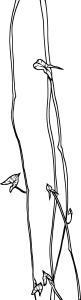
Tropical_Cipo_03 Tropical_Cipo_03
-
Tropical_Cipo_01 Tropical_Cipo_01
-
Tropical_Flor_02 Tropical_Flor_02
-
Tropical_Flor_03 Tropical_Flor_03
-
Tropical_FolhaG_06 Tropical_FolhaG_06
-
Tropical_FolhaG_01 Tropical_FolhaG_01
-
Tropical_FolhaG_05 Tropical_FolhaG_05
-
Tropical_FolhaG_04 Tropical_FolhaG_04
-
Tropical_FolhaG_03 Tropical_FolhaG_03
-
Tropical_FolhaG_02 Tropical_FolhaG_02
-
Tropical_Flor_07 Tropical_Flor_07
-
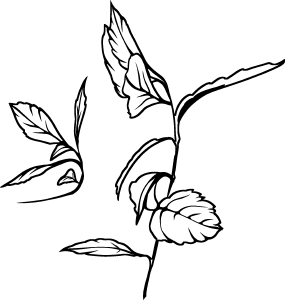
Tropical_Galho_04 Tropical_Galho_04
-
Tropical_Galho_03 Tropical_Galho_03
-
Tropical_Flor_04 Tropical_Flor_04
-
Tropical_Flor_04 Tropical_Flor_04
-
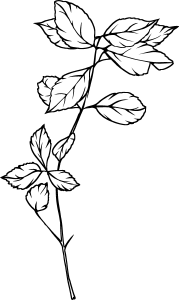
Tropical_Galho_06 Tropical_Galho_06
-
Tropical_Galho_05 Tropical_Galho_05
-
Tropical_Folhagem_07 Tropical_Folhagem_07
-
Tropical_Folhagem_08 Tropical_Folhagem_08
-
Tropical_Folhagem_06 Tropical_Folhagem_06
-
Tropical_Flor_05 Tropical_Flor_05
-
Tropical_Flor_06 Tropical_Flor_06
-
Tropical_Folhagem_09 Tropical_Folhagem_09
-
Tropical_Cipo_02 Tropical_Cipo_02
-
Tropical_Galho_01 Tropical_Galho_01
-
Tropical_Galho_02 Tropical_Galho_02
-
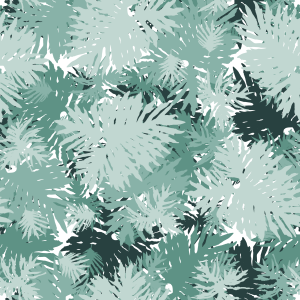
Muster 20 Pattern 20
-
Muster 10 Pattern 10
-
Muster 15 Pattern 15
-
Muster 18 Pattern 18
-
Muster 09 Pattern 09
-
Muster 11 Pattern 11
-
Muster 12 Pattern 12
-
Muster 21 Pattern 21
-
Muster 13 Pattern 13
-
Muster 14 Pattern 14
-
Muster 08 Pattern 08
-
Muster 07 Pattern 07
-
Muster 17 Pattern 17
-
Muster 19 Pattern 19
-
Muster 05 Pattern 05
-
Muster 06 Pattern 06
-
Muster 01 Pattern 01
-
Muster 16 Pattern 16
-
Muster 04 Pattern 04
-
Muster 03 Pattern 03
-
Muster 02 Pattern 02
































Weitere Materialien von MelanciaComics


Beliebte Materialien zu „Materialkatalog“


Neue Materialien


-
 MVP ◆Dieser Nutzer hat einen großen Beitrag zur Verwaltung der Community geleistet, indem er viele großartige Antworten auf die gestellten Fragen veröffentlicht hat. Alle drei Monate werden die MVPs auf der Grundlage der in diesem Zeitraum erworbenen Punkte ermittelt und entsprechend anerkannt.
 -
 New Valuable Player (NVP) ◆Die NVP-Auszeichnung geht an die Nutzer, die nach den MVP den größten Beitrag zur Community geleistet haben. Sie werden basierend auf den gesammelten Punkten unter denjenigen ausgewählt, die bisher noch nicht als MVP ausgezeichnet wurden.
 -
 Offizielle Experten ◆Ausgewählt aus allen MVP-Preisträgern, die bereits ein Zeichen für Exzellenz sind, zeugt diese Auszeichnung von herausragender Korrespondenz in der Community. Nach sorgfältiger Prüfung werden sie von CELSYS ernannt und übernehmen ihre Position.* Vorherige Bezichnung: Evangelist
 -
 Offizieller Moderator von CELSYS ◆Moderatoren sind offizielle CELSYS-Mitarbeiter, die fließend Japanisch und verschiedene andere Sprachen sprechen. Moderatoren sind keine Experten der Software oder Illustrationen und können daher nicht direkt auf Ihre Fragen antworten. Aber Moderatoren bieten Unterstützung in Kommunikation und Sprache, um sicherzustellen, dass alle reibungslos miteinander kommunizieren können.
 -
 Offizieller Account von CELSYSDer offizielle Administrator-Account