


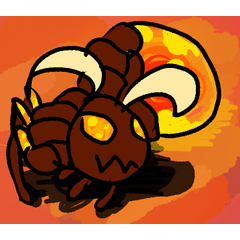

Dieser Pinsel ist dafür gemacht, Blöcke zu erstellen, die man in einer Skizzenschicht umrissen, dann zu einer Strichzeichnungsebene gehen und dann ausfärben und anschließend rendern kann;
Aber man konnte nicht einmal ohne Block vorbeigehen, und das hier soll das Beste sein, was es sein kann, zumindest für mich!
This brush is made to create blocks that you can outline in a sketch layer, go to a line art layer, and than colour, and render afterwards;
but you couldn't even go past without a block, and this is made to be the best it can be, at least for me!
Um ein Werkzeug zu benutzen, musst du wissen, wie es geht. Einige meiner letzten besten digitalen Arbeiten, einschließlich meines Profilbilds, verwendeten diesen Pinsel.
Es ist ein einfacher Prozess; Zuerst eine neue Rasterschicht für den Fokuspunkt hinzufügen; Und dann mit diesem Pinsel zu machen, verschiedene Teile in verschiedenen Farben zu verwandeln, damit du es verstehen kannst; danach machst du eine Skizzenschicht (MIT EINEM ANDEREN PINSEL) und den Rest danach!
(Meine Kunst hier zeigt Hintergründe, aber ich empfehle sie nicht vor der Blockschicht; sie werden nur gespeichert, nachdem ich fertig bin.)
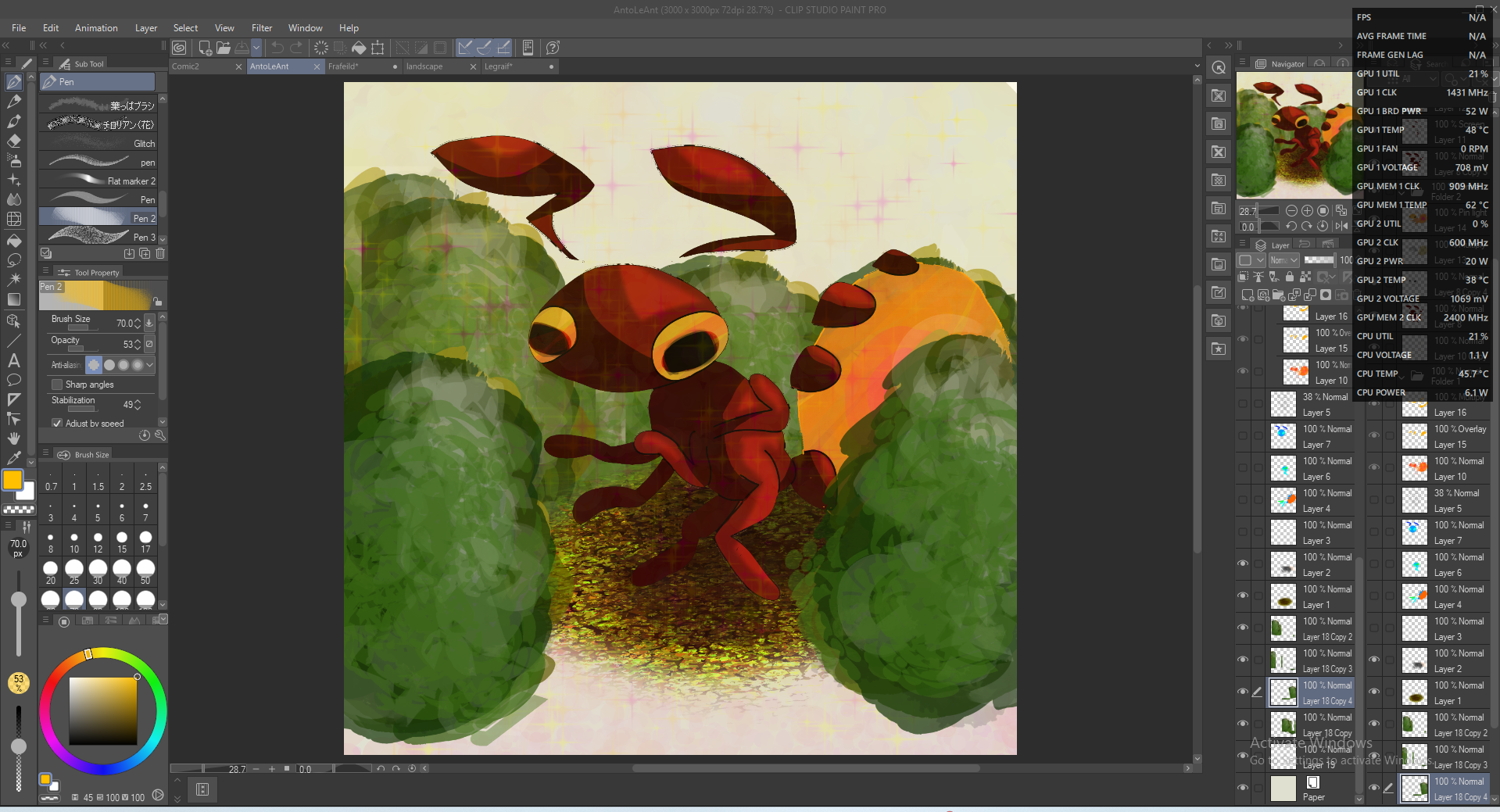
AntoLeAnt:
Blocken:
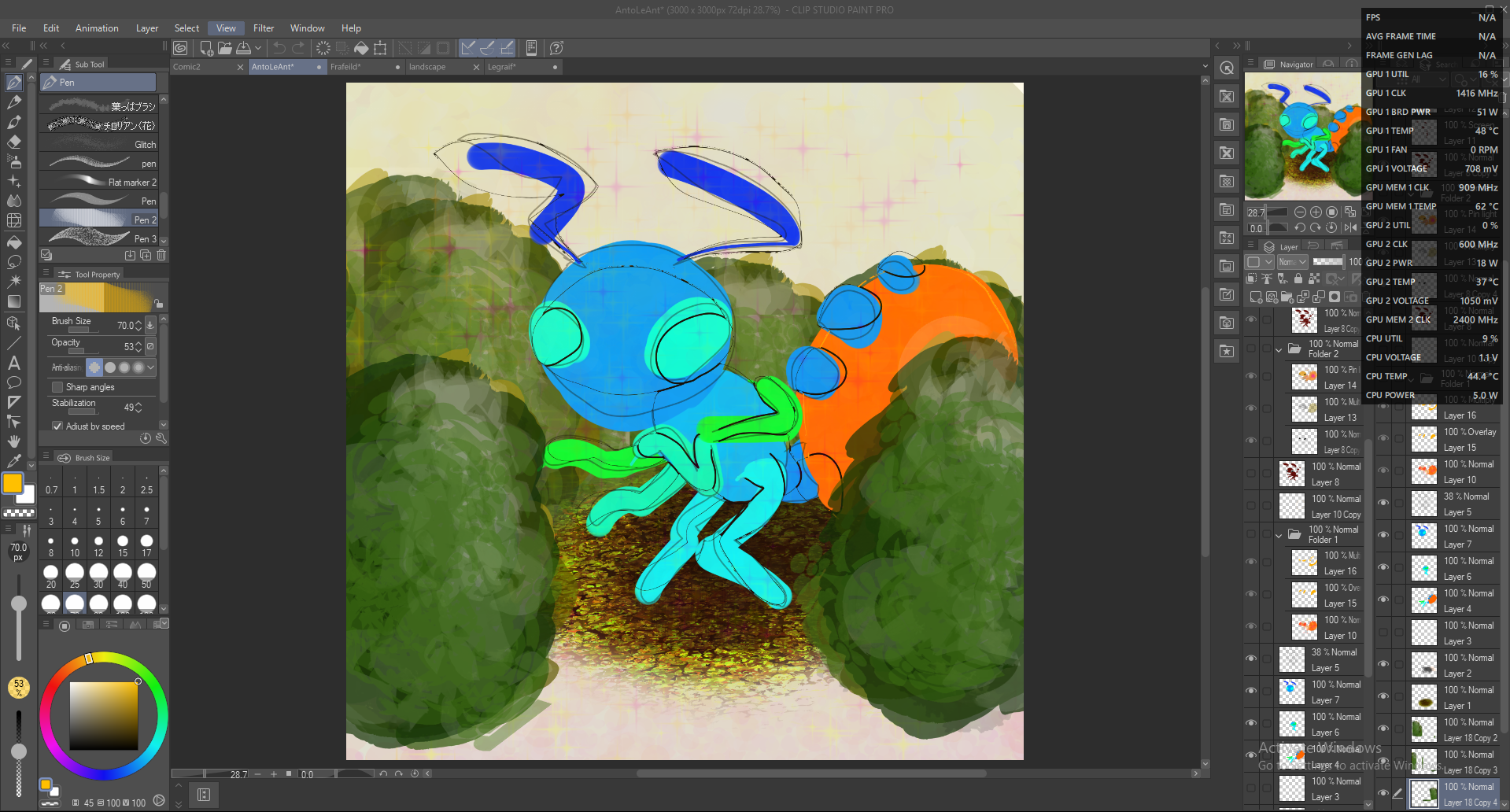
Zeile:
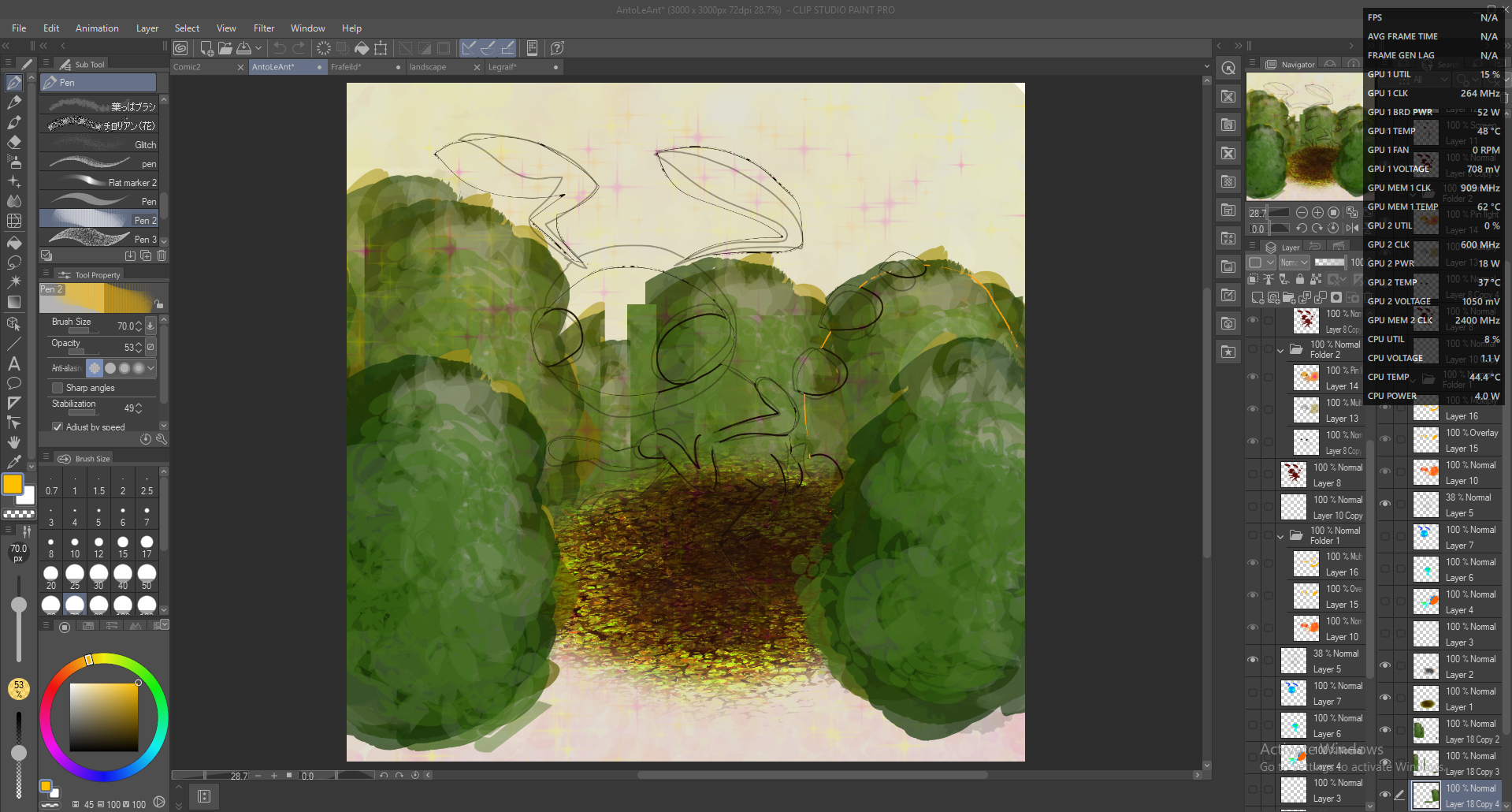
Flach:
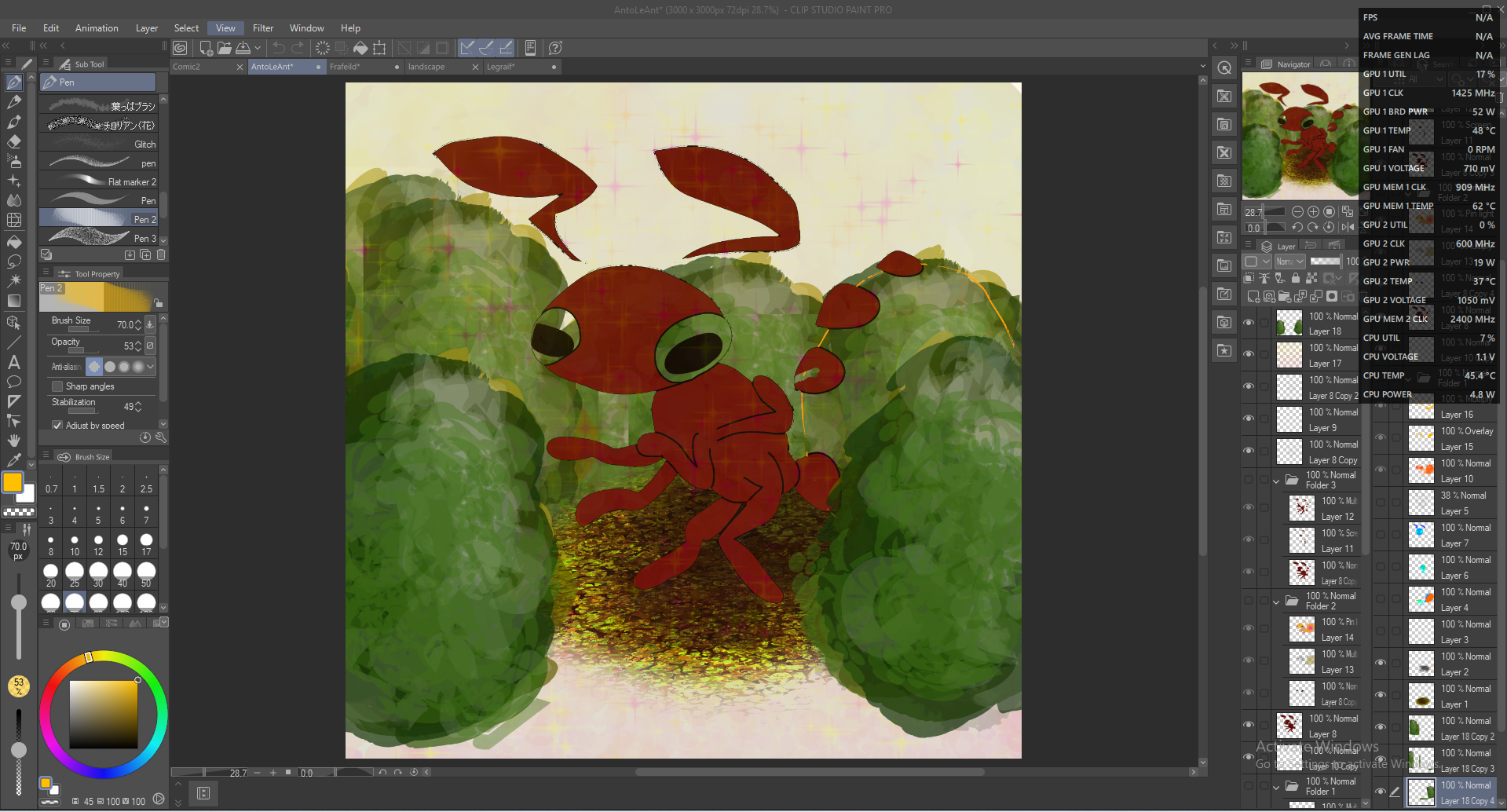
Gerendert:
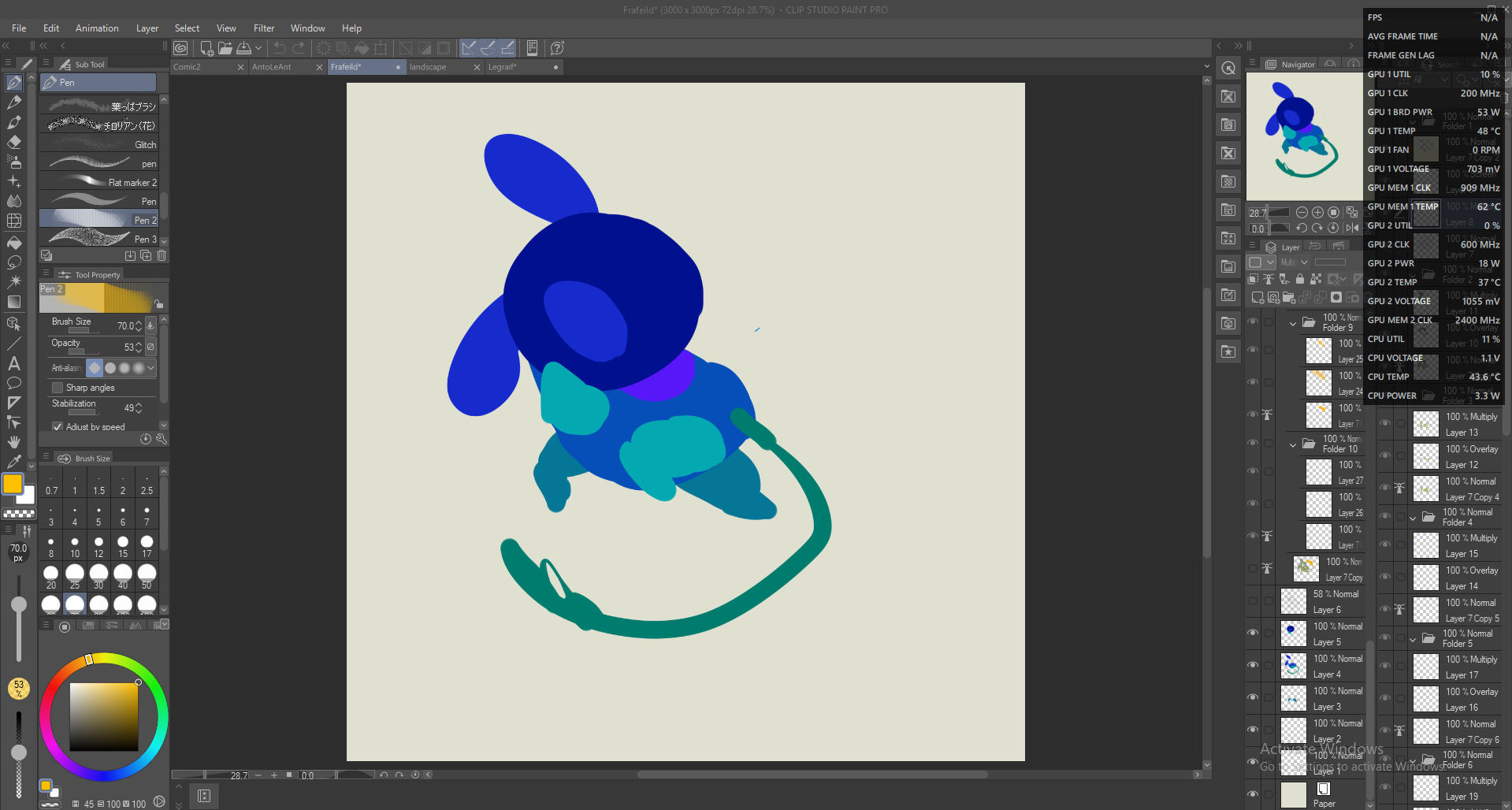
Frafeild:
Blocken:
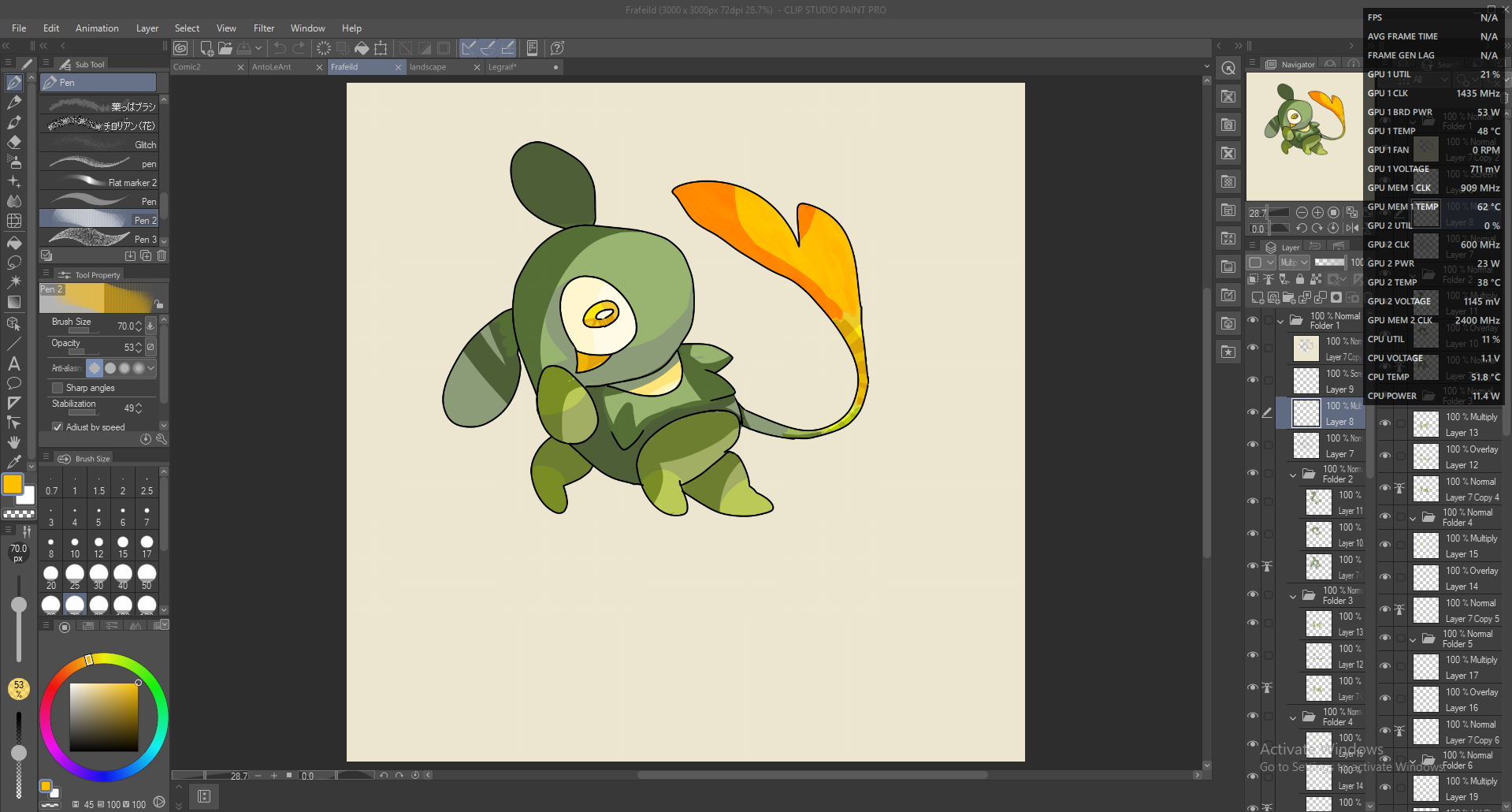
Gerendert:
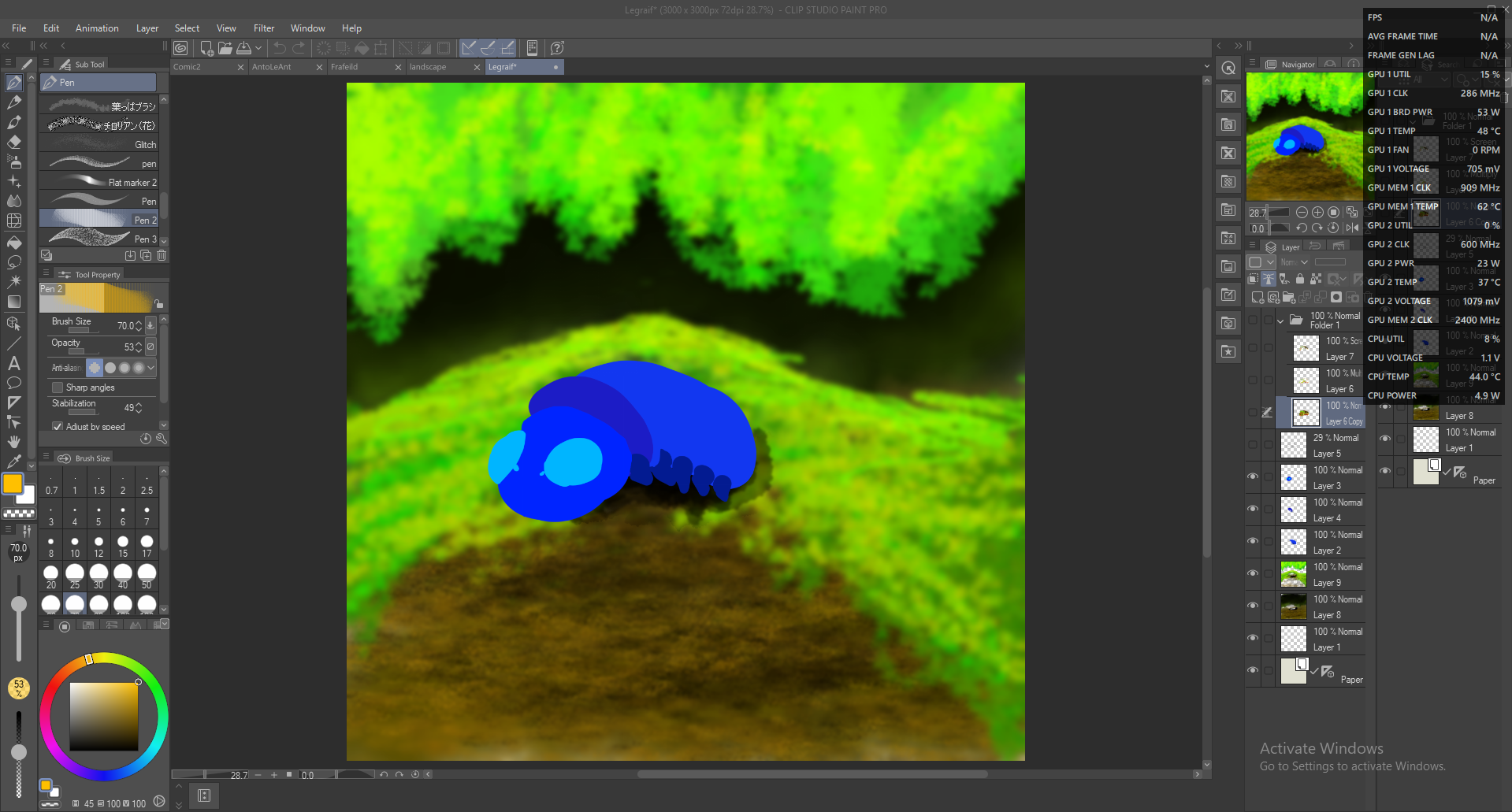
Legraif:
Blocken:
Block & Line:
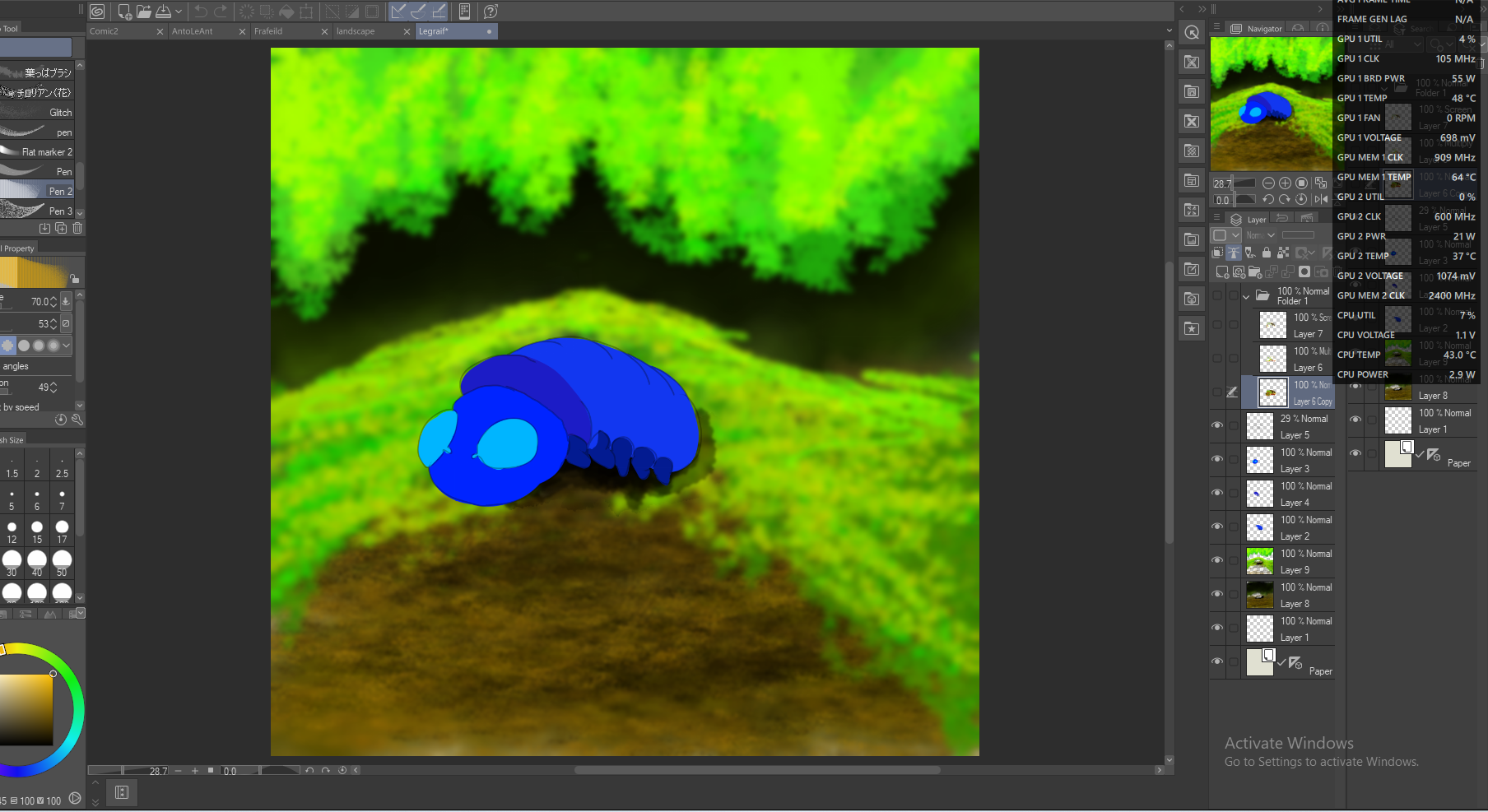
Zeile:
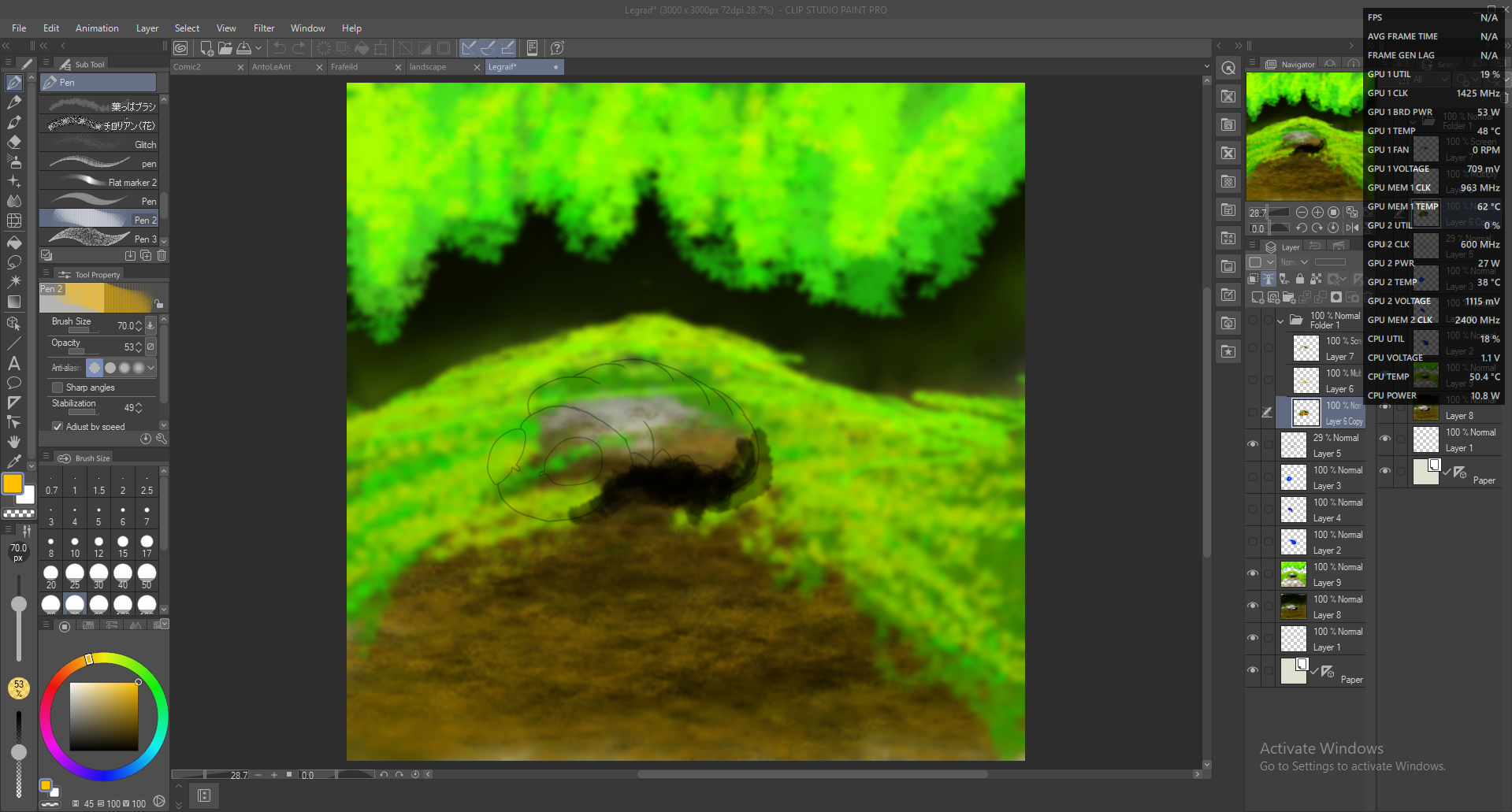
Gerendert:
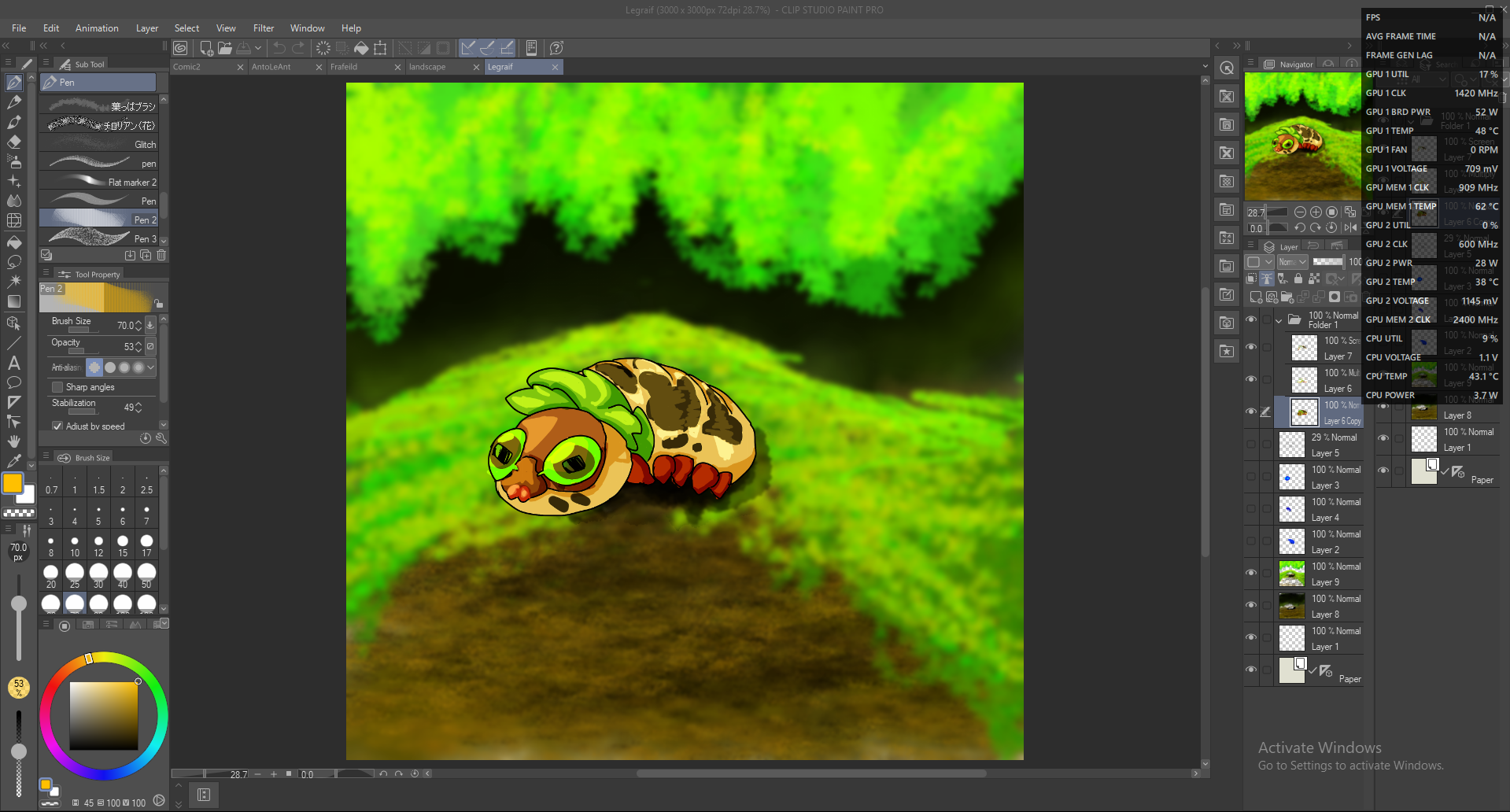
Unvollendete Landschaft:
Blocken:
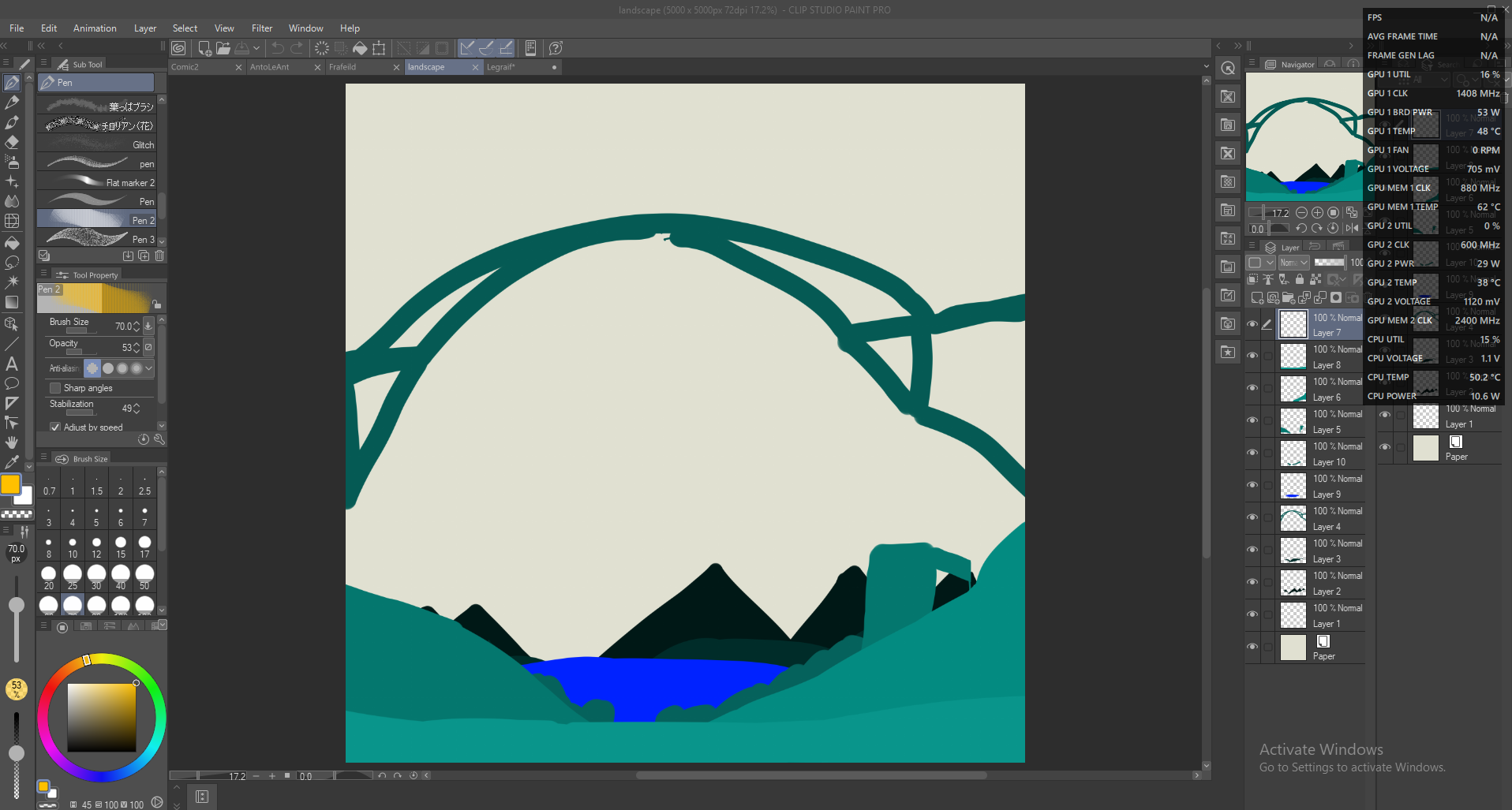
Wie du siehst, muss es nicht exakt sein; Ich habe Frafeilds Schwanzposition geändert, aber es ist immer noch ein nützliches Werkzeug!
Hier sind ein paar wirklich seltsame Schichten von Anto Le Honeypot zum Durchlesen:
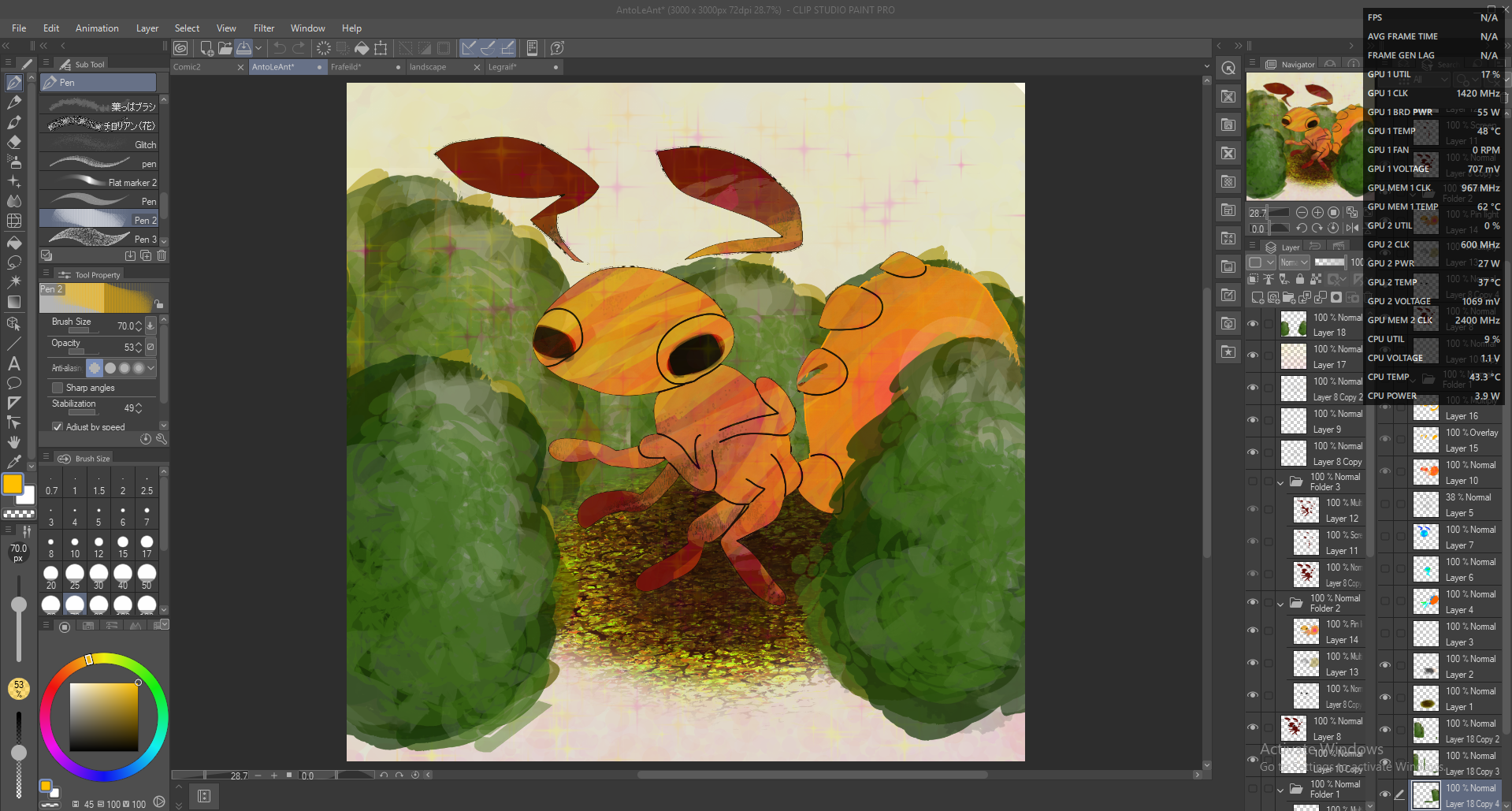
(Es liegt am Schwanz und an den Augen)
Es ist ein einfacher Prozess; Zuerst eine neue Rasterschicht für den Fokuspunkt hinzufügen; Und dann mit diesem Pinsel zu machen, verschiedene Teile in verschiedenen Farben zu verwandeln, damit du es verstehen kannst; danach machst du eine Skizzenschicht (MIT EINEM ANDEREN PINSEL) und den Rest danach!
(Meine Kunst hier zeigt Hintergründe, aber ich empfehle sie nicht vor der Blockschicht; sie werden nur gespeichert, nachdem ich fertig bin.)
AntoLeAnt:
Blocken:
Zeile:
Flach:
Gerendert:
Frafeild:
Blocken:
Gerendert:
Legraif:
Blocken:
Block & Line:
Zeile:
Gerendert:
Unvollendete Landschaft:
Blocken:
Wie du siehst, muss es nicht exakt sein; Ich habe Frafeilds Schwanzposition geändert, aber es ist immer noch ein nützliches Werkzeug!
Hier sind ein paar wirklich seltsame Schichten von Anto Le Honeypot zum Durchlesen:
(Es liegt am Schwanz und an den Augen)
So, in order to use a tool, you need to know how. Some of my recent best digital pieces, including my profile picture, used this brush.
It's a simple process; first, add a new raster layer for the focal point; and than make that with this brush, making different parts different colours so you can understand; after that, do a sketch layer (WITH A DIFFERENT BRUSH), and the rest after!
(My art here will show backgrounds but I do not recomend them before the block layer; it's just saved of them after I finished)
AntoLeAnt:
Block:
Line:
Flat:
Rendered:
Frafeild:
Block:
Rendered:
Legraif:
Block:
Block & Line:
Line:
Rendered:
Unfinished Landscape:
Block:
As you can see, it doesn't need to be exact; I changed Frafeild's tail position, but it is still a useful tool!
Here is a really weird few layers of Anto Le Honeypot for reading through:
(It's cuz the tail and eyes)
It's a simple process; first, add a new raster layer for the focal point; and than make that with this brush, making different parts different colours so you can understand; after that, do a sketch layer (WITH A DIFFERENT BRUSH), and the rest after!
(My art here will show backgrounds but I do not recomend them before the block layer; it's just saved of them after I finished)
AntoLeAnt:
Block:
Line:
Flat:
Rendered:
Frafeild:
Block:
Rendered:
Legraif:
Block:
Block & Line:
Line:
Rendered:
Unfinished Landscape:
Block:
As you can see, it doesn't need to be exact; I changed Frafeild's tail position, but it is still a useful tool!
Here is a really weird few layers of Anto Le Honeypot for reading through:
(It's cuz the tail and eyes)


Weitere Materialien von Anto_Le_Honeypot

Beliebte Materialien zu „Pinsel“


Neue Materialien


Abzeichen
-
 MVP ◆Dieser Nutzer hat einen großen Beitrag zur Verwaltung der Community geleistet, indem er viele großartige Antworten auf die gestellten Fragen veröffentlicht hat. Alle drei Monate werden die MVPs auf der Grundlage der in diesem Zeitraum erworbenen Punkte ermittelt und entsprechend anerkannt.
 -
 New Valuable Player (NVP) ◆Die NVP-Auszeichnung geht an die Nutzer, die nach den MVP den größten Beitrag zur Community geleistet haben. Sie werden basierend auf den gesammelten Punkten unter denjenigen ausgewählt, die bisher noch nicht als MVP ausgezeichnet wurden.
 -
 Offizielle Experten ◆Ausgewählt aus allen MVP-Preisträgern, die bereits ein Zeichen für Exzellenz sind, zeugt diese Auszeichnung von herausragender Korrespondenz in der Community. Nach sorgfältiger Prüfung werden sie von CELSYS ernannt und übernehmen ihre Position.* Vorherige Bezichnung: Evangelist
 -
 Offizieller Moderator von CELSYS ◆Moderatoren sind offizielle CELSYS-Mitarbeiter, die fließend Japanisch und verschiedene andere Sprachen sprechen. Moderatoren sind keine Experten der Software oder Illustrationen und können daher nicht direkt auf Ihre Fragen antworten. Aber Moderatoren bieten Unterstützung in Kommunikation und Sprache, um sicherzustellen, dass alle reibungslos miteinander kommunizieren können.
 -
 Offizieller Account von CELSYSDer offizielle Administrator-Account