


Antique Florals 2 (Update) (Antique Florals 2 (Update)) Antique Florals 2 (Update)
Content ID:2247068
-
19.908


Ein Update zum Update! An update to the update!
Wie gesagt, ich setze den Preis auf 10CP, wenn ich es aktualisiere. Du solltest das Update kostenlos bekommen können, wenn du es bereits heruntergeladen hast. :0 Denkt daran, das originale Antique Florals ist kostenlos, also könnt ihr es hier herunterladen ( ID:2140829 ) .
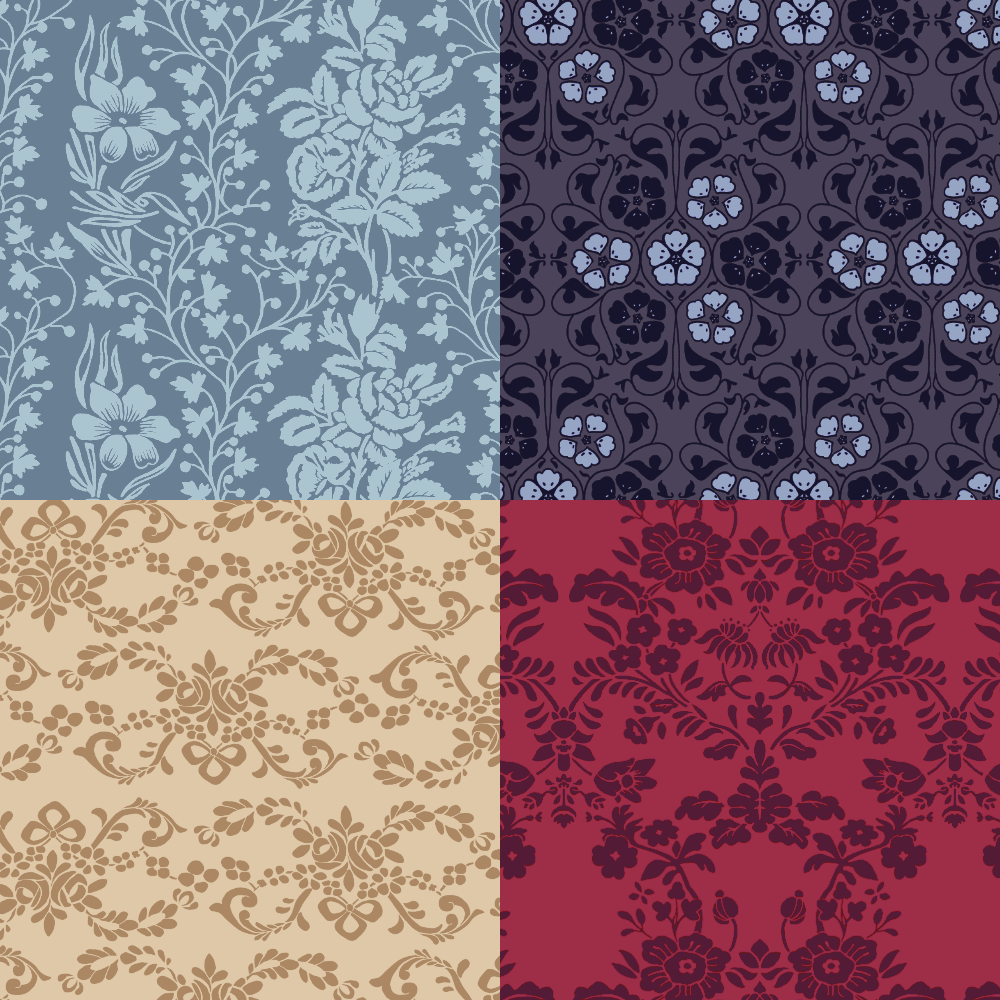
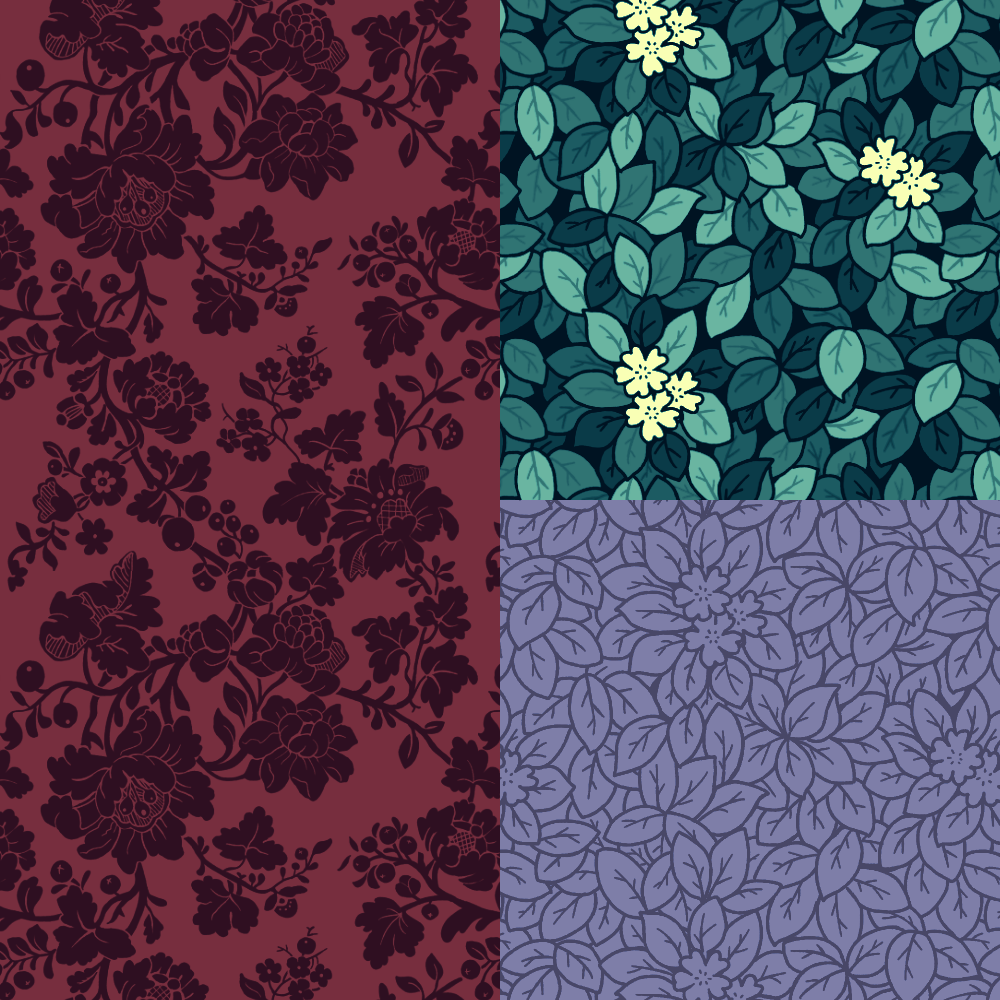

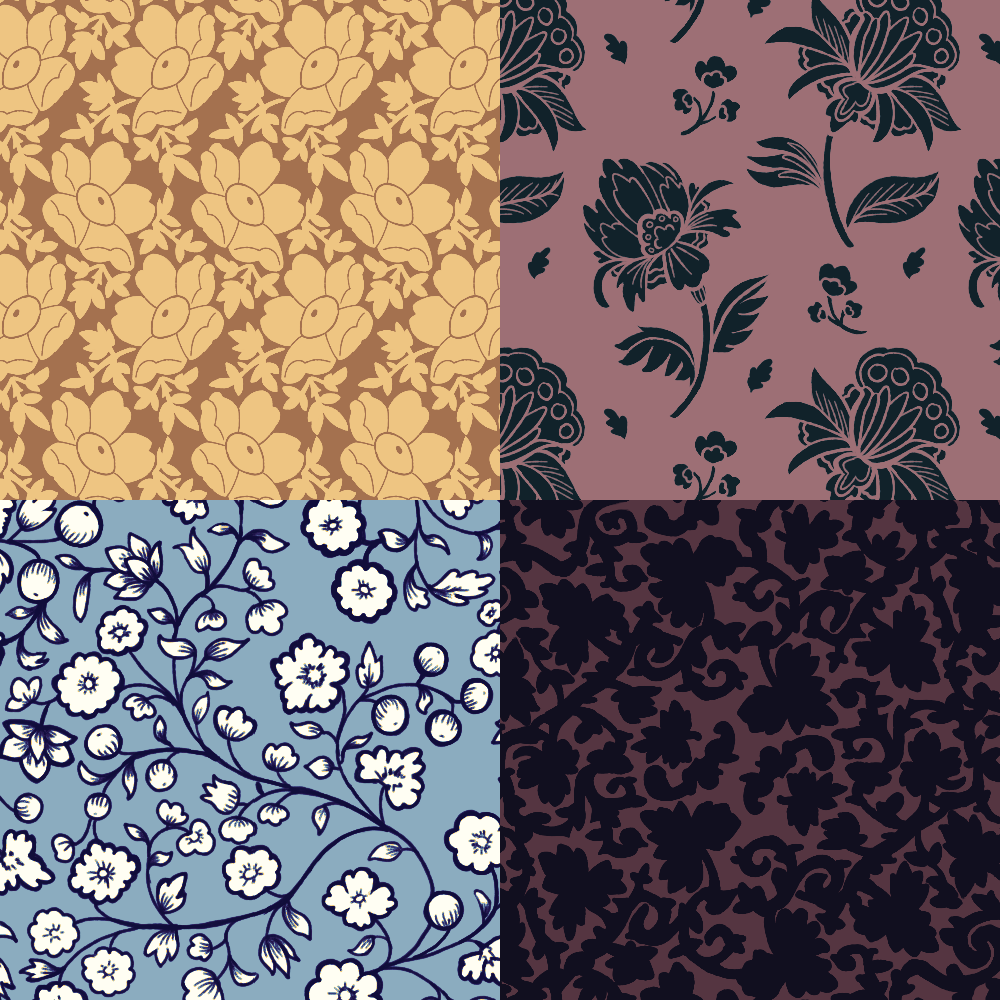

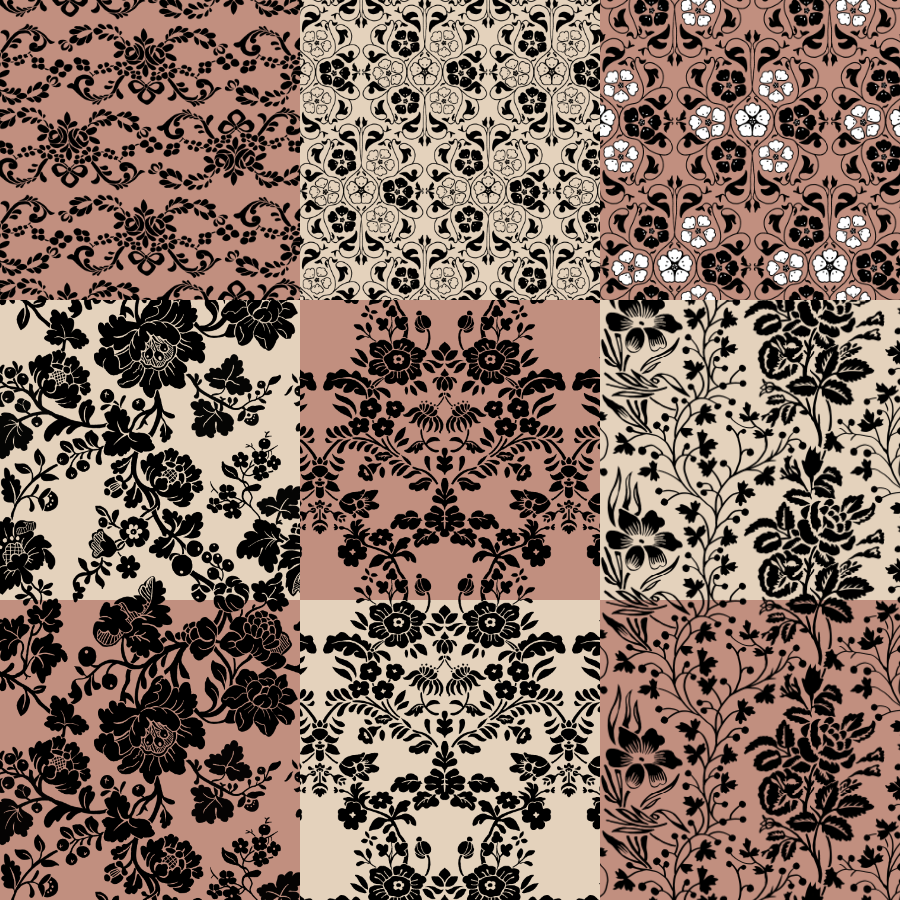
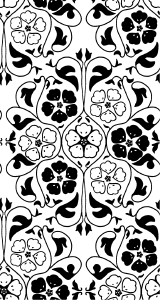
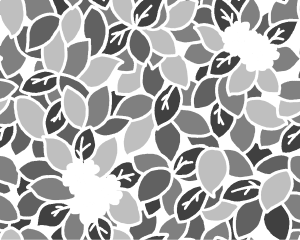
Hier sind die neuen Blumenmuster mit Farbfilter. Es gibt 6 Muster und mehrere Variationen für einige, dazu ein Update des Mina-Musters.
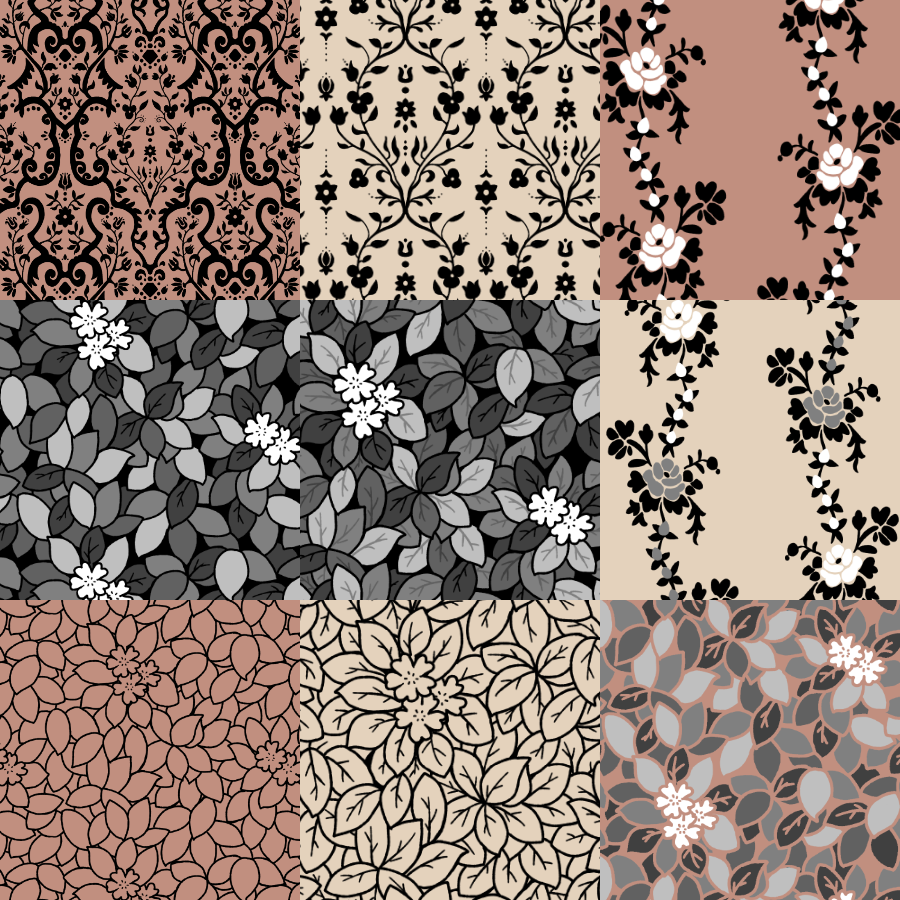
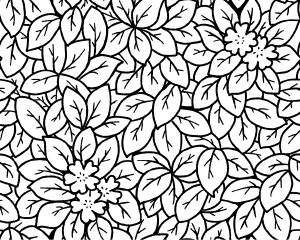
Und das Alte in Farbe:

Hier sind alle Muster und Variationen unten. Beige/Tan ist transparent.

Wissen Sie nicht, wie Sie die Farben ändern können? Sie können verwenden:
- Die Layer-Eigenschaften "Layer Color"-Funktion: https://help.clip-studio.com/en-us/manual_en/180_layers/Layer_properties.htm#1364113
- Farbverlaufskarten: https://help.clip-studio.com/en-us/manual_en/390_filters/Tonal_Correction_Effects.htm#1364051
- Clip-Schichten: https://help.clip-studio.com/en-us/manual_en/180_layers/Other_layer_settings.htm#1364239
- Umwandlung von Ebenen, um sie zu rasterisieren: https://help.clip-studio.com/en-us/manual_en/180_layers/Converting_layers.htm#1364380
(Die Links führen zum englischen Handbuch, da das meine Muttersprache ist, Entschuldigung an alle, die das mit Microsoft Translate lesen).
Diese sind gut für Kleidung, Tapeten, Möbel, Hintergründe und alles, worauf du Lust hast, ein Muster aufzutragen. :D
As I said, I'll put the price to 10CP when I update it. You should be able to get the update for free if you already downloaded this. :0 Remember, the original Antique Florals is free, so feel free to download it here ( ID:2140829 ) .
Here are the new florals with a color filter on them. There's 6 patterns and several variations for a few, along with an update to the Mina pattern.
And the old in color:
Here are all the patterns & variations below. The beige/tan is transparent.
Not sure how to change the colors? You can use:
- The Layer Properties "Layer Color" function: https://help.clip-studio.com/en-us/manual_en/180_layers/Layer_properties.htm#1364113
- Gradient Maps: https://help.clip-studio.com/en-us/manual_en/390_filters/Tonal_Correction_Effects.htm#1364051
- Clip Layers: https://help.clip-studio.com/en-us/manual_en/180_layers/Other_layer_settings.htm#1364239
- Converting Layers to rasterize them: https://help.clip-studio.com/en-us/manual_en/180_layers/Converting_layers.htm#1364380
(The links are to the English manual since that's my native language, my apologies for those reading this with Microsoft Translate).
These are good for clothing, wallpaper, furniture, backgrounds, and anything you feel like putting a pattern on. :D
Original Original
-
Isidora Damask Isidora Damask
-
Francesca Damask Francesca Damask
-
Franziska Damask Franziska Damask
-
Florence Roses Muster – abwechselnd florence roses pattern - alternating
-
Florence Roses-Muster florence roses pattern
-
Elise-Muster Elise Pattern
-
Dorothy-Muster Extra Dorothy Pattern Extra
-
Dorothy-Muster Dorothy Pattern
-
Dorothy Pattern Extra (Invert) Dorothy Pattern Extra (invert)
-
Dorothy-Muster (Umkehrung) Dorothy Pattern (invert)
-
Nora-Blattmuster Nora leaf pattern
-
Mina Blumenmuster Mina Floral Pattern




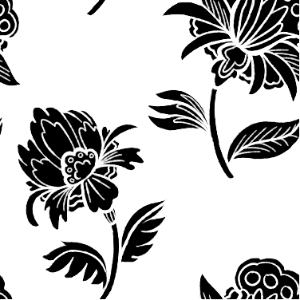
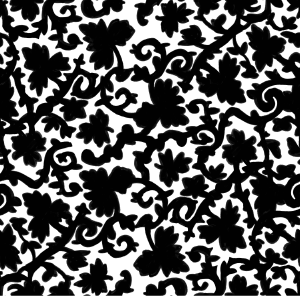

Hinzugefügt Added
-
Cynthia-Blumenmuster Cynthia Floral Pattern
-
Alma Floral Damask Alma Floral Damask
-
Mina Floral – Gefüllt Mina Floral - Filled
-
Ewelina-Blumenmuster Ewelina Floral Pattern
-
Mary Floral Pattern gefüllt Mary Floral Pattern Filled
-
Marien-Blumenmuster Mary Floral Pattern
-
Heirani Floral – Keine Linien Heirani Floral - No Lines
-
Heirani Floral – Linien Heirani Floral - Lines
-
Heiran Floral – Einfache Linien Heiran Floral - Simple Lines
-
Heiran Floral – Schlichte Farbe Heiran Floral - Simple color
-
Heirani Tropische Floral Heirani Tropical Floral
-
Gertrude-Rosenband abwechselnd Gertrude Rose Ribbon Alternating
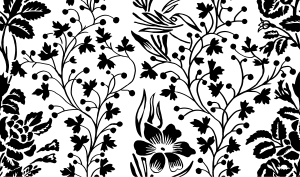





Alte Version




Weitere Materialien von saturns_day


Beliebte Materialien zu „Materialkatalog“


Neue Materialien


Abzeichen
-
 MVP ◆Dieser Nutzer hat einen großen Beitrag zur Verwaltung der Community geleistet, indem er viele großartige Antworten auf die gestellten Fragen veröffentlicht hat. Alle drei Monate werden die MVPs auf der Grundlage der in diesem Zeitraum erworbenen Punkte ermittelt und entsprechend anerkannt.
 -
 New Valuable Player (NVP) ◆Die NVP-Auszeichnung geht an die Nutzer, die nach den MVP den größten Beitrag zur Community geleistet haben. Sie werden basierend auf den gesammelten Punkten unter denjenigen ausgewählt, die bisher noch nicht als MVP ausgezeichnet wurden.
 -
 Offizielle Experten ◆Ausgewählt aus allen MVP-Preisträgern, die bereits ein Zeichen für Exzellenz sind, zeugt diese Auszeichnung von herausragender Korrespondenz in der Community. Nach sorgfältiger Prüfung werden sie von CELSYS ernannt und übernehmen ihre Position.* Vorherige Bezichnung: Evangelist
 -
 Offizieller Moderator von CELSYS ◆Moderatoren sind offizielle CELSYS-Mitarbeiter, die fließend Japanisch und verschiedene andere Sprachen sprechen. Moderatoren sind keine Experten der Software oder Illustrationen und können daher nicht direkt auf Ihre Fragen antworten. Aber Moderatoren bieten Unterstützung in Kommunikation und Sprache, um sicherzustellen, dass alle reibungslos miteinander kommunizieren können.
 -
 Offizieller Account von CELSYSDer offizielle Administrator-Account