



Zwei raue Bürsten Two Rough brushes
Ich bevorzuge grobe Stifte beim Skizzenmalen, wenn das Sinn ergibt. Das macht das Malen interessanter und erinnert mich daran, dass ich beim Üben nicht perfekt sein muss.
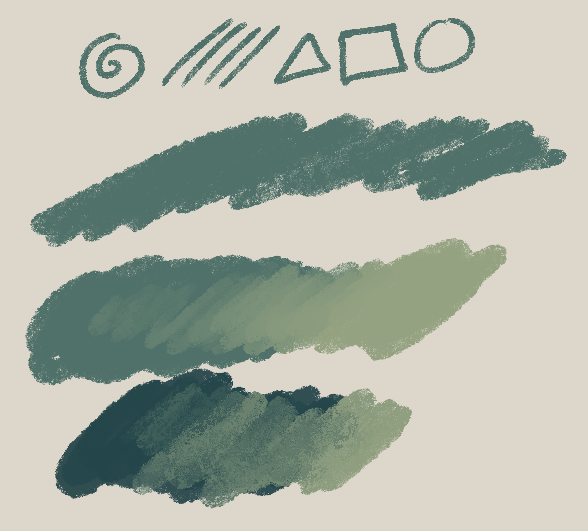
Der erste Pinsel ist der Rough Multi-Pen.
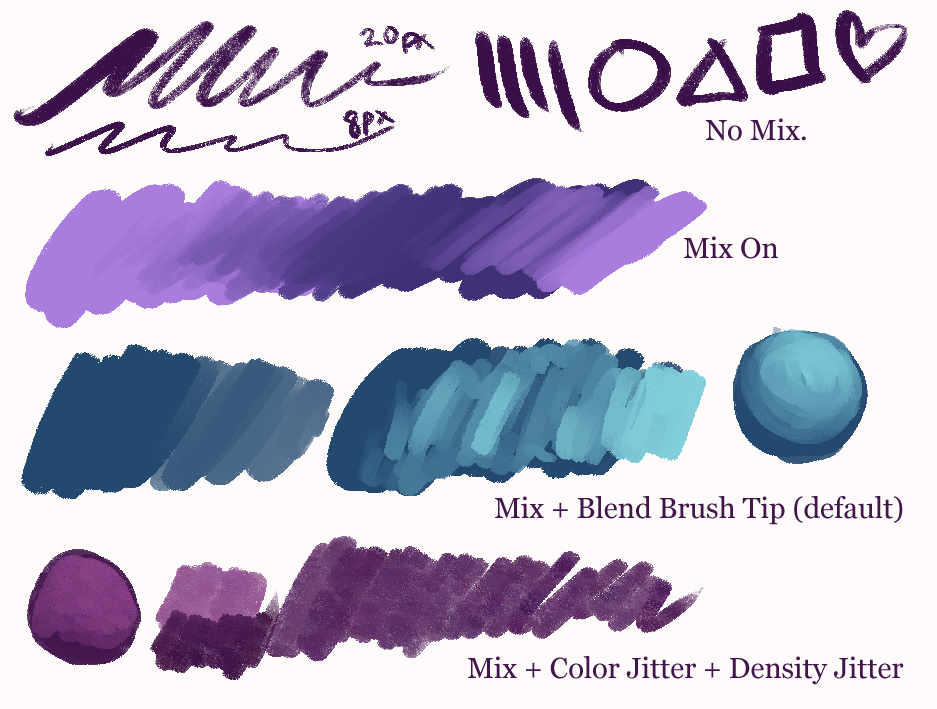

Ich passe es beim Zeichnen zufällig an. Hier sind die Optionen, die ich von oben nach unten geändert habe:
- Kein Mischen.
- Mischen weiter.
- Mixing + Blend Brush Tip mit Darken (mein Standard)
- Mixing on + Farbjitter + randomisierte Dichte
#3 ist meine Standardeinstellung. Es ist ein eher glatter Pinsel mit etwas Crunch. Passen Sie es nach Belieben an!
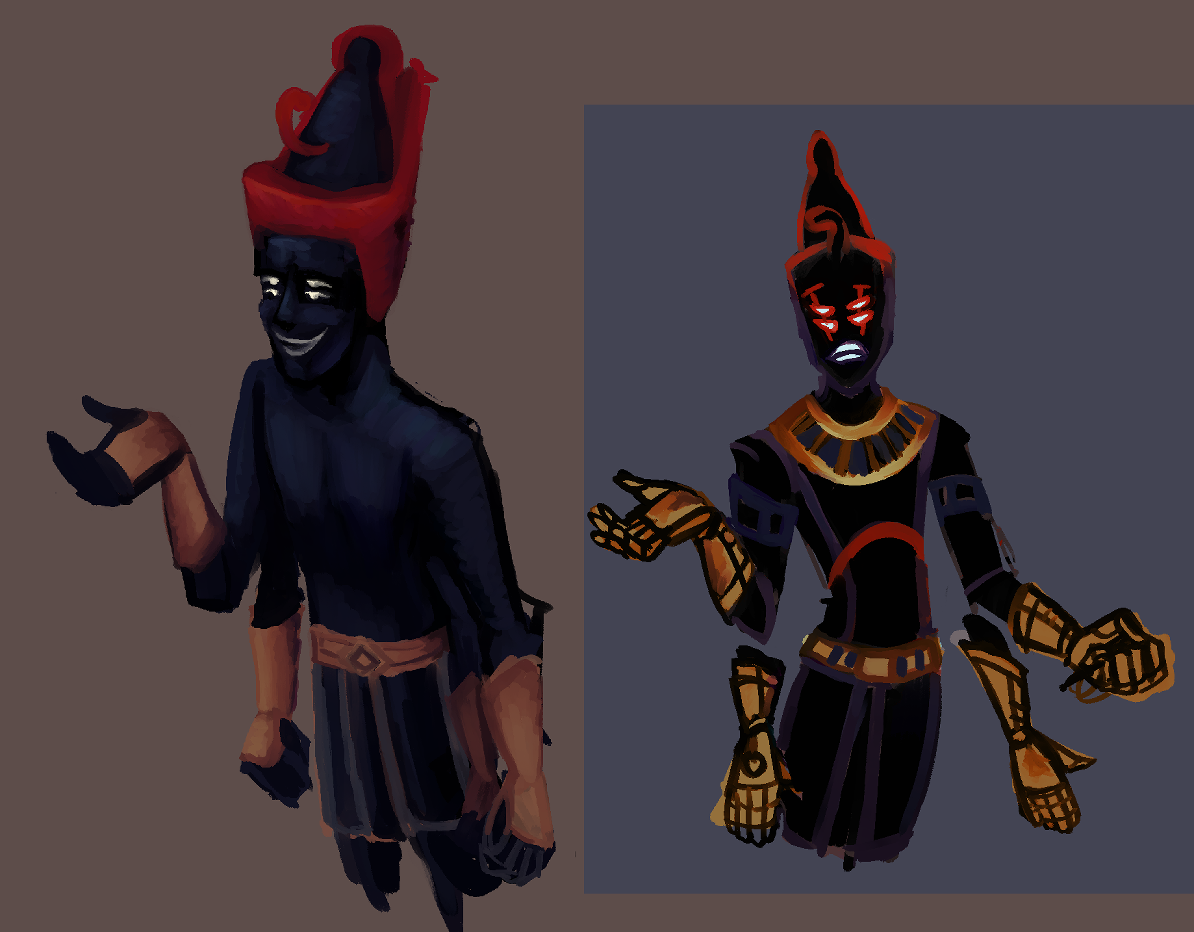
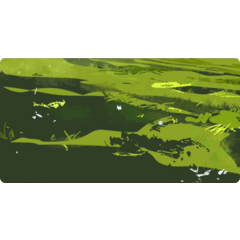
Ich habe es benutzt, um das Thumbnail-Painting zu erstellen. In letzter Zeit habe ich Monster für persönliche Sachen gezeichnet, also ist das der Trend.

Auf der rechten Seite sieht man die Knusprigkeit am besten.
Das andere Gestrüpp ist der Newt Rock Pastel.
Ein sehr texturierter Wachsmalstift mit derselben Textur wie der andere Pinsel. Standardmäßig gibt es kaum Größenunterschiede und Mischungen. Der dunklere grüne Mix ist "Pinselspitze mit Dunkeln blenden" eingeschaltet, was noch mehr Textur erzeugt. Passt es nach deinem Geschmack an, genau wie der andere.
Das Einzige, was mich an diesem Pinsel stört, ist, dass die verdammte Textur eine Linie hat! Es ist so eine alte Textur, dass ich mich nicht die Mühe mache, sie zu ändern – du kannst sie gerne durch eine andere Textur ersetzen, wenn es dich stört. ; w;
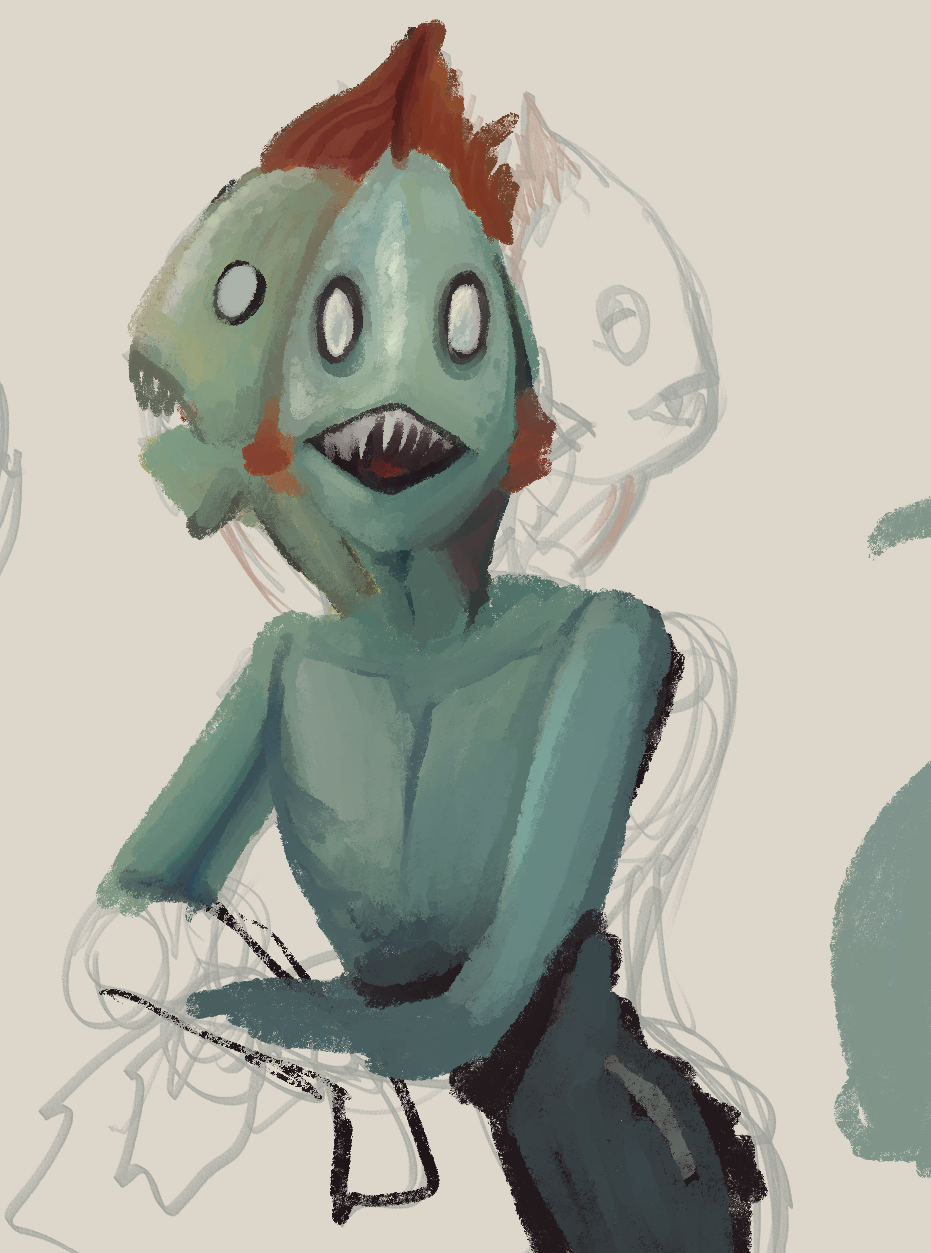
Fischlady-Skizze in Arbeit mit dem Wachsmalsmal:
Ich benutze den Pinsel als Radiergummi und schalte das Mischen aus, um die Rauheit zu erhalten. Schau, was für dich am besten funktioniert. :)
I favor rough pens when doing sketch-painting, if that makes sense. Makes the painting more interesting and reminds me that I don't need to be perfect when I'm practicing.
The first brush is the Rough Multi-Pen.
I adjust it randomly as I draw. Here are the options I changed, from top to bottom:
- No Mixing.
- Mixing on.
- Mixing + Blend Brush Tip with Darken (my default)
- Mixing on + Color Jitter + Randomized Density
#3 is my default setting. It's a smooth-ish brush with some crunch. Adjust as you see fit!
I used it to create the thumbnail painting. I've been drawing monsters for personal stuff lately, so that's what's up.
On the right one of these you can see the crunchiness best.
The other brush is the Newt Rock Pastel.
A very textured crayon using the same texture as the other brush. Not much size variance & mixes by default. The darker green mix is "Blend Brush Tip with Darken" on, giving even more texture. Adjust to your liking just like the other one.
The only thing that bothers me about this brush is that the darn texture has a line in it! It's such an old texture that I can't be bothered to change it, feel free to replace it with a different texture if it bugs you. ;w;
Fish Lady sketch in progress using the crayon:
I use the brush as an eraser and turn off the mixing to keep the roughness. See what works best for you. :)
knuspriges Knuspern crunchy crunch


Weitere Materialien von saturns_day


Beliebte Materialien zu „Materialkatalog“


Neue Materialien



Abzeichen
-
 MVP ◆Dieser Nutzer hat einen großen Beitrag zur Verwaltung der Community geleistet, indem er viele großartige Antworten auf die gestellten Fragen veröffentlicht hat. Alle drei Monate werden die MVPs auf der Grundlage der in diesem Zeitraum erworbenen Punkte ermittelt und entsprechend anerkannt.
 -
 New Valuable Player (NVP) ◆Die NVP-Auszeichnung geht an die Nutzer, die nach den MVP den größten Beitrag zur Community geleistet haben. Sie werden basierend auf den gesammelten Punkten unter denjenigen ausgewählt, die bisher noch nicht als MVP ausgezeichnet wurden.
 -
 Offizielle Experten ◆Ausgewählt aus allen MVP-Preisträgern, die bereits ein Zeichen für Exzellenz sind, zeugt diese Auszeichnung von herausragender Korrespondenz in der Community. Nach sorgfältiger Prüfung werden sie von CELSYS ernannt und übernehmen ihre Position.* Vorherige Bezichnung: Evangelist
 -
 Offizieller Moderator von CELSYS ◆Moderatoren sind offizielle CELSYS-Mitarbeiter, die fließend Japanisch und verschiedene andere Sprachen sprechen. Moderatoren sind keine Experten der Software oder Illustrationen und können daher nicht direkt auf Ihre Fragen antworten. Aber Moderatoren bieten Unterstützung in Kommunikation und Sprache, um sicherzustellen, dass alle reibungslos miteinander kommunizieren können.
 -
 Offizieller Account von CELSYSDer offizielle Administrator-Account